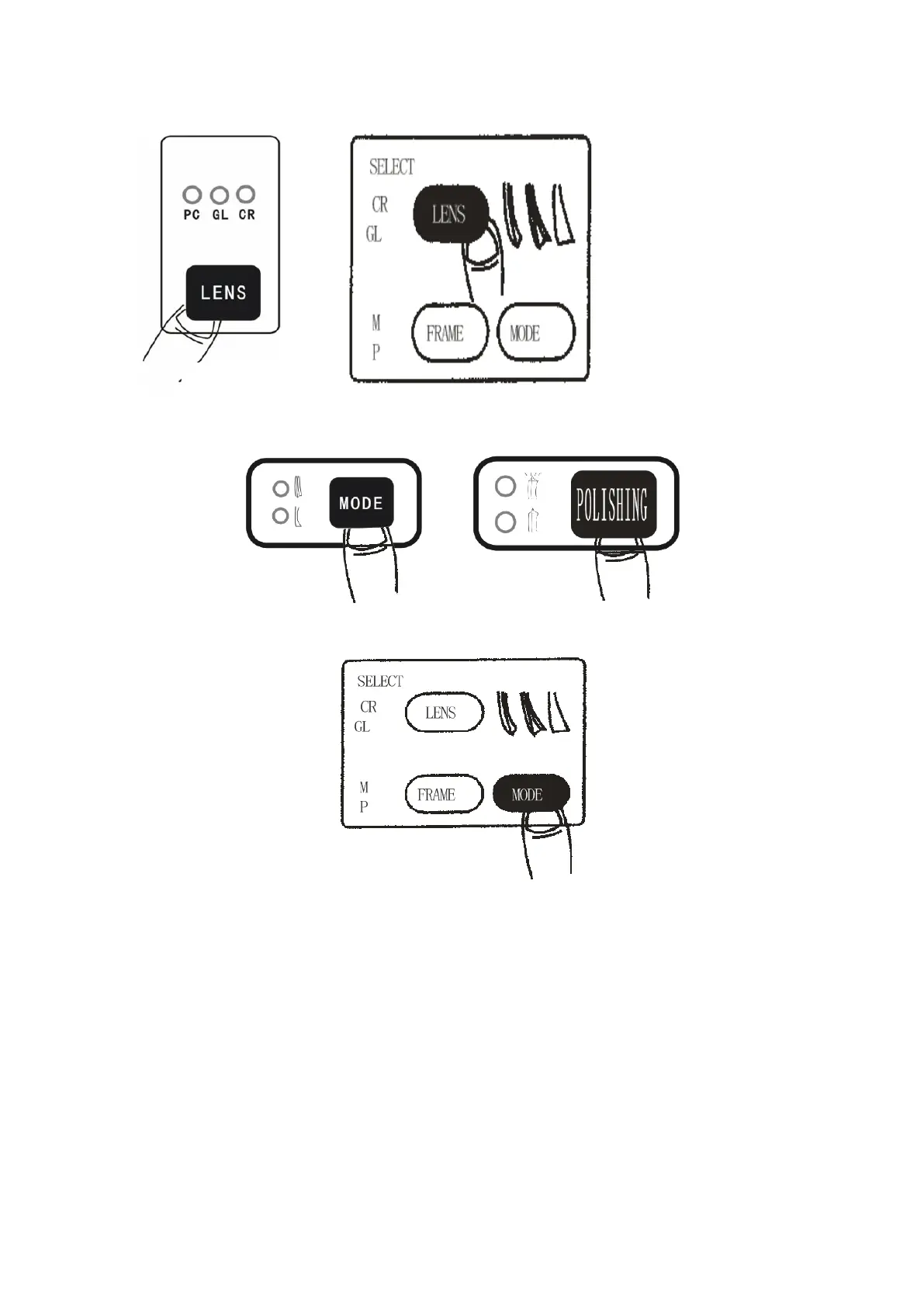
F. Selecting bevel
a. Press MODE button to alternate modes between bevel and
rimless. If it is a double sharp edge machine, press MODE
(edge) button, sharp edge lights if has been flashing, with
sharp edges on the left side of the grinding wheel, sharp
edge lights if not flashing light, with sharp edges on the
right side of the grinding wheel, grinding wheel position



 To Next Page