33 —
© 2016 Skier’s Choice, Inc.
Touch Point Description Screen View
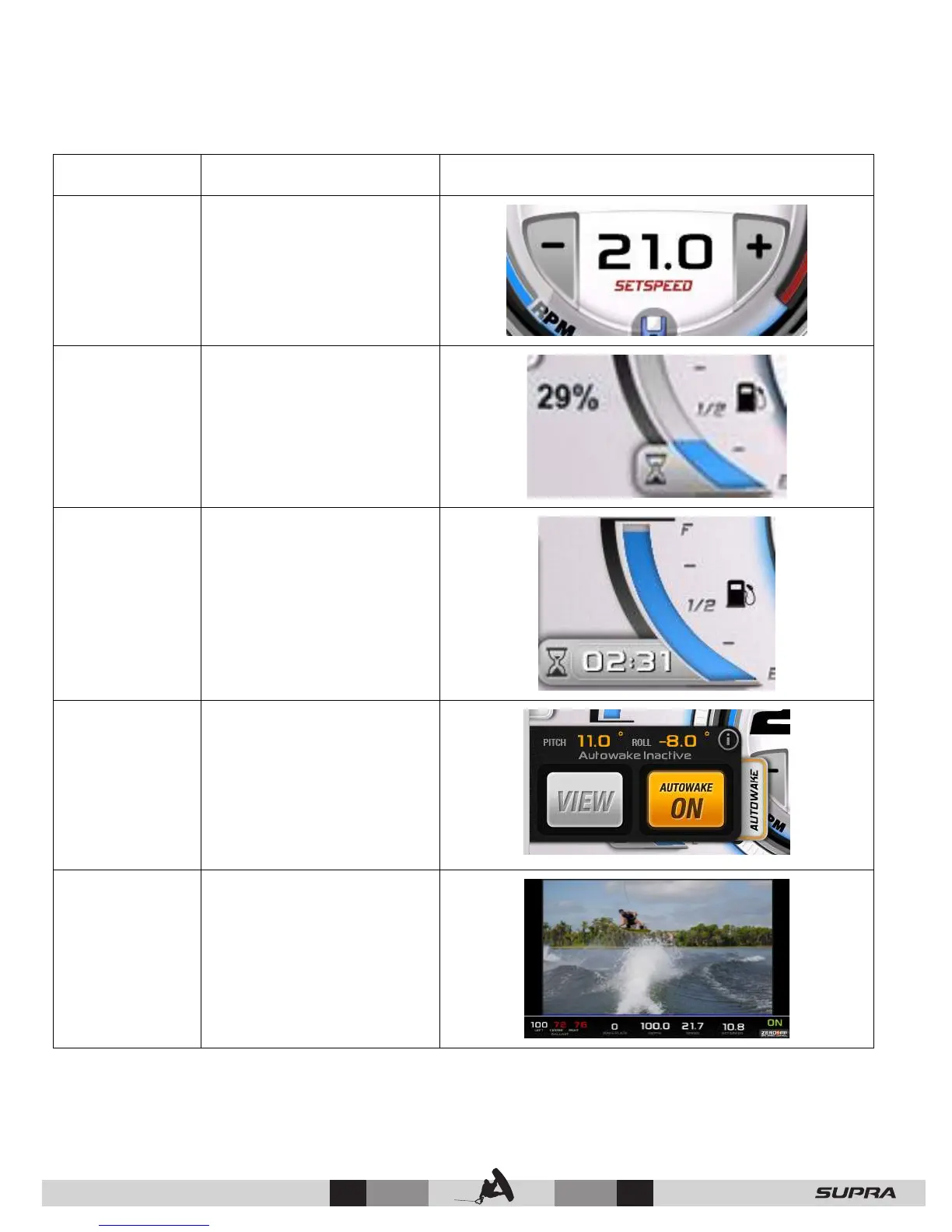
3 – Set
speed+/-
Interactive speed control
adjustment by touching
the + and – icons (GPS
Speed Control ON mode).
4 – Fuel Level Displays the fuel level in
percent when touched and
held.
5 – Fuel/Run
Time
Displays an estimated
engine run time using
current fuel level when
touched and held.
6 – Autowake Autowake will control the
ballast to attempt to
achieve and maintain a set
pitch and roll (determined
by the rider profile and the
currently selected surf
side).
7 – Camera Activates the camera to
view the current rider in
action.
*AutoWake: U.S. Patent No. 8,798,825 and other patents pending. See www.skierschoice.com/patents
Patented
Technology*



 To Next Page