— 36
© 2016 Skier’s Choice, Inc.
Touch Point Description Screen View
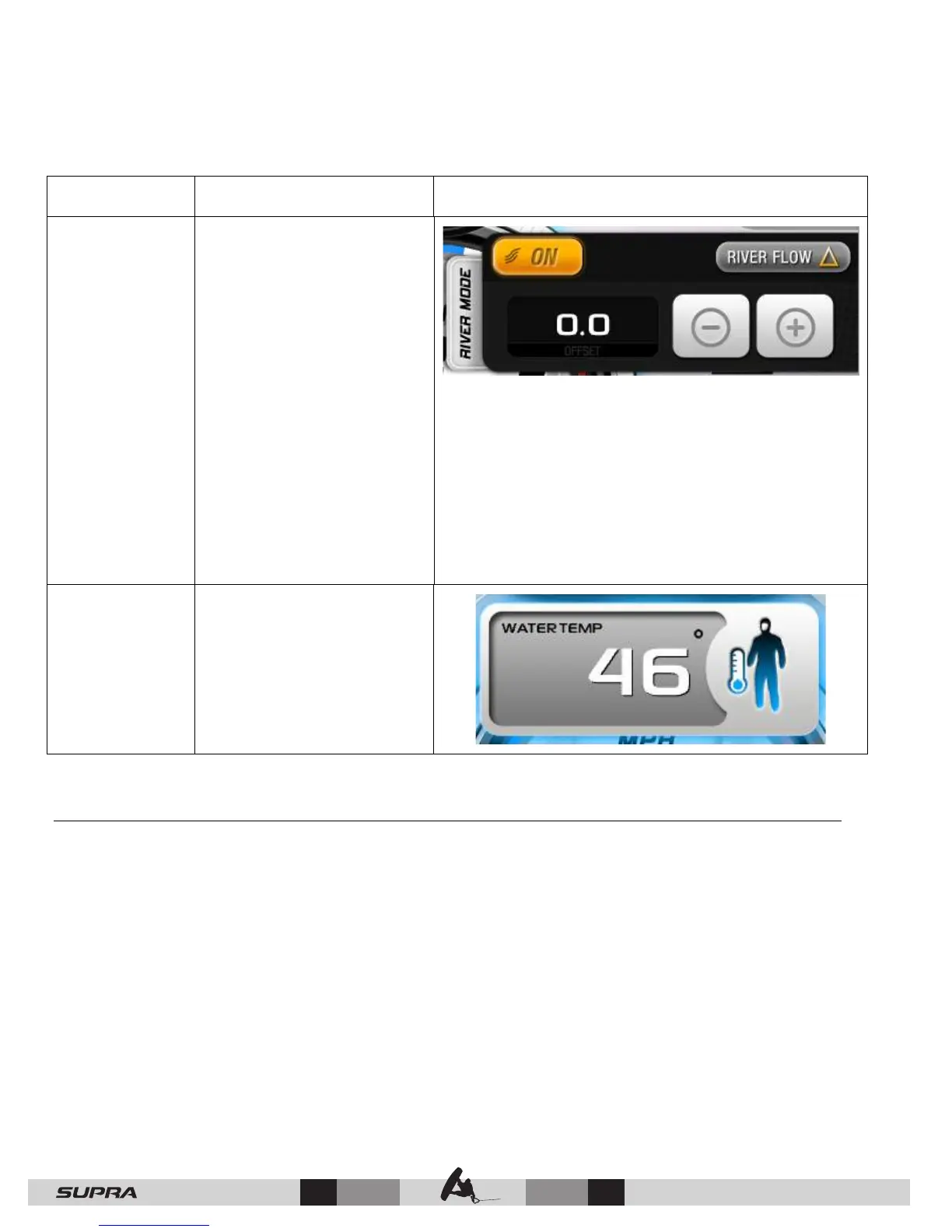
16 – River
Mode
Interactive touch pop-up
toggles from ON to OFF
and automatic River Flow
settings.
River Mode is a user interface for estimating both
upstream and downstream river current without the
use of a paddle wheel. The River Flow UP/DN icon
switches back and forth during the turns as you turn
against or with the current. The river current estimate
value will be added to (downstream) or subtracted
from (upstream) the base speed set point and should
deliver a reasonably consistent speed over the water.
If River Mode is turned off, the set speed will track the
normal set speed regardless of direction.
17 – Water
Temp
Displays the current
temperature of the water
when touched and held.
Autowake
Autowake is a system that will manipulate the ballast levels in order to achieve and maintain
the best possible wake for surfing and wakeboarding. Using an inclinometer (a device that
measures angle of pitch and roll), the boat will orient itself for the best boating experience.
When a rider profile is active, Autowake will activate once the ballasts are filled to their profile-
defined levels, cruise is ON and the set speed is between 7 and 26 mph.
Changes to the pitch and roll set points will be saved to the active rider profile under the
currently selected surf side. Each rider can have differing set points for Surf Port, Surf
Starboard and Wake.
Touch the Autowake tab on the left side of the screen:



 To Next Page