35 —
© 2016 Skier’s Choice, Inc.
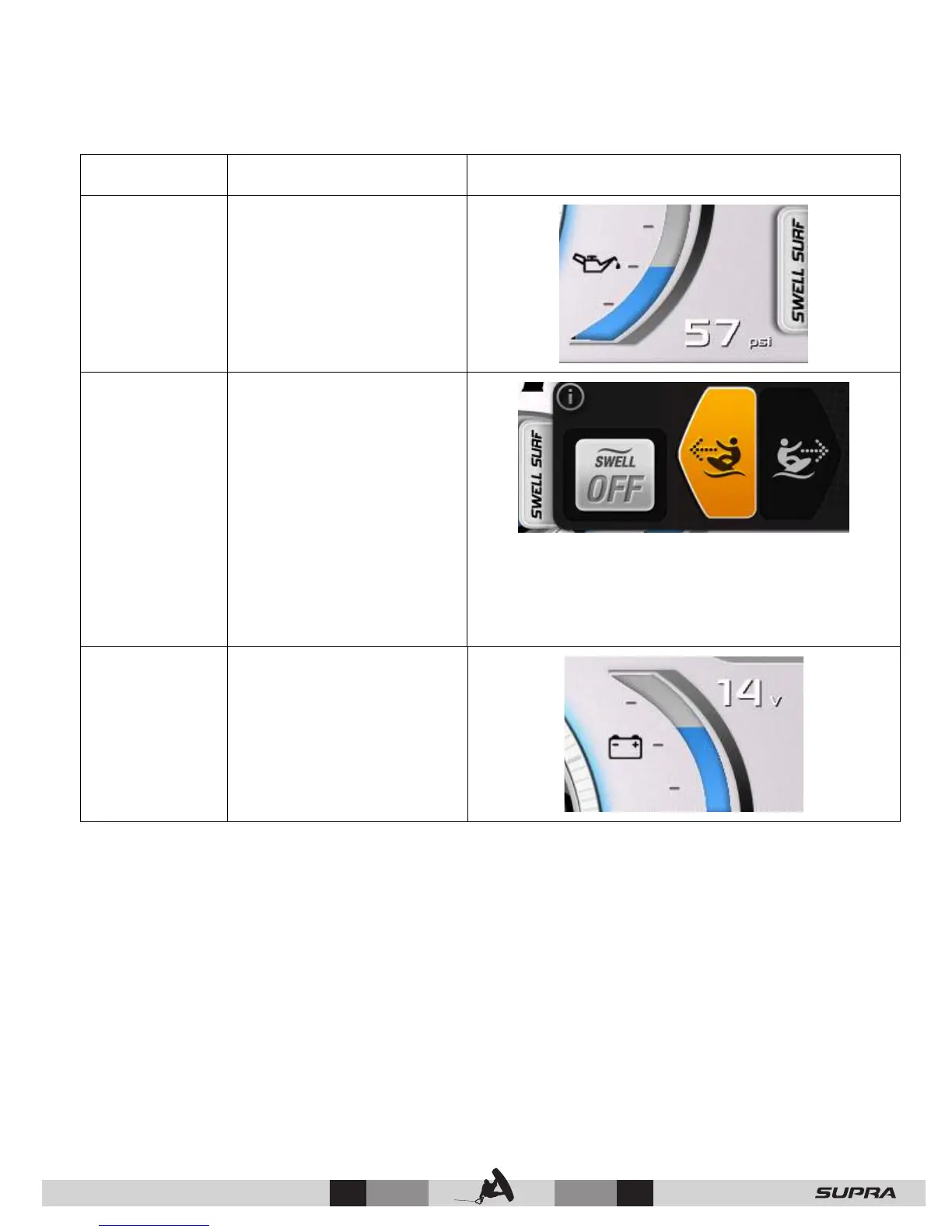
Touch Point Description Screen View
13 – Engine
Oil Pressure
Displays the engine oil
pressure when touched
and held.
14 – Swell
Surf
Interactive pop-up
including toggles for Swell
On/Off, Port and
Starboard ballast settings.
Use the directional icons
to select either Port or
Starboard. Use Profiles to
make adjustments to the
surf wave.
Swell does not activate if Auto is active. Swell Surf
will only engage when Cruise is on and your set
speed is between 7 mph and 12 mph.
15 – Boat
Battery
Displays the battery
voltage when touched and
held.



 To Next Page