43 —
© 2016 Skier’s Choice, Inc.
Touch Scan for New Devices to discover available Bluetooth compatible sources. If
sources are found, they will appear on the screen.
Touch the device to which the Supra will be paired. A Pairing Requested message
will appear. Touch the green check mark to pair or the red X to cancel. If successful,
a paired message will appear on the screen.
Once paired, the source’s media files will be viewable and playable on the first
screen presented in this section.
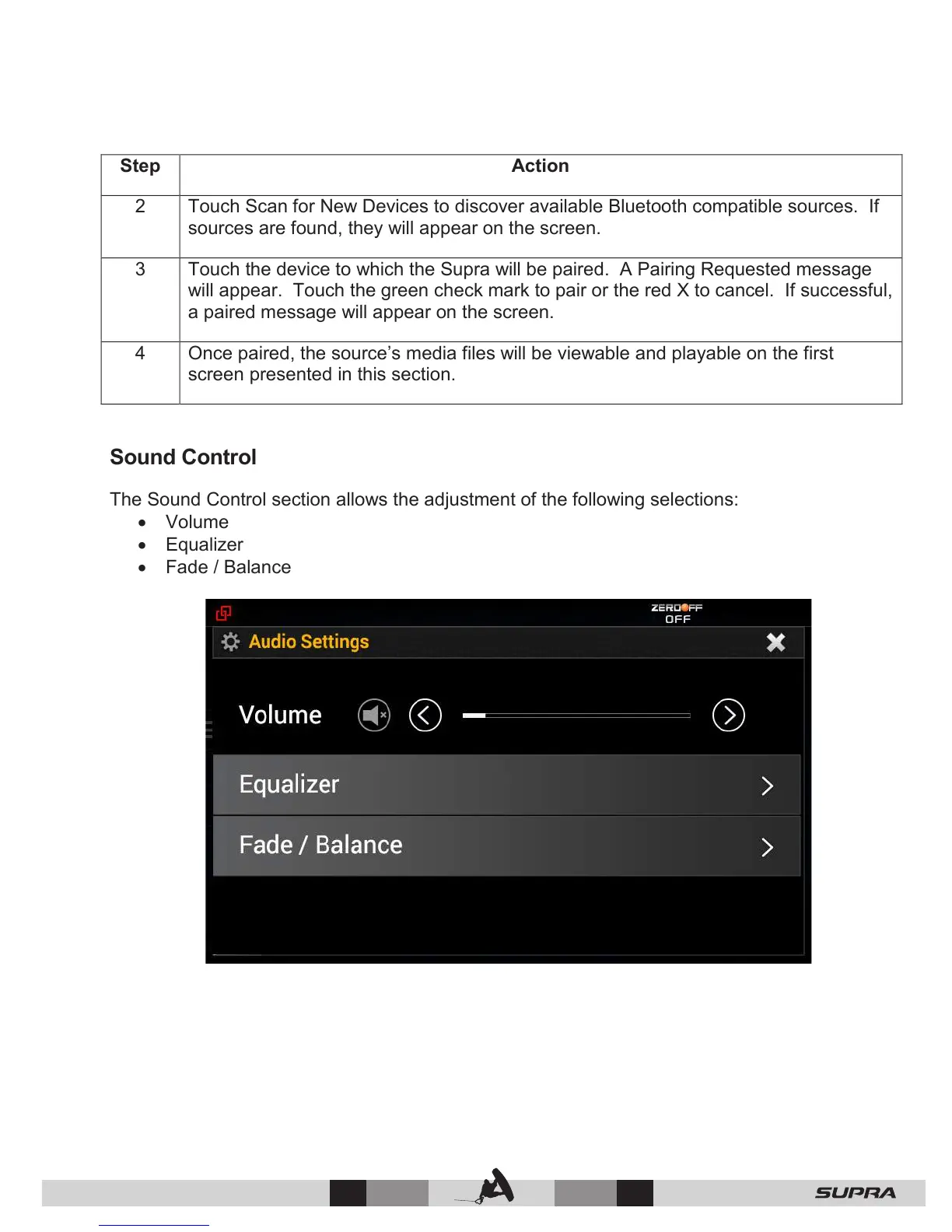
Sound Control
The Sound Control section allows the adjustment of the following selections:
• Volume
• Equalizer
• Fade / Balance



 To Next Page