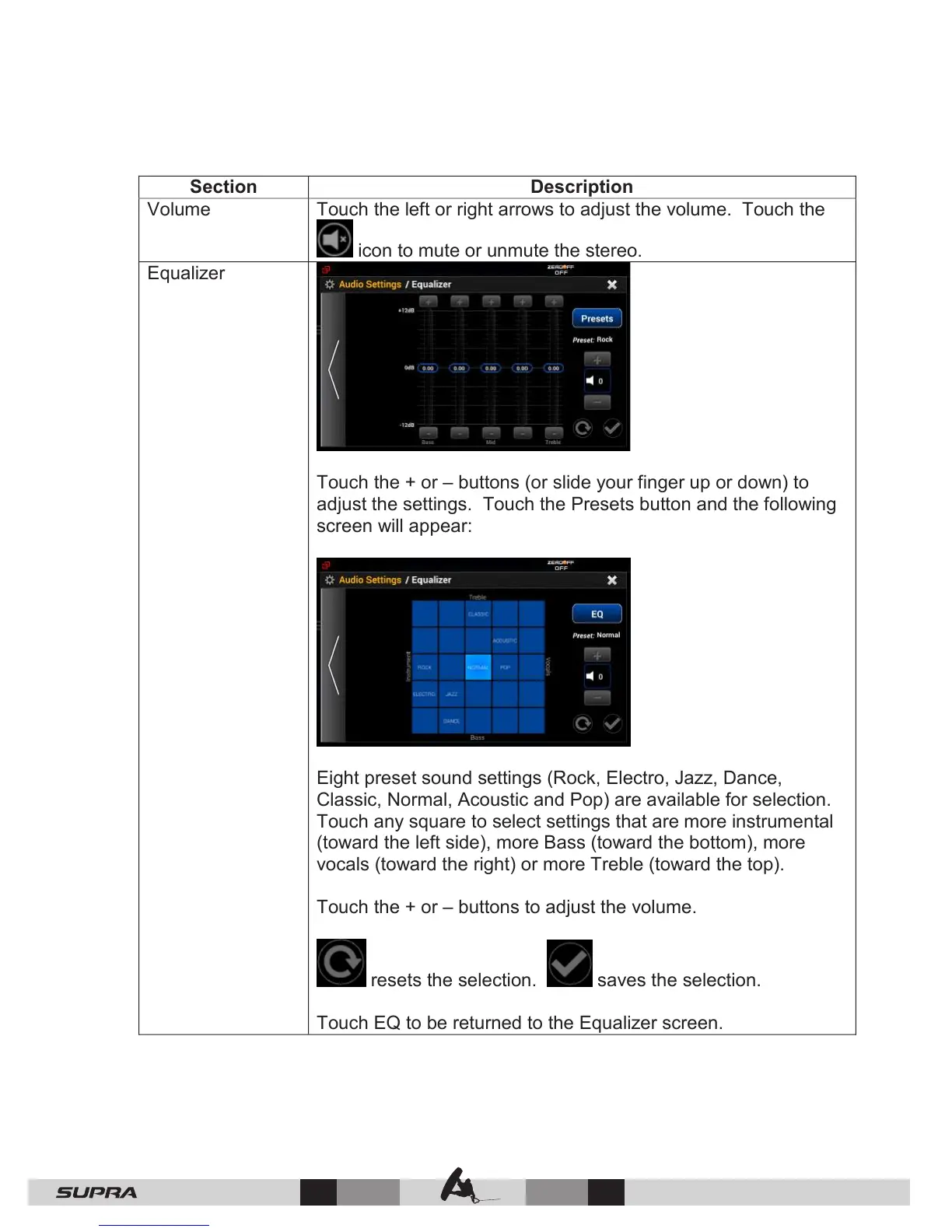
Touch the + or – buttons (or slide your finger up or down) to
adjust the settings. Touch the Presets button and the following
screen will appear:
Eight preset sound settings (Rock, Electro, Jazz, Dance,
Classic, Normal, Acoustic and Pop) are available for selection.
Touch any square to select settings that are more instrumental
(toward the left side), more Bass (toward the bottom), more
vocals (toward the right) or more Treble (toward the top).
Touch the + or – buttons to adjust the volume.
resets the selection. saves the selection.



 To Next Page