49 —
© 2016 Skier’s Choice, Inc.
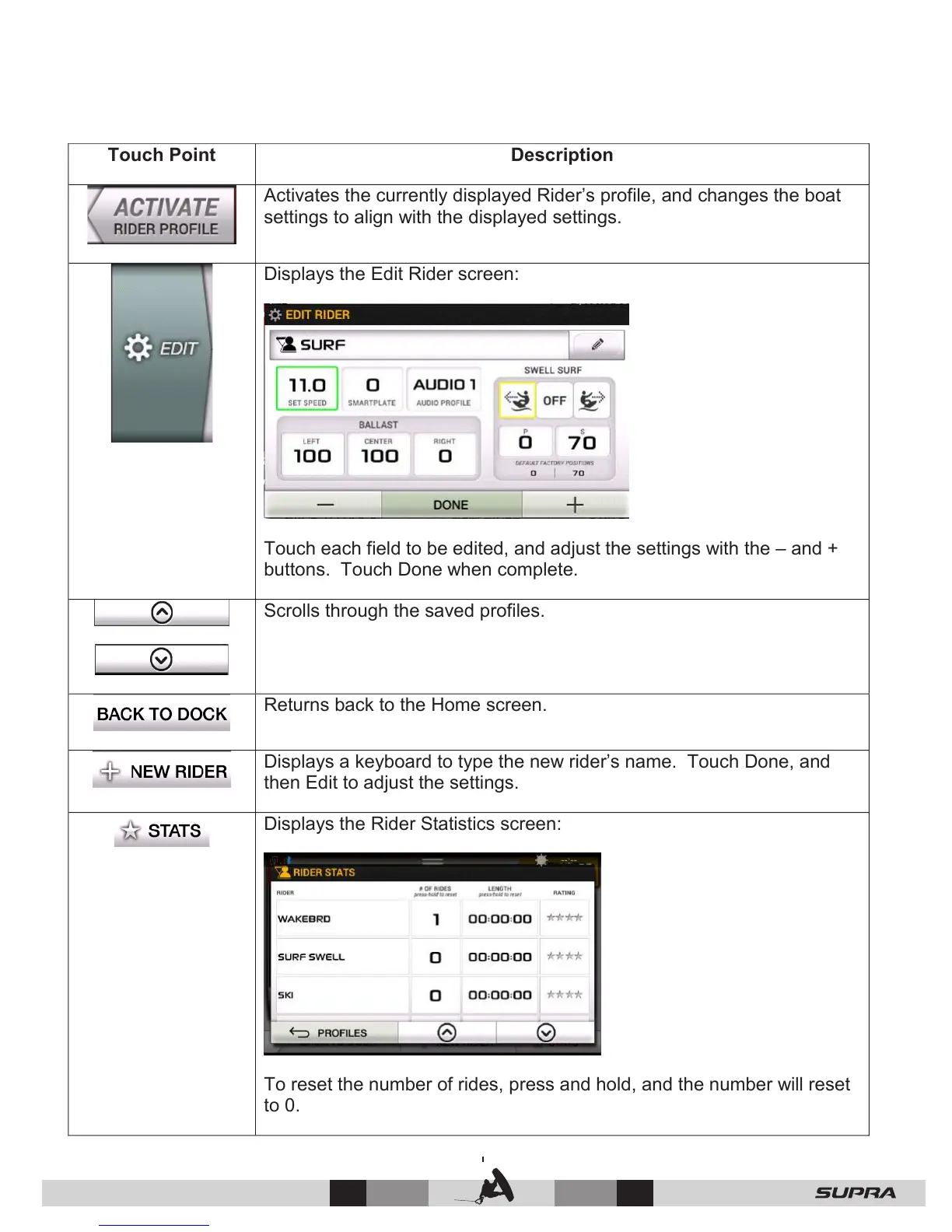
Activates the currently displayed Rider’s profile, and changes the boat
settings to align with the displayed settings.
Displays the Edit Rider screen:
Touch each field to be edited, and adjust the settings with the – and +
buttons. Touch Done when complete.
Scrolls through the saved profiles.
Returns back to the Home screen.
Displays a keyboard to type the new rider’s name. Touch Done, and
then Edit to adjust the settings.
Displays the Rider Statistics screen:
To reset the number of rides, press and hold, and the number will reset
to 0.



 To Next Page