— 58
© 2016 Skier’s Choice, Inc.
2016-07-26 1611937
-35-
Chart and Time Setup
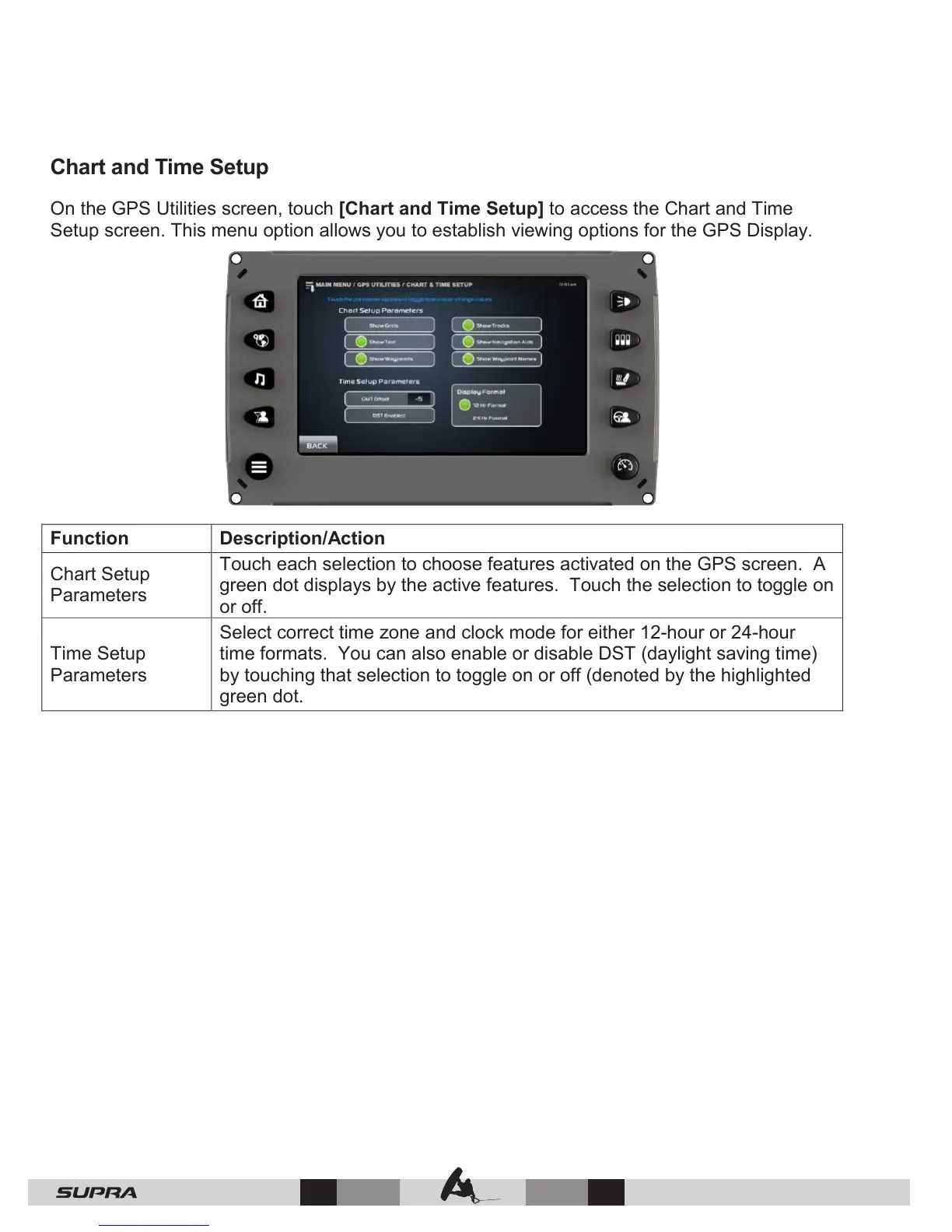
On the GPS Utilities screen, touch [Chart and Time Setup] to access the Chart and Time
Setup screen. This menu option allows you to establish viewing options for the GPS Display.
Function Description/Action
Chart Setup
Parameters
Touch each selection to choose features activated on the GPS screen. A
green dot displays by the active features. Touch the selection to toggle on
Time Setup
Parameters
Select correct time zone and clock mode for either 12-hour or 24-hour
time formats. You can also enable or disable DST (daylight saving time)
by touching that selection to toggle on or off (denoted by the highlighted
green dot.



 To Next Page