2016-07-26 1611937
-39-
The Auto Volume Intensity will automatically increase the volume of the audio when the
engine RPMs increase. If set to 0, the volume will not increase automatically. If set to 3, the
audio will increase at a faster rate than a 1 or 2 setting.
To display or hide Notifications of incoming calls and texts, touch the Enabled/Disabled boxes
under each category.
To enable or disable Wireless Remote Pairing, touch the Enabled/Disabled box in that
category. Then touch any key on the remote to begin the pairing process. The field to the
right will show the number of remotes that have successfully paired with the system. To Clear
All Paired Remotes touch the X in the circle.
Bluetooth Settings
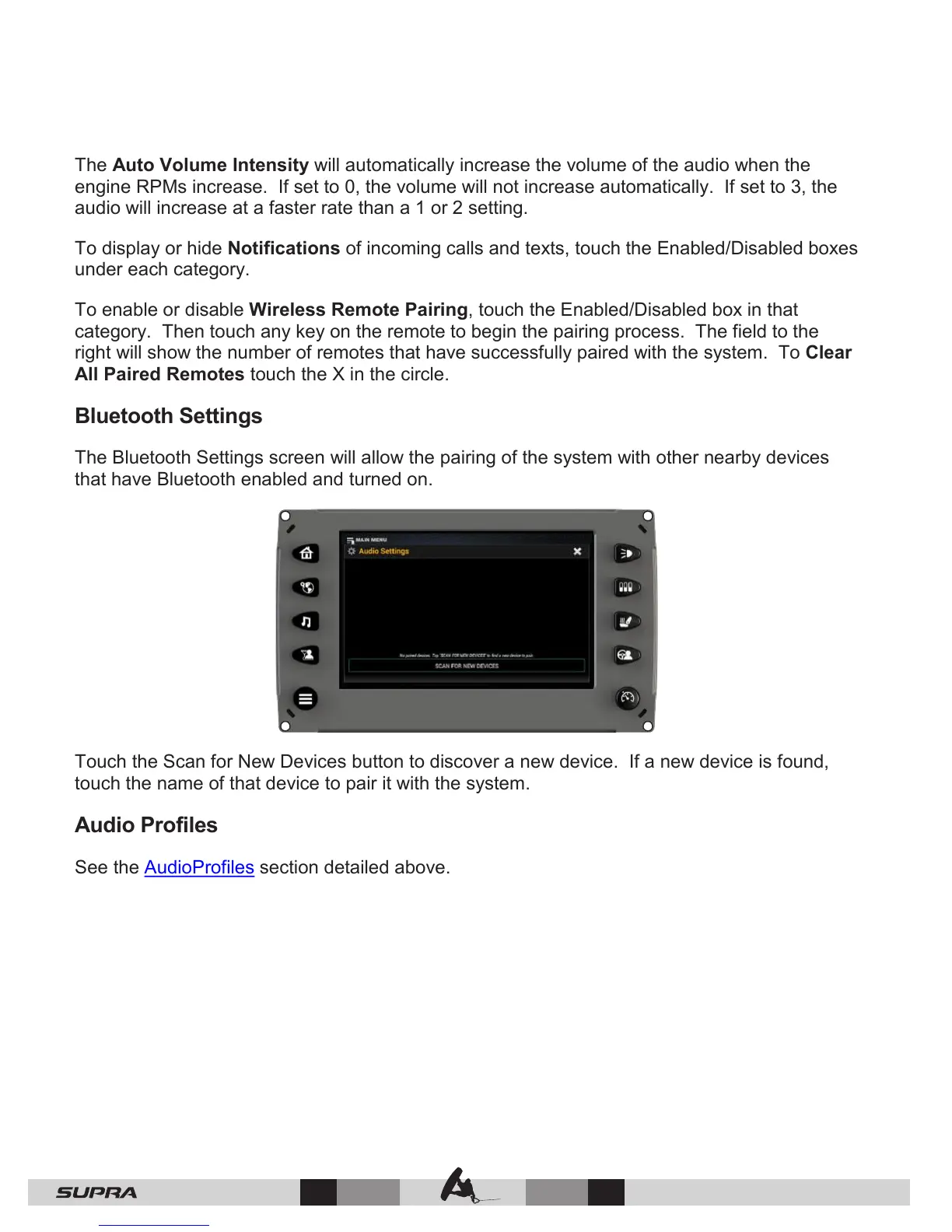
The Bluetooth Settings screen will allow the pairing of the system with other nearby devices
that have Bluetooth enabled and turned on.
Touch the Scan for New Devices button to discover a new device. If a new device is found,
touch the name of that device to pair it with the system.
Audio Profiles
See the AudioProfiles section detailed above.



 To Next Page