2016-07-26 1611937
-40-
Audio Firmware
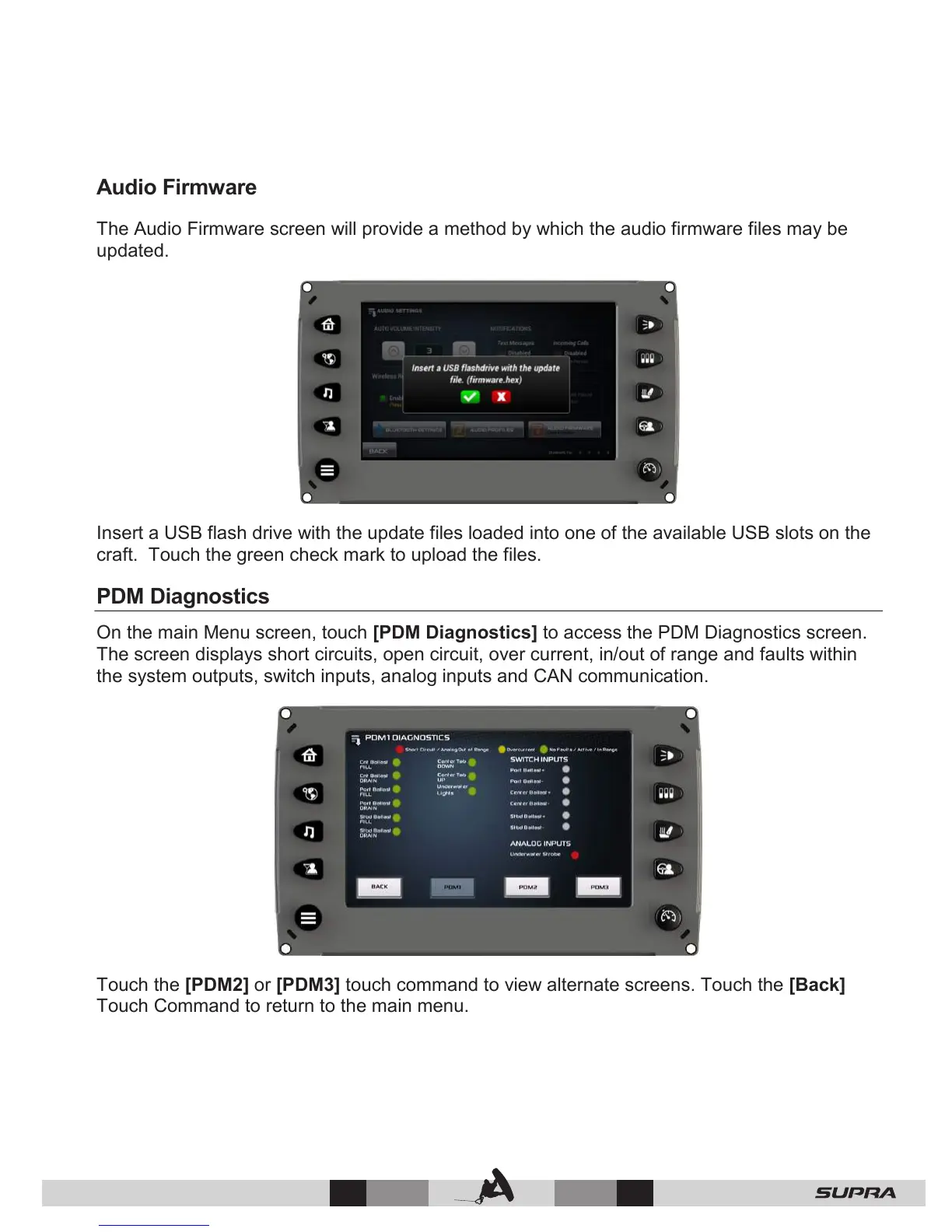
The Audio Firmware screen will provide a method by which the audio firmware files may be
updated.
Insert a USB flash drive with the update files loaded into one of the available USB slots on the
craft. Touch the green check mark to upload the files.
PDM Diagnostics
On the main Menu screen, touch [PDM Diagnostics] to access the PDM Diagnostics screen.
The screen displays short circuits, open circuit, over current, in/out of range and faults within
the system outputs, switch inputs, analog inputs and CAN communication.
Touch the [PDM2] or [PDM3] touch command to view alternate screens. Touch the [Back]
Touch Command to return to the main menu.



 To Next Page