4
ⒸCopyright 2010 Suprema Inc.
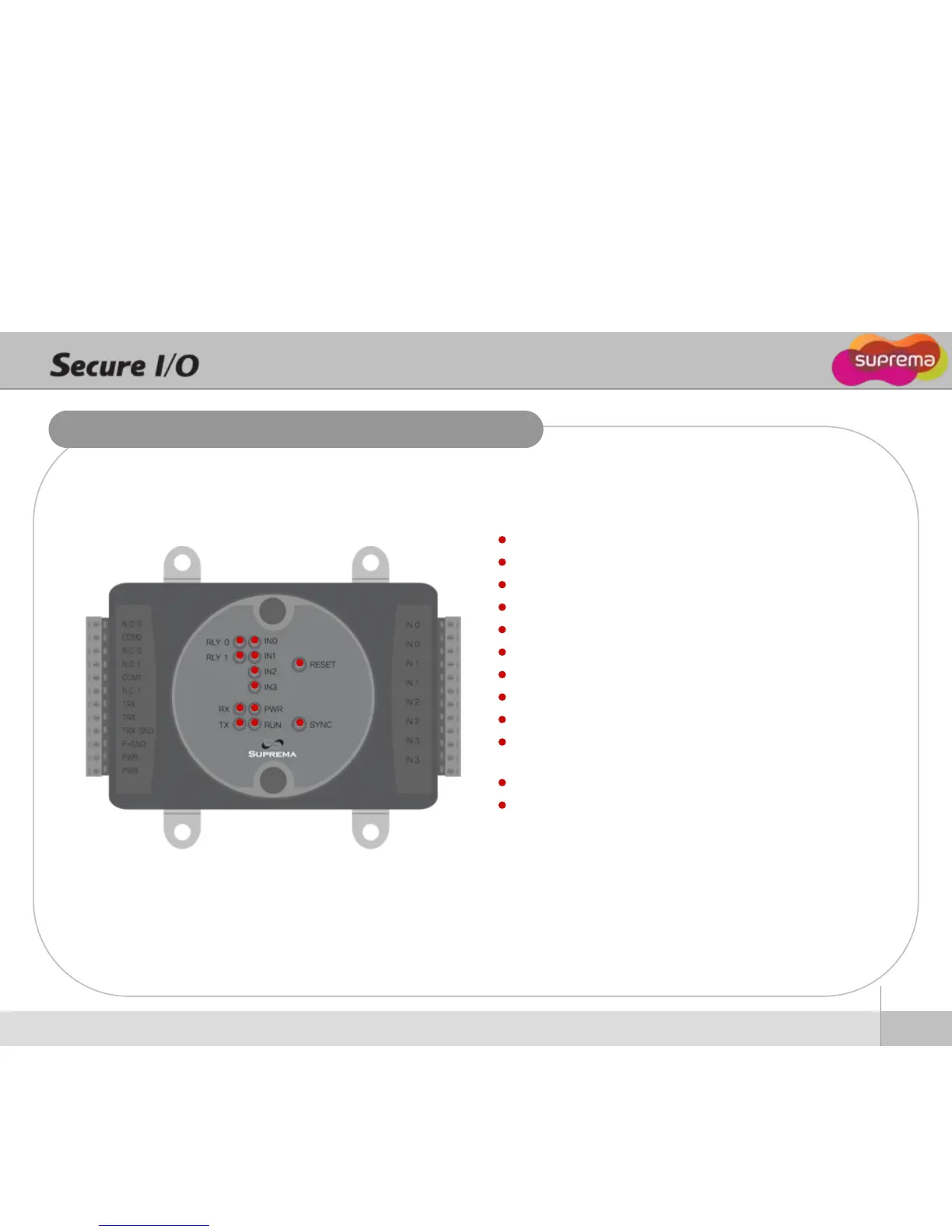
Front Panel Description
RLY0 LED - Status of Relay0
RLY1 LED - Status of Relay1
RX LED - Status of RS-485 Rx signal
TX LED - Staus of RS-485 Tx signal
IN0 LED - Status of Input0
IN1 LED - Status of Input1
IN2 LED - Status of Input2
IN3 LED - Status of Input3
PWR LED - Power status
RUN LED - Status of Secure I/O operation
RESET BUTTON - Secure I/O hardware reset
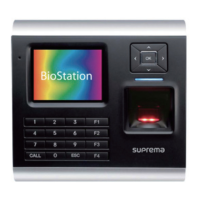
SYNC BUTTON - Syncronization between Secure I/O and dev
ice (BioStation/ BioEntry Plus) for security by exchanging an e
ncryted keys. This prevents the operation of Secure I/O when
the external device has been exchanged by an intruder. Sync
button should be pressed when a device is set as a host in a
RS-485 loop.


 To Next Page