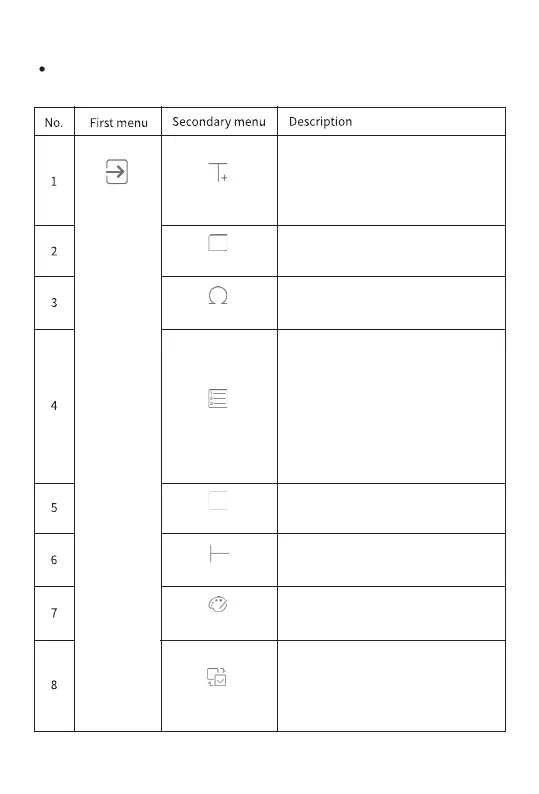
EDITING PAGE
Black and white inversion. This is a
feature that reverses the background
color and drawing color of the
selected characters.
After adding text and clicking on
the text, you will see "delete",
"copy", "zoom in", "zoom-out",
"rotate", and "lock the text."
text
Add frame
Frame
Add symbols and emojis.
Symbol
Add serial numbers and set
groups of labels. The labels are
numbered from 0 to 999 or from A
to Z. Enter the start, end, and step
length. The set tabs overlap each
other. You may turn the page to
view the next page.
SEQ
Shape
Add a horizontal line. It can be rotated
to a vertical line using Rotate.
Grati
Add any line or curve. You may draw
lines in an empty area after clicking.
Inverse
Enter shapes, such as squares,
ellipses, or circles.
Line
Insert
11


 To Next Page