11
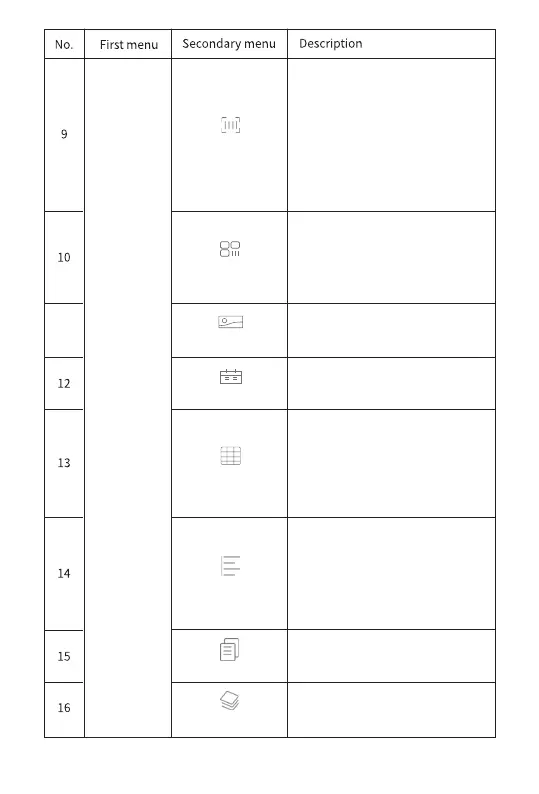
Bar codes are automatically
generated and added to labels.
It supports code-128, EAN-8,
and EAN-13. You can either enter
manually or scan. Click "Under"
will display the bar code and the
entered code.
The QR codes are automatically
generated and added to the label.
You can choose to enter manually
or scan.
Insert table (default 2*2 table).
Click on the table, you can change
the number of rows and columns,
increase or decrease the row
height and column width, etc.
Alignment includes left alignment,
vertical center alignment, right
alignment, upside alignment,
horizontal center alignment, and
downside alignment.
Select saved templates
Load pictures and add them to
labels.
Choose from multiple data
formats.
Select the type and color of the
label paper.
Align
Template
Label
Barcode
Picture
QR code
Date
Table
12


 To Next Page