lead edge;
1. Menu function introduction
Press【Menu】,Select 《Lead edge》
Press【 】【 】Select《No
Cut》,《Cut》,《Center Model》
( I n v a l i d in chain printing
m o d e ),Press【Enter】confirm
select.
Print style as follows:
《No Cut》
《Cut》:
《Center Model》
:ABC
ABC
Lead edge
ABC
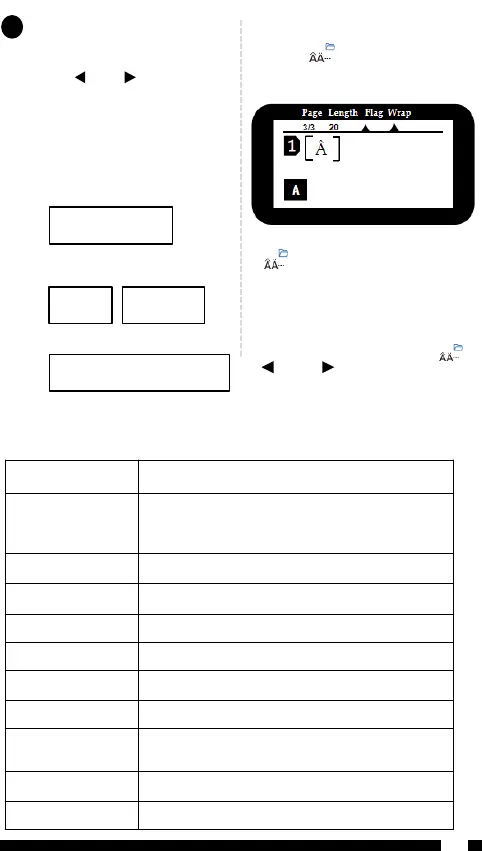
The key 【 】 is used to input
variant form of the Latin letters in
different language inputting.
Input the English letter and press
【 】key.
◆ If the letter does not have any
variant form, then there will be no
action.
◆ If the letter has variant forms, then
the letter will be into selected mode,
continue to press key or press 【 】
【 】 & 【 】 to select the desired
variant of the letter, press 【 Enter】
to confirm.
Input Euro-Latin Letters
8



 To Next Page