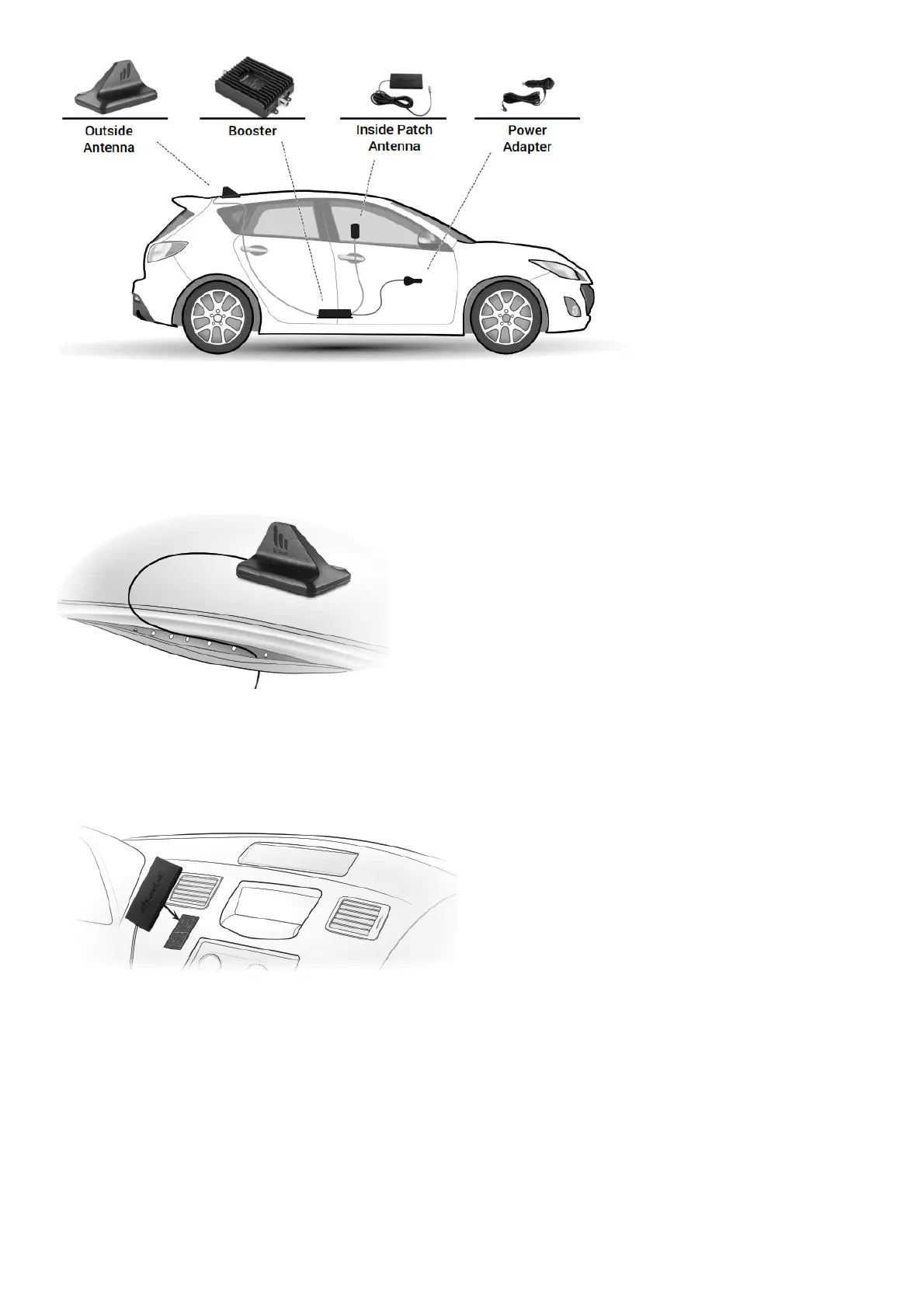
STEP 1. PLACE OUTSIDE ANTENNA ON THE VEHICLE’S ROOF
Place the magnetic mount antenna on the top of your vehicle, preferably toward the back, Ensure that the antenna has at least a 12-inch radius clear of
obstructions and other radiating elements, such as a radio antenna.
*For non-magnetic vehicle body, use the adhesive option included in package. Run the cable from the outside antenna across the car’s roof and into the
car. To hide and protect the antenna cable, carefully pull down the door seal, run cable underneath it, and push the seal back into place.
Note: The outside antenna must not be collocated or operating with any other antenna or booster.
STEP 2. INSTALL INSIDE ANTENNA
Identify a location for the inside antenna on or near your front dashboard that is: (1) Within 2-3 feet of typical cell phone location, (2) At least 8 inches
(20cm) from cellular devices, and (3) At least 4 inches (10cm) from metal.
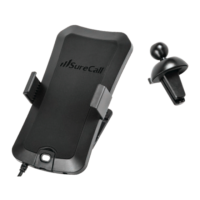
Peel Velcro backing and apply to a clean dry surface in your chosen location. Or try this – Use the free vent clip provided with your product as a
mounting surface then simply clip to an air vent.
STEP 3. PLACE BOOSTER AND CONNECT CABLES
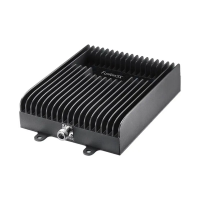
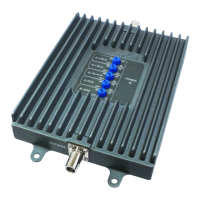
Select a well-ventilated location for the booster that is away from excessive heat, direct sunlight, and moisture. We often suggest installing beneath a
seat or within the front console.
Connect the cable from the outside antenna to the connection marked OUTSIDE and connect the cable from inside patch antenna to the connection
marked INSIDE. Hand tighten the connections and secure any loose cable.







 To Next Page