EasyManua.ls Logo

SureCall Fusion2Go 2.0 - User Manual

SureCall Fusion2Go 2.0
14 pages
Print Icon
To Next Page IconTo Next Page
Loading...
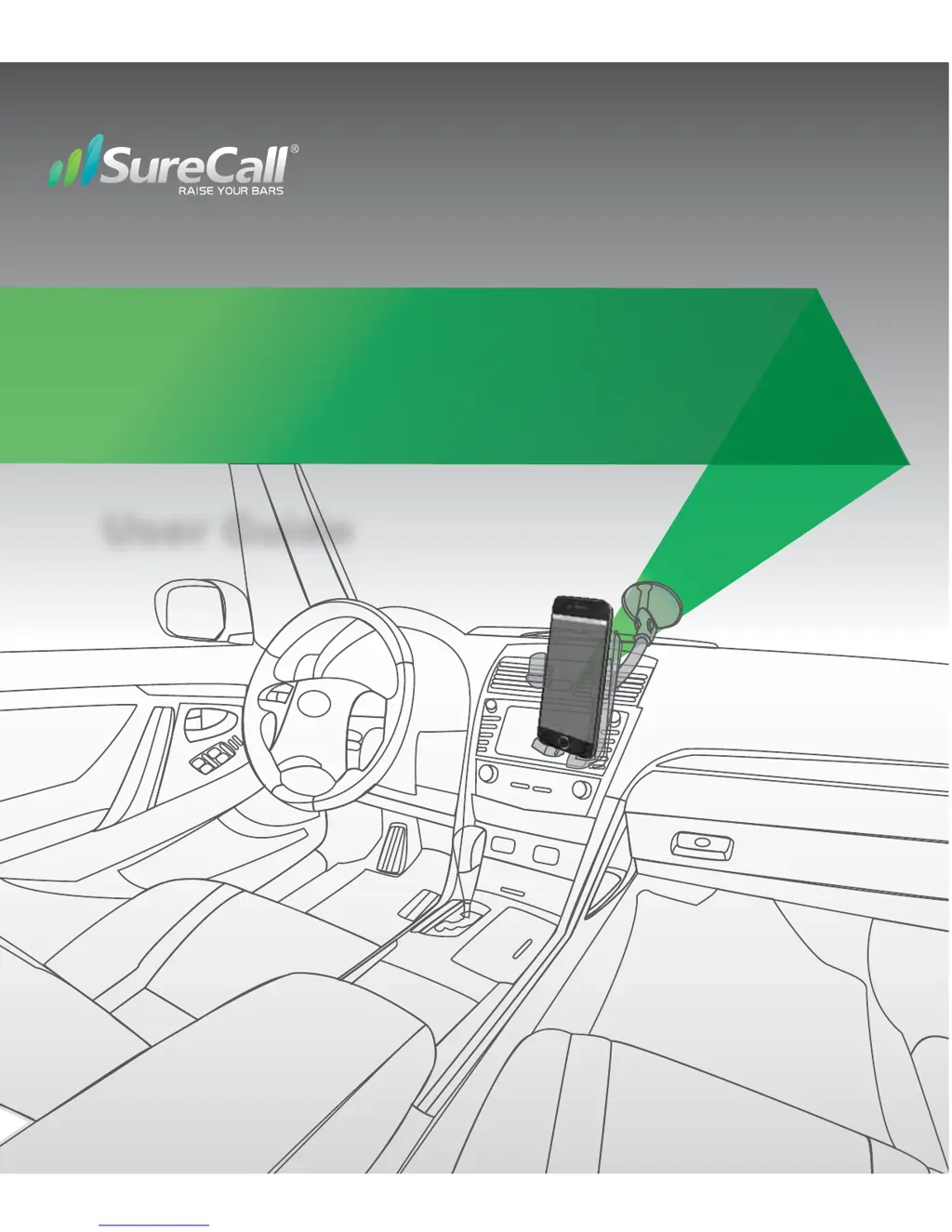
Fusion2Go 2.0
Vehicle Voice and 4G Data Signal Booster
User Guide

Other manuals for SureCall Fusion2Go 2.0

Questions and Answers

  • A
    Alexander RodriguezJul 27, 2025
    What to do if SureCall Fusion2Go 2.0 Extender signal has not improved after installation?
    • T
      Tonya KaneJul 27, 2025
      If, after completing the installation, the signal has not improved, verify that the cable connections are tightly fitted to the booster. Also, try further separating the antennas. Remember that bars are not always a reliable measure of signal. The best way to confirm signal coverage is the ability to place and hold a call.
  • M
    mbrooksAug 12, 2025
    Why does my SureCall Fusion2Go 2.0 Extender signal booster have no power?
    • E
      evanhornAug 12, 2025
      If the signal booster has no power, verify that the LED on the booster is ON. Connect the power supply to an alternate power source. Check that the power source is operational and the fuse is intact. If the POWER LED on the signal booster is OFF, return the power supply to SureCall. Contact tech support at to receive an RMA at: 1-888-365-6283 or support@surecall.com.

Summary

How It Works

Package Contents

Installation Steps

Step 1: Mount Outside Antenna

Guides placement and cable routing for the external magnetic antenna.

Step 2. Install the Inside Patch Antenna

Details finding a location and affixing the internal patch antenna.

Step 3. Install the Booster

Instructs on placing the booster unit away from heat, moisture, and with ventilation.

Step 4. Connect Power

Explains connecting the power cord and checking indicator lights for readiness.

LED Indicators

Explains the meaning of different LED states for status and potential issues.

Troubleshooting

Specifications

Kitting Information

FCC and IC Compliance

Product Warranty Details

SureCall Fusion2Go 2.0 Specifications

General IconGeneral
Product TypeCellular Signal Booster
Max Gain50 dB
Noise Figure5 dB
Impedance50 Ohm
Weight1.5 lbs
Frequency Bands700 MHz, 850 MHz, 1900 MHz
Uplink Frequency Range698-716 MHz, 1850-1910 MHz
Downlink Frequency Range728-746 MHz
VSWR≤ 2.0:1
Power Output20 dBm
CompatibilityAll US carriers

Related product manuals