EasyManua.ls Logo

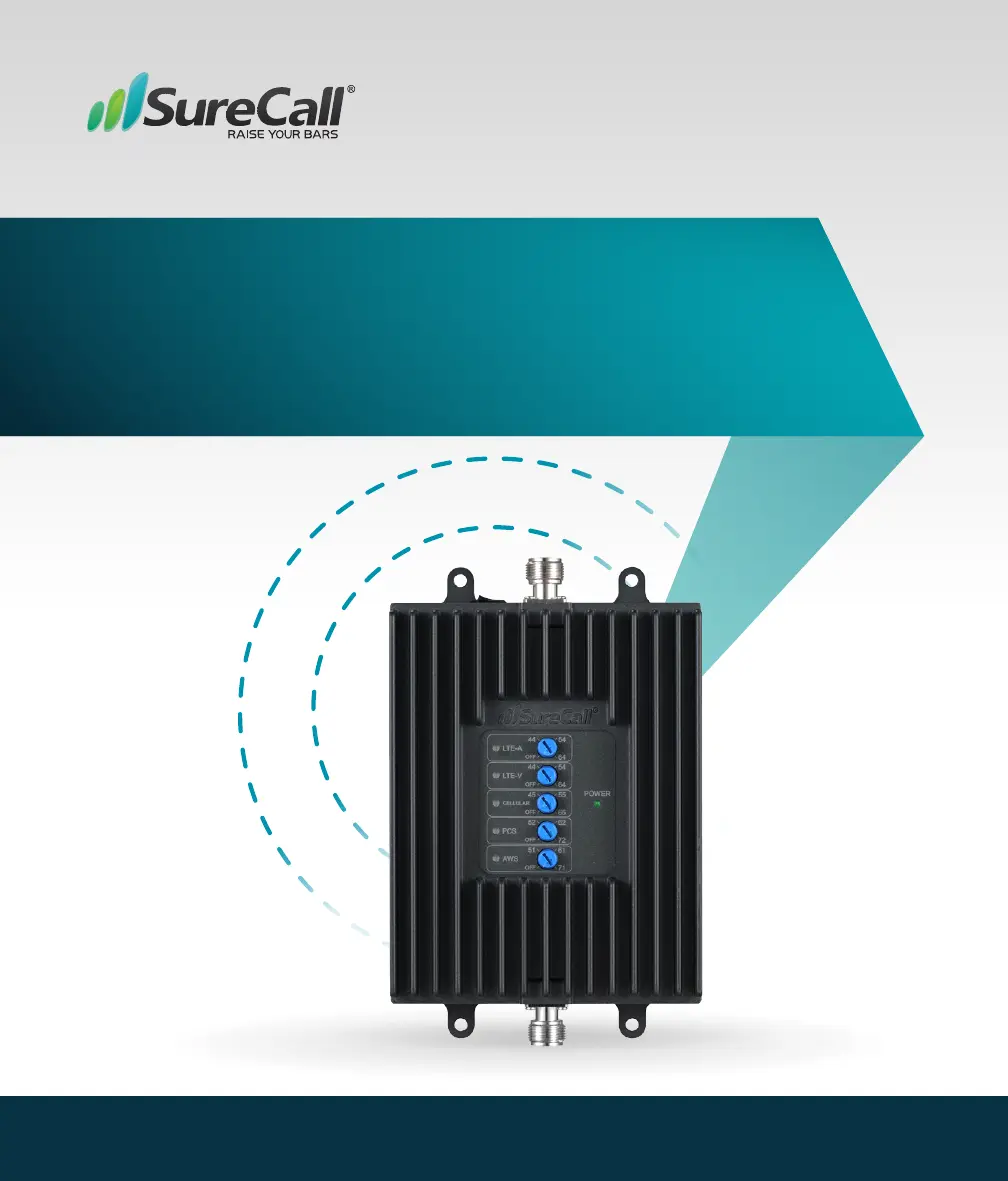
SureCall FusionProfessional - User Manual

SureCall FusionProfessional
16 pages
Print Icon
To Next Page IconTo Next Page
Loading...
05.14.2020
Cellular signal booster kit for the Home or Ofce
FusionProfessional
User Guide

Questions and Answers

  • T
    Terry KochAug 9, 2025
    What to do if SureCall FusionProfessional indoor signal coverage has not improved?
    • J
      jeremy33Aug 9, 2025
      If, after installation, your indoor signal coverage hasn't improved, make sure the cable connections are tightly fitted to both the booster and antenna. Try increasing the distance between the booster and antenna. Also, confirm that there's a usable signal where the antenna is located. Keep in mind that signal bars aren't always reliable; the best way to check signal coverage is by making and maintaining a call.
  • B
    Bradley TrevinoAug 23, 2025
    Why does my SureCall FusionProfessional signal booster have no power?
    • S
      Stacy OrrAug 23, 2025
      If the signal booster has no power, connect the power supply to a different power source. Check that the power source isn't controlled by a switch that might have cut off power to the outlet. If the booster still doesn't turn on, contact tech support at 1-888-365-6283 or support@surecall.com.

SureCall FusionProfessional Specifications

General IconGeneral
BrandSureCall
ModelFusionProfessional
CategoryExtender
LanguageEnglish

Related product manuals