XLINK 500/100 Operations & Maintenance Manual page # 201
4. To remove the SIM card,
4.1. remove power to Satlink3, if cellular board is installed into the unit.
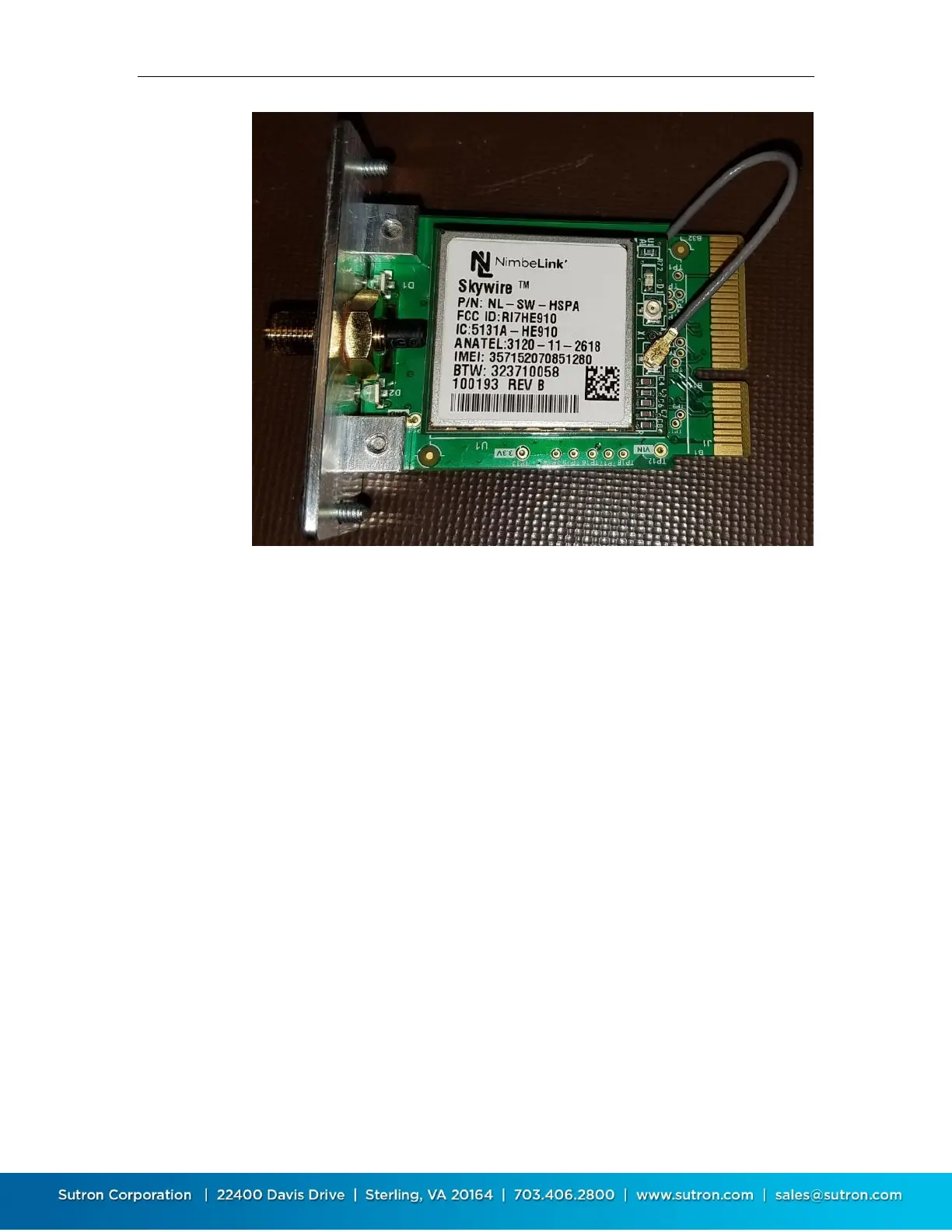
4.2. Place the cellular board on a clean surface, and remove the modem board from the carrier
board.
4.3. Flip-over the modem board carefully without pulling the U.FL cable.
4.4. Remove the SIM card carefully from the sim card slot
4.5. If new sim card must be inserted, follow the instructions from sim card installation.
Carefully insert the modem board onto the carrier board, as shown in step 3.4


 To Previous Page