XLINK 500/100 Operations & Maintenance Manual page # 41
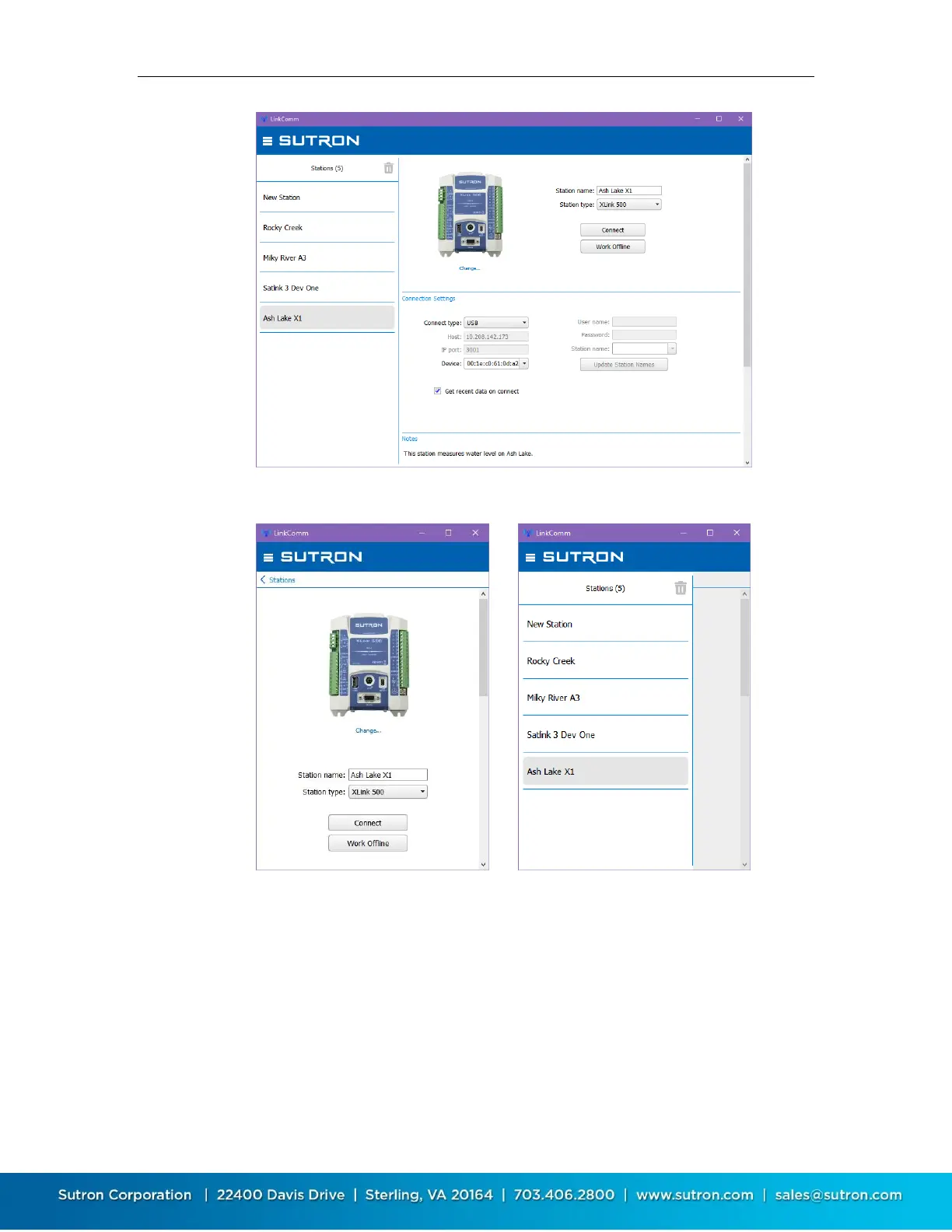
On small displays, the station list is hidden. Press < Stations to see the station list.
To work with the selected station, press “Connect”. The software will use the assigned
connection settings (USB, RS-232, Modem, or Wi-Fi), to try to communicate with the site.
If you have problems connecting to the site, check your communication settings and or
cables/Wi-Fi settings and see the following sections that detail USB and Wi-Fi connections.


 To Next Page