6
STARTSTOP/LIGHT
Short press
• Starts and stops the Chronograph in the Chrono mode.
Long press
• Activates the backlight in all the modes. (For personalized use of the backlight, see
chapter 6. Settings.)
CHANNEL
Short press
• Returns to the mode or channel splash screen.
• Scrolls the channel splash screens on the display.
Long press
• Returns to the Time channel splash screen.
NEXT/LAP
Short press
• If a mode/channel splash screen is active, you can use this button to navigate to
the next splash screen.
• Allows you to scroll up the menus.
• When setting/changing a selected item, it scrolls the options on the display.
• When changing values, it increases the value.
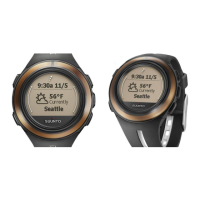
• Changes watch faces.
• In the Chrono mode, it stores lap/split times. After you have stopped the
Chronograph, it scrolls the stored lap/split times on the display.
Long press
• When you press and hold the button for two seconds in menus, watch face














 To Next Page