When the alarm is on, you will see the symbol in the display.
2.3.2. Time settings
In the Time menu, you can set the time and dual time. Accept the settings with a short press of
the MODE button, which also moves you on to the next menu item.
2.3.3. Date settings
In the Date menu, you can set the day, month, and year. Accept the settings with a short press of
the MODE button, which also moves you on to the next menu item.
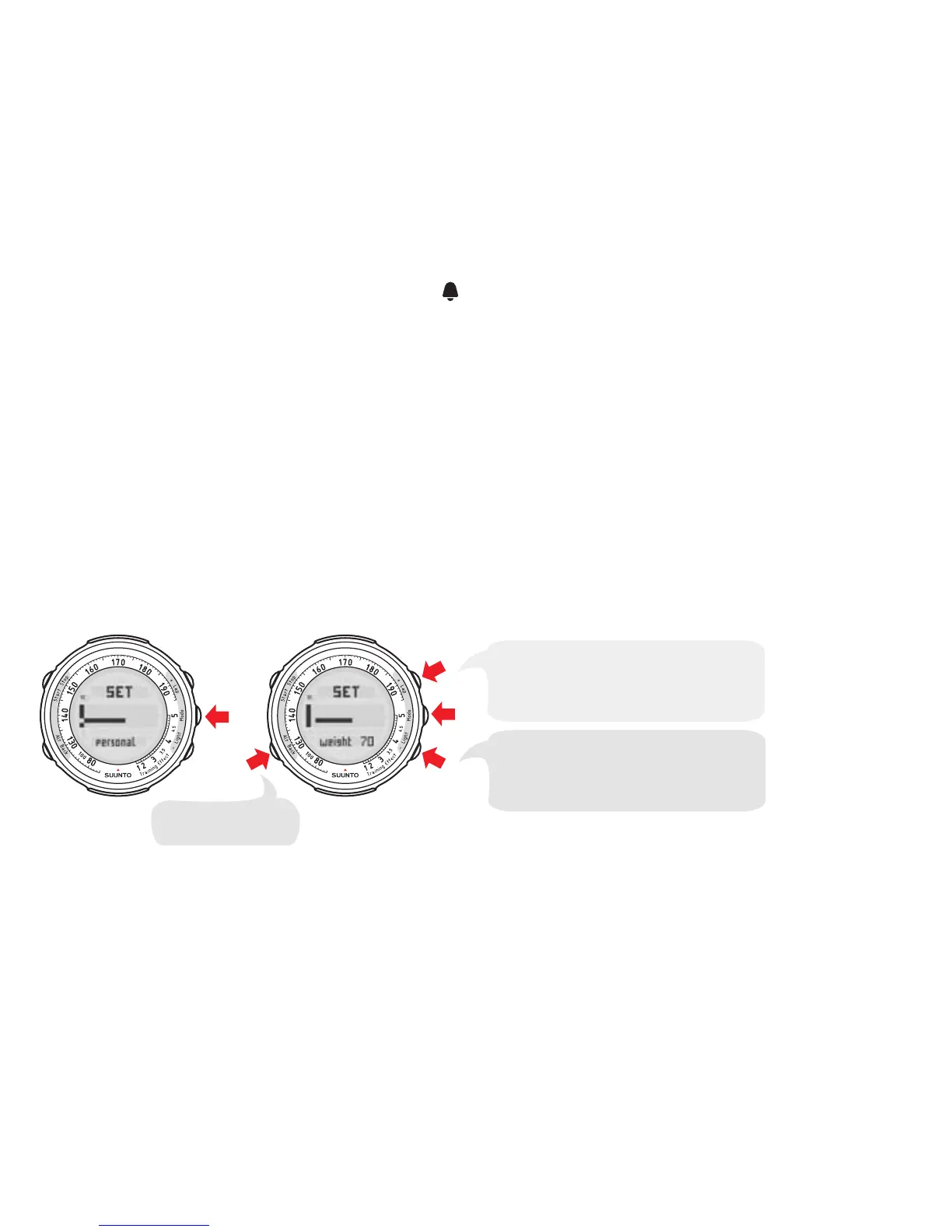
2.3.4. Personal settings
In the Personal menu, you can enter personal information such as your weight, height, activity
class, maximum heart rate, gender, and date of birth. Accept the settings with a short press of the
MODE button, which also moves you on to the next menu item.
Continue setting your height,
activity class, maximum heart rate,
sex and birth date.
Adjust the weight setting with
+ and – buttons. Accept
with MODE button.
Go back to the
previous set value.
NOTE
See the table in Section 2.2. Activity class (act class) for information on
activity class descriptions.
14



 To Next Page