1.2. Button symbols and functions
The buttons are named according to the functions they perform. However, in this user's guide the
names are simplified as shown in the table below.
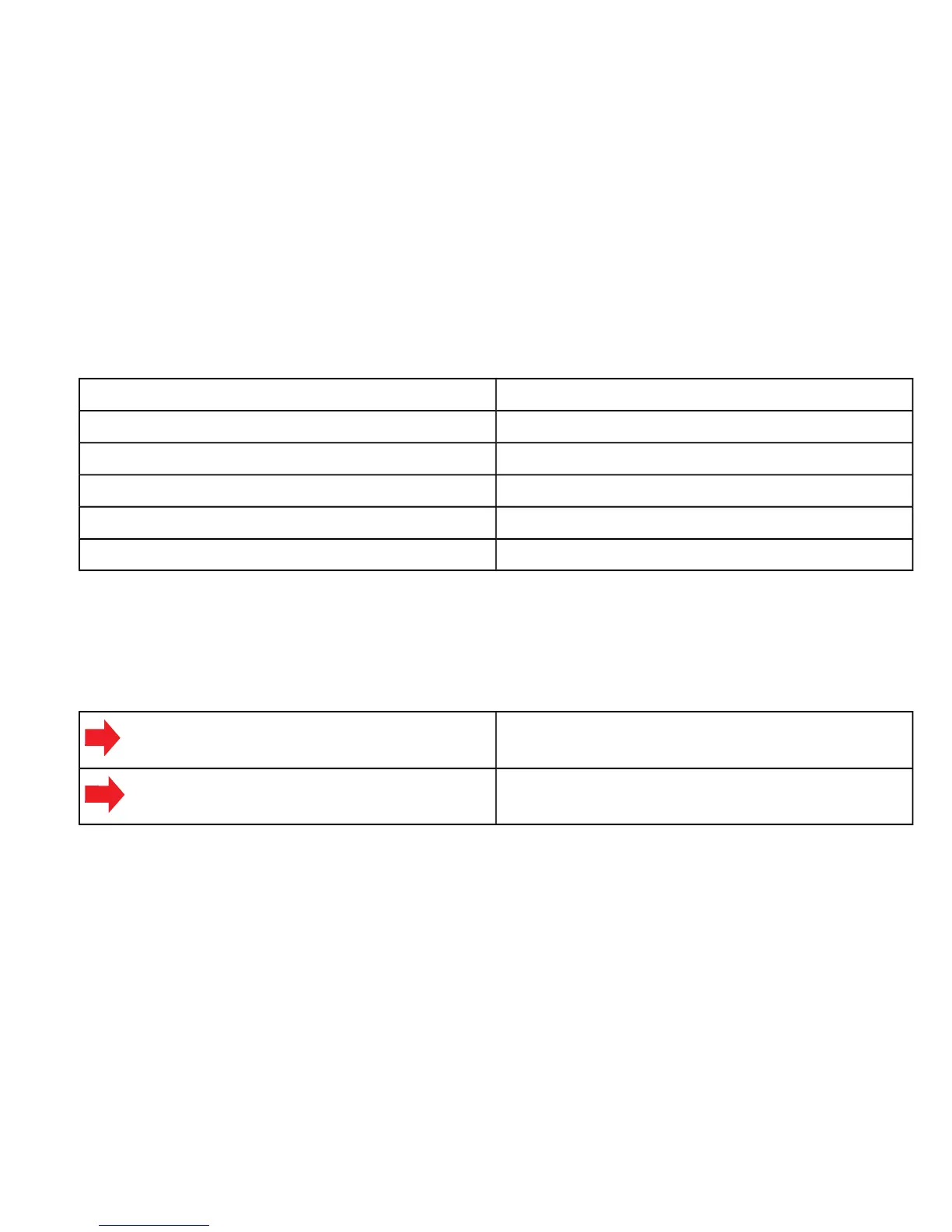
Name in User's GuideButton names on device
++ / Lap
MODEMode
-- / Light
BACKAlt / Back
STARTStart / Stop
In Totals and Logbook, small arrows on the screen indicate the buttons that you can navigate with.
The buttons' functions depend on the length of the press. A short press is less than 1 second, and
a long press is more than 2 seconds. Throughout this user's guide, the following symbols are used
to indicate short and long presses.
Short press
Long press
1.3. Button lock
You can lock and unlock the buttons in both Time and Training mode by long pressing the - button.
When the buttons are locked, you still have access to shortcuts and backlight.
7



 To Next Page