6 GENERAL FEATURES
6.1 Backlight
You activate the backlight by pressing [Light -]. The backlight turns off automatically.
If you want to use the backlight when changing settings, you need to activate it before
entering the settings. The backlight will re-activate whenever a button is pressed. This
feature will stay on until you exit the settings.
NOTE: Heavy use of the backlight significantly reduces battery life.
6.2 Button lock
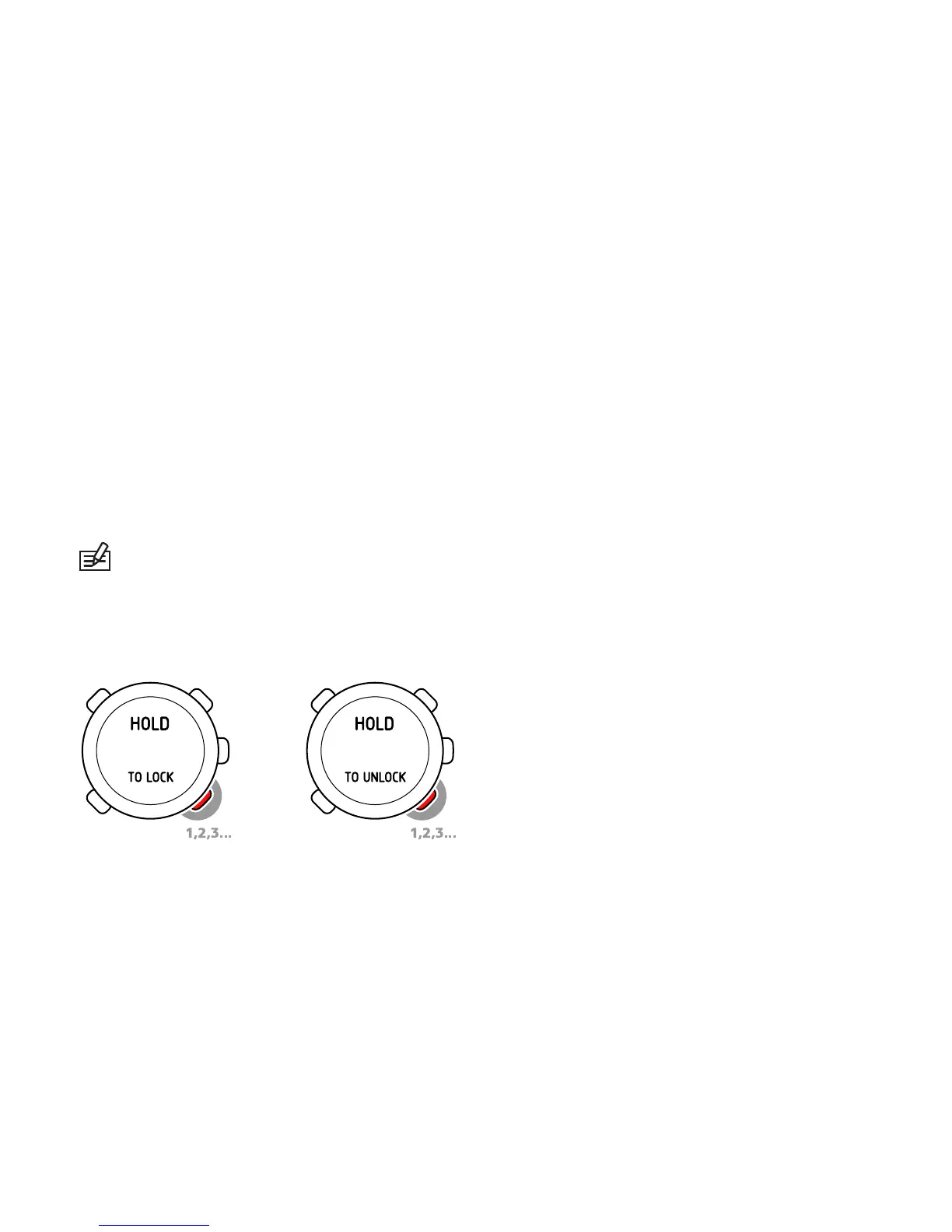
You can lock and unlock the buttons in any mode by keeping [Light -] pressed.
When the buttons are locked, you can still change views and turn on the backlight.
32



 To Next Page