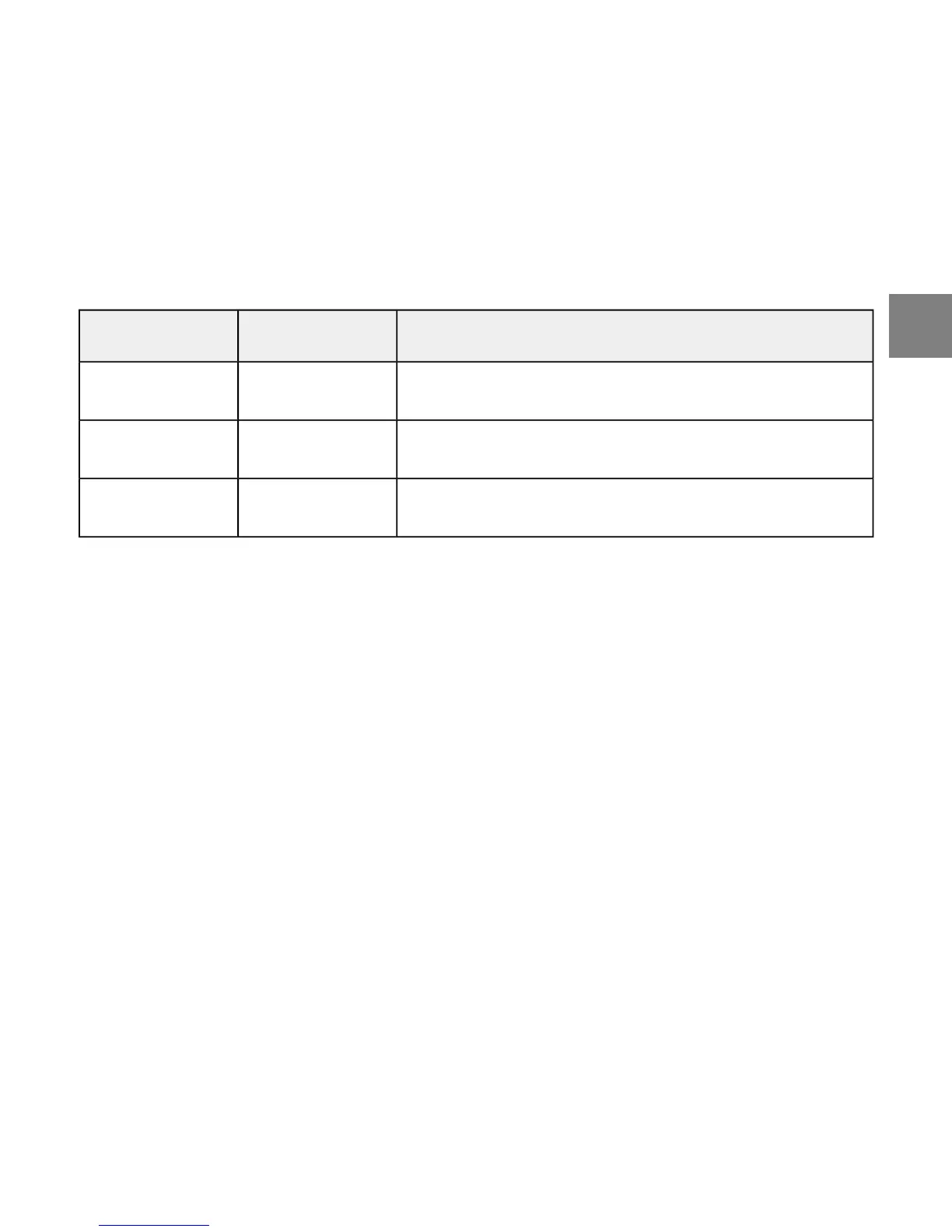
DescriptionValueSetting
Foot POD units: kilometers per hour, distance in
kilometers, miles per hour, or distance in miles
km/h , /km , mph
, /mi
Foot
Bike POD units: same options as Foot PODkm/h , /km , mph
, /mi
Bike
GPS POD units: same options as Foot PODkm/h , /km , mph
, /mi
Gps
To change GENERAL settings:
1. Enter the menu (SET) in any mode and scroll with [Lap +] until you reach GENERAL.
2. Enter the setting with [Mode] and set the value using [Lap +] and [Light -].
3. Accept the value and move to the next setting by pressing [Mode].
4. Repeat steps 2 and 3 as needed.
5. Press [Start Stop] to exit.
7
en



 To Next Page