42
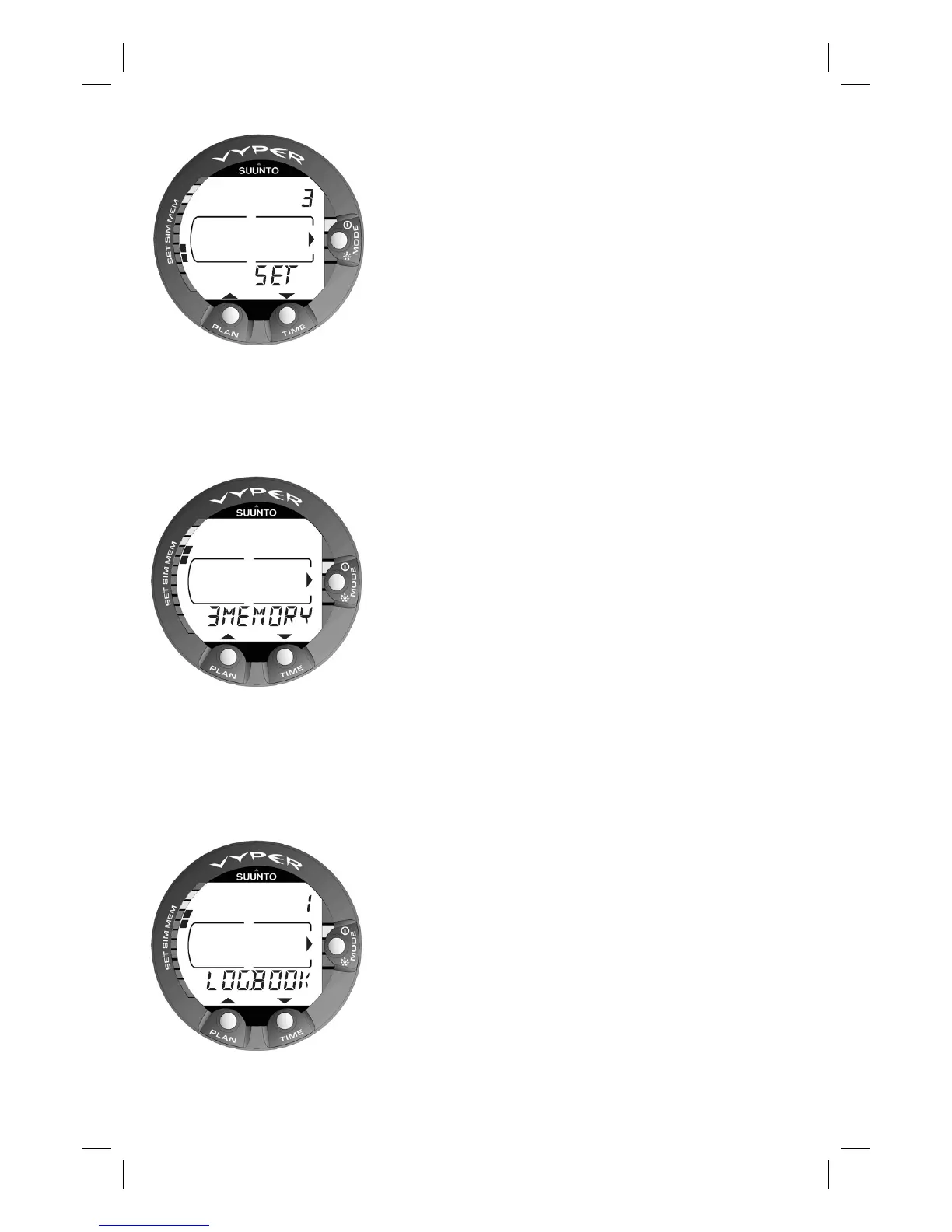
Fig. 4.4 Set option. [3 SET].
Fig. 4.5 Memory options.
[3 MEMORY].
Fig. 4.6 Logbook option.
[1 LOGBOOK].
SELECT
OPTIONS
QUIT
SELECT
THE LIST OF THE MENU BASED
MODES
1. MEMORIES AND DATA TRANSFER
[1 MEMORY]
1. Logbook and Dive Profi le Memory
[1 LOGBOOK]
2. Dive History Memory [2 HISTORY]
3. Data Transfer and PC-Interface [3 TR-PC]
2. SIMULATOR MODE [2 SIMUL]
1. Dive Simulator [1 SIM DIVE]
2. Dive Planning Simulator [2 SIM PLAN]
3. SET MODES [3 SET]
1. Dive Parameter Settings [1 SET DIVE]
1. Altitude Adjustment and Personal
Adjustment Mode Settings
[1 AdJ MODE]
2. Dive Time Alarm Setting [2 d ALARM]
3. Maximum Depth Alarm Setting
[3 MAX DPTH]
4. Nitrox/Oxygen Percentage Setting
[4 NITROX]
2. Setting Time [2 SET TIME]
1. Adjusting Time [1 AdJ TIME]
2. Adjusting Date [2 AdJ DATE]
3. Adjusting Daily Time Alarm Setting
[3 T ALARM]
3. Setting Preferences [3 SET PREF]
1. Backlight On Time Setting [1 LIGHT]
2. Dive Computer Model Setting
[2 MODEL]
NOTE! After diving, the Menu based modes can-
not be accessed until 5 minutes after the dive.



 To Next Page