26
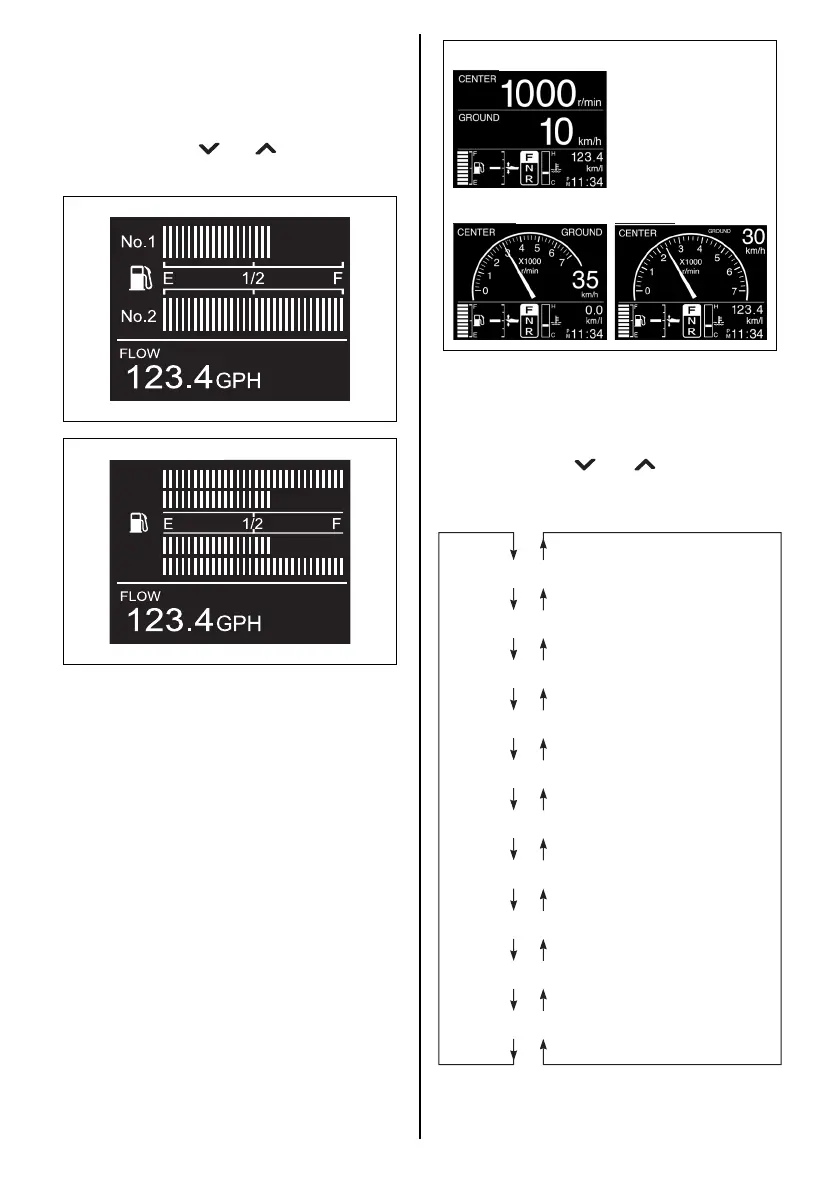
3. Fuel Information Display Screen
This screen indicates the remaining fuel lev-
els of each tank installed, along with sub
information.
The sub information display can be switched
by pressing the [ ] or [ ] buttons.
This screen indicates only in digital mode.
4. All Items Display Screen
This screen displays all the general indica-
tion items for this gauge.
This screen can be selected between digital,
analog1 and analog2 display. (Refer to the
MENU INFORMATION SELECTION sec-
tion)
No.3
No.4
No.1
No.2
SUB INFORMATION SELECTION
When the Engine Speed, Ground Speed/Fuel
Information or Fuel Information screen is dis-
played, press the [ ] or [ ] button to switch
the sub Information display in the following
sequence.
Digital
Analog1 Analog2
Total operating hours
Trip time
Trip distance
Battery voltage/Cooling water temperature
Instantaneous fuel flow
Instantaneous fuel economy
Average fuel economy
Total fuel used
Latitude/Longitude
Total Instantaneous fuel flow



 To Next Page