24
METER (OPTION)
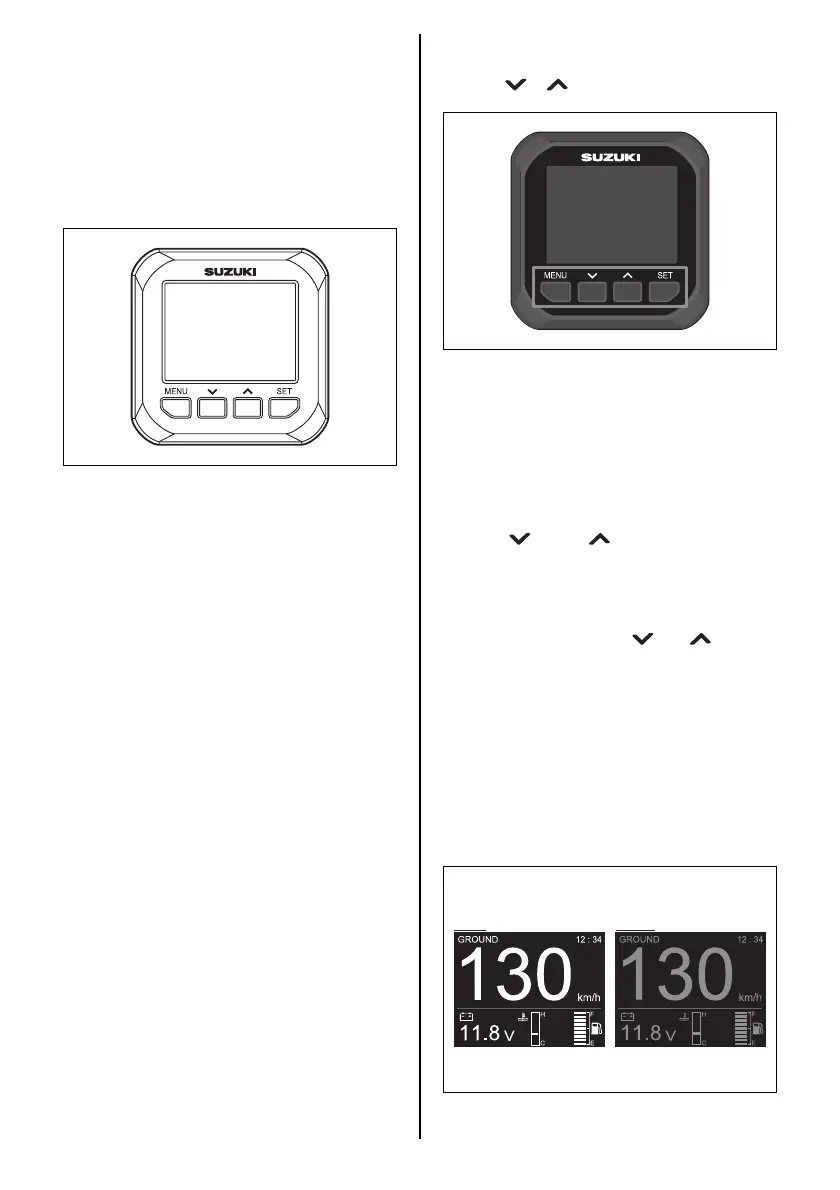
MULTI-FUNCTION GAUGE
This gauge is multifunctional gauge that dis-
plays the various information through digital
communication with the engine.
Information displayed are engine speed, shift
position, fuel level, fuel consumption, etc.
NOTE:
There is information that cannot be displayed
depending on the model and equipment.
NOTE:
Consult your authorized Suzuki marine dealer
for setting up the multi-function gauge.
NOTE:
For details the proper handling of the multi-
function gauge, refer to “OPERATION
INSTRUCTION MANUAL” packed in the gauge.
NOTE:
The navigation data on this gauge should be
used only for your reference. When exact navi-
gation information is required, use nautical
charts and/or accurate navigation instruments
together with the multi-function gauge.
BUTTON FUNCTIONS
The multi-function gauge has four buttons:
[MENU], [ ], [ ], and [SET].
The function of each button is as follows.
The [MENU] button gives you access to the
menu screen.
NOTE:
Pressing and holding the [MENU] button can
transfer the mode to the TROLL mode.
Use the [ ] and [ ] buttons to move the
selection cursor, select sub information, and
adjust information input.
NOTE:
Press and hold either the [ ] or [ ] button to
reset the trip time, trip distance, average fuel
consumption, and total fuel consumption in the
sub information simultaneously.
The [SET] button is used to decide the select-
able item.
NOTE:
Pressing and holding the [SET] button, can
change the illumination for the gauge screen to
that for the daytime or nighttime.



 To Next Page