33
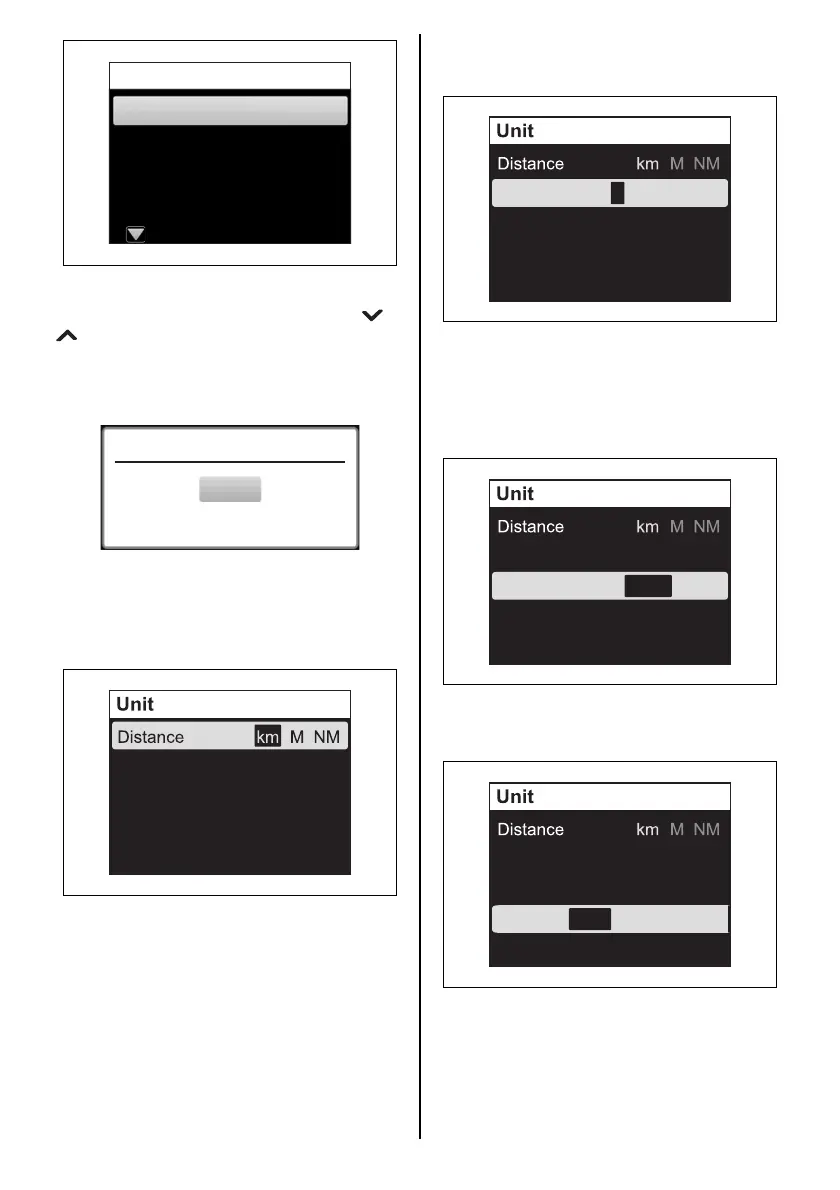
The confirmation message appears.
To change the display language, use the [ ] or
[ ] button to select “YES”, and press the
[SET] button. If you do not want to change the
language, select “NO”, and press the [SET] but-
ton.
Unit
Setting for the following units.
Distance: set the unit for distance.
Press the [SET] button to select the unit.
Français
Español
Deutsch
Italiano
Language
English
Speed Scale
LOW HIGH
L
G
(
US
)
G
(
IMP
)
Quantity
Econ D/Q Q/D I/100km
Quantity: set the unit for fuel quantity.
Press the [SET] button to select the unit.
Speed Scale: setting for the speed scale.
The setting of Speed Scale is reflected only on
the analog screen display.
Press the [SET] button to select the scale to be
indicated.
Econ: set the unit for fuel economy.
Press the [SET] button to select the unit.
Speed Scale
LOW HIGH
L
G
(
US
)
G
(
IMP
)
Quantity
Econ D/Q Q/D I/100km
Speed Scale
LOW HIGH
L
G
(
US
)
G
(
IMP
)
Quantity
Econ D/Q Q/D I/100km
Speed Scale
LOW HIGH
L
G
(
US
)
G
(
IMP
)
Quantity
Econ D/Q Q/D I/100km



 To Next Page