Quantum - Tool Recognition
Start using Quantum ToolRec
Doc-0001374, Rev B
Sida 20
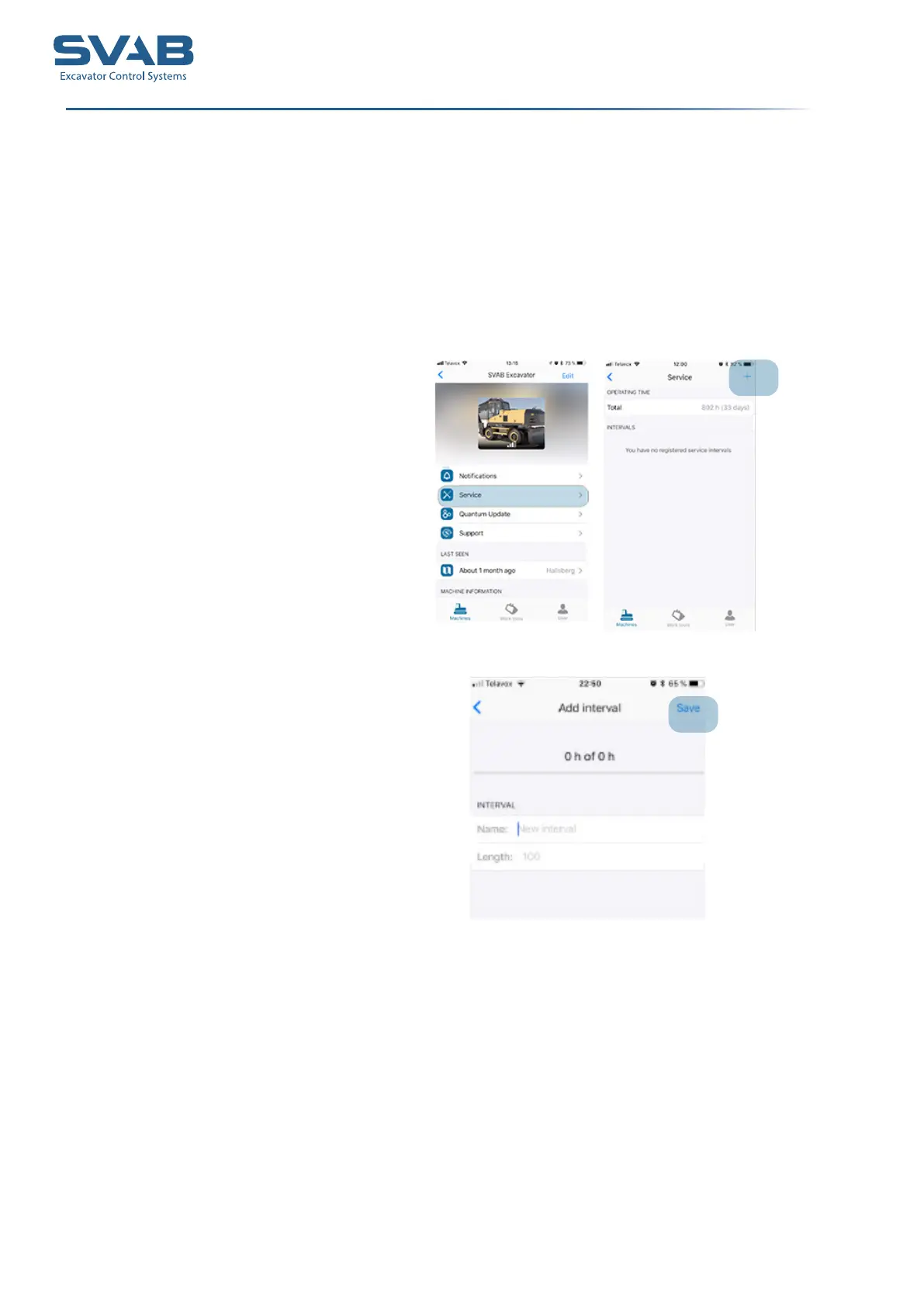
Under ”Service” you can enter service intervals and measures for your machine
or for your tool. These will end up under ”Notications” when it’s time to
perform a measure. You can also see the operating time for your machine or
tool.
1. Press the +-sign to create an activity.
2. Name the activity and the hours for the interval. Press ”Save”.
Service



 To Next Page