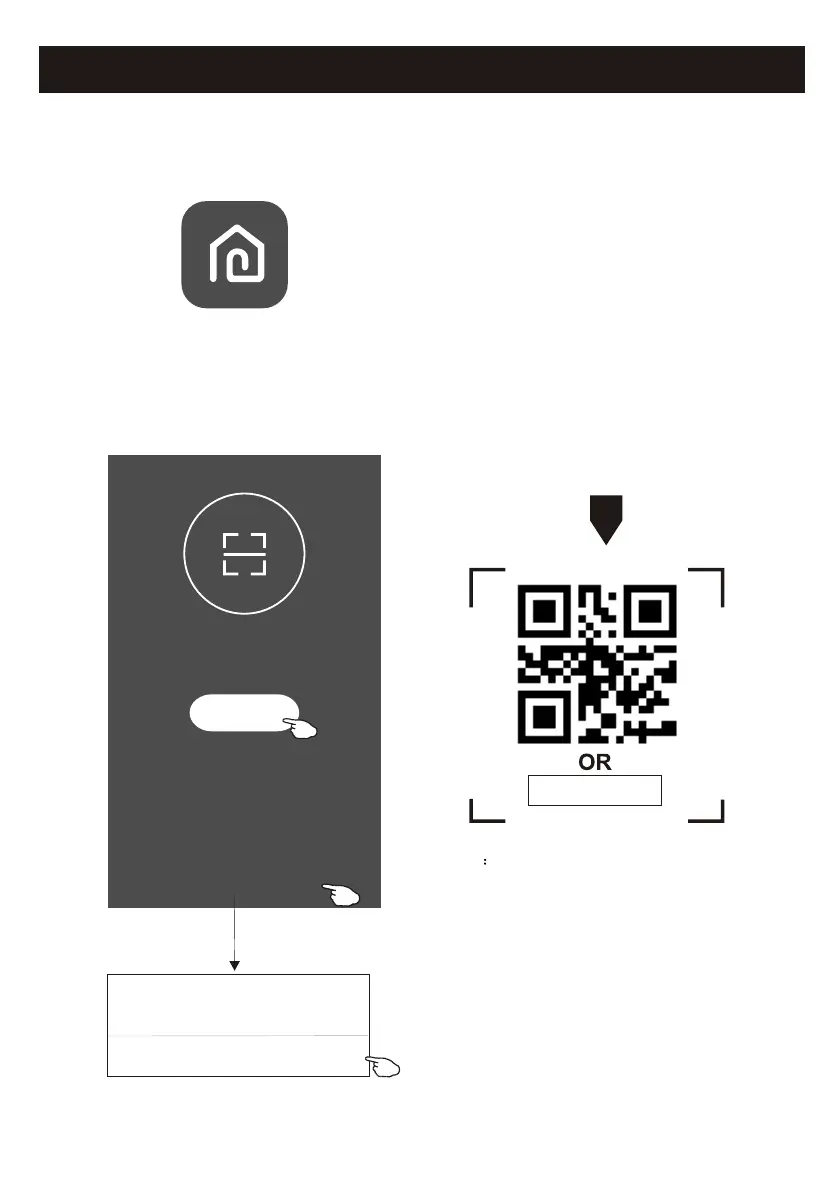
1. Launch the APP "SmartLife-SmartHome" on your smart phone.
3
Activate APP
2. Method1:Tap button "Scan" and scan the right Activate QR code
Method2: Tap "or Enter Activation Code" in bottom of the screen,
then enter the activate code and tap "CONFIRM".
Activate QR code and activation code
Note Without the QR code or activation code,
you can't active the APP and using it,
please keep them safe.
Scan
Scan the activation QR code
from instructions or device
or Enter Activation Code
or Enter Activation Code
CANCEL
CONFIRM
******
The first time the app is used, it will need activating.
SmartLife-SmartHome
SVAN


 To Next Page