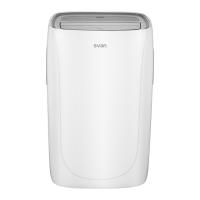
Air conditioner control
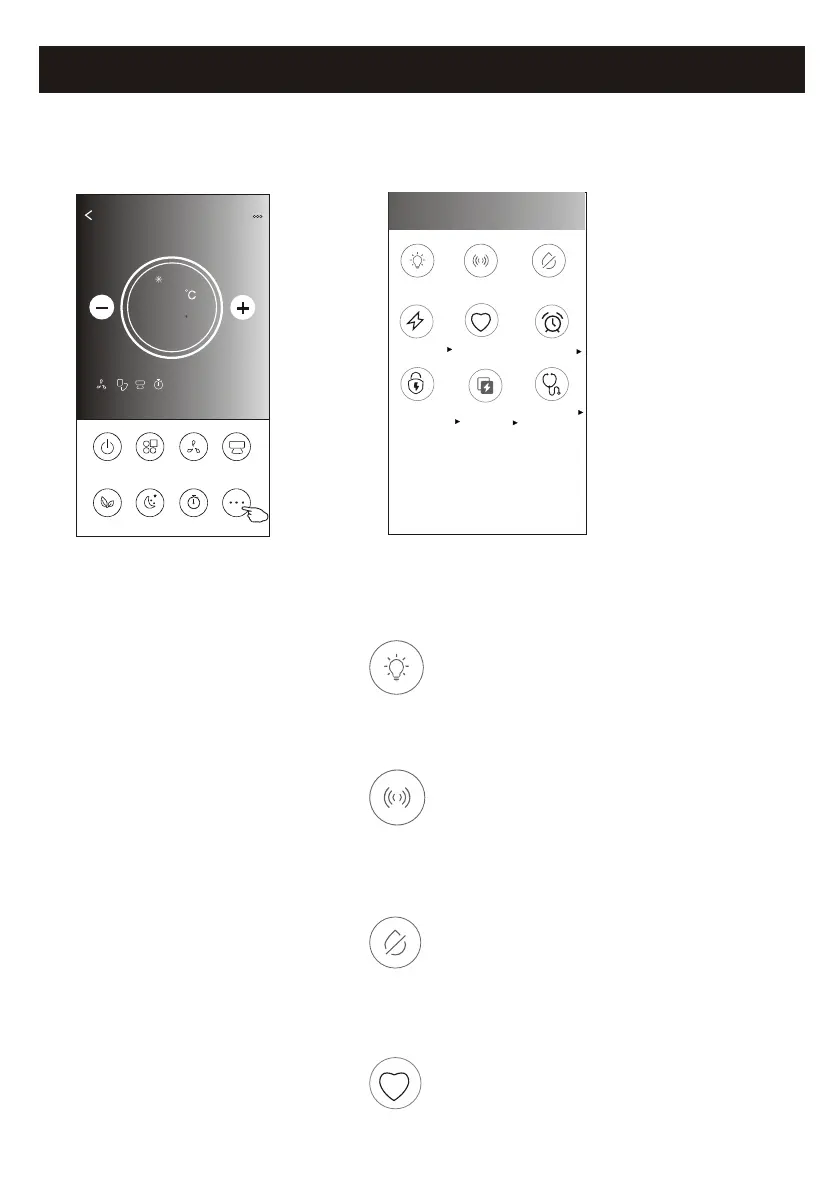
1.Tap the More button to operate additional functions if it appears on the screen.
ON/OFF
Fan Speed
Precision
Air Flow
More
Eco Sleep
Mode
Timer
Sample1
25
Cool
0
23
Note: The appearance maybe different , some icons
will be hidden if the air conditional do no have this
function or do not enable on the current mode.
< More
Buzzer
Anti-Mildew
Display
Health
Reservation
GEN Mode
Electricity
Monitoring
Self-diagnosis
Electricity
Management
2. Tap the to switch on/off the indoor LED display. "Display"
Display
3. Tap the to switch on/off the buzzing when operating through Wi-Fi APP."Buzzer"
Buzzer
Note:
Some air conditioner model
don't have the more button.
4. Tap the "Anti-Mildew" button to activate the Anti-Mildew function, if it is available on the screen.
After AC turning off , it will start drying , reduce residual moisture and prevent mould, after function
finish, it will automatically turn off.
Anti-Mildew
Health
5. Tap the "Health" button to switch on/off the healthy function, if it is available on the screen.
It activate the antibacterial ioniser function.This function only for models with the ioniser generator.
Control form2-More functions


 To Next Page