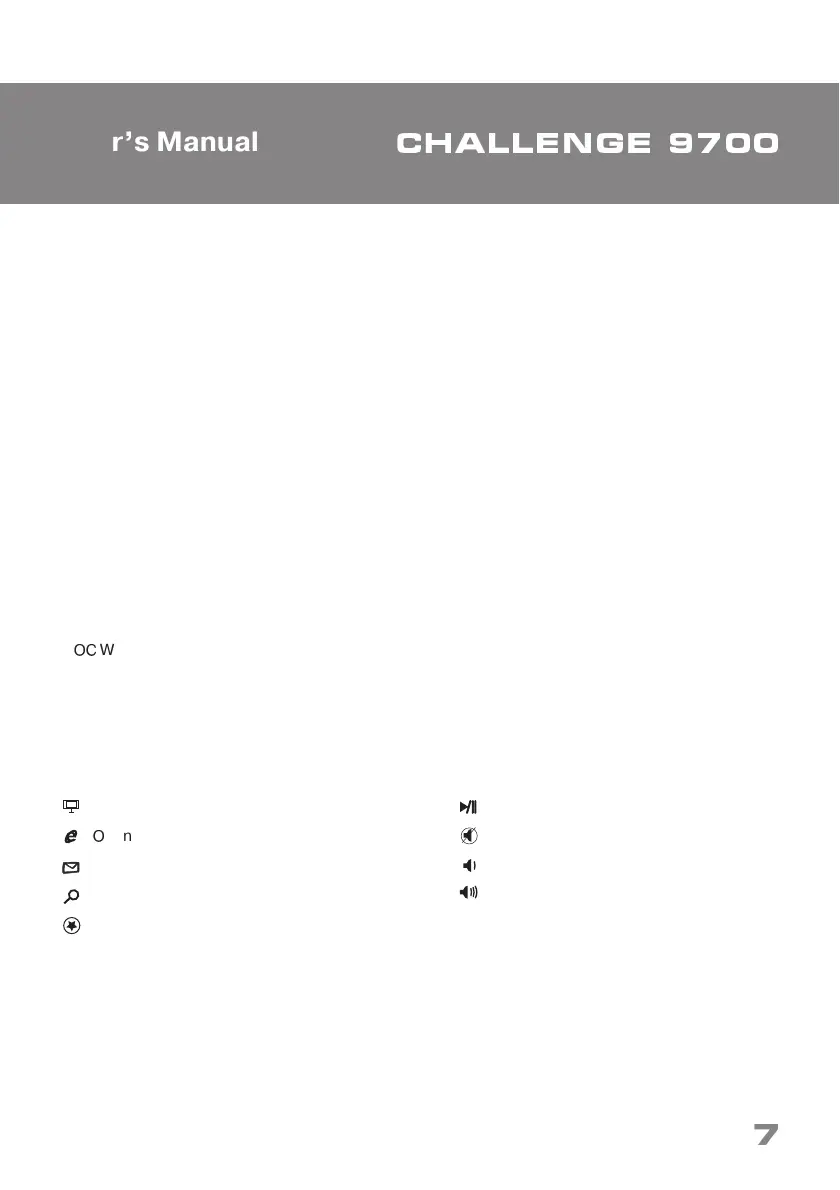
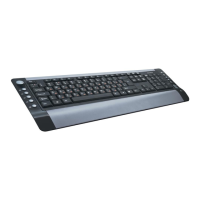
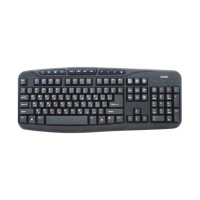
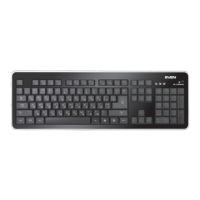
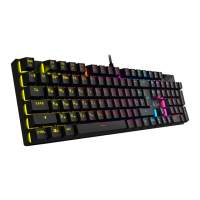
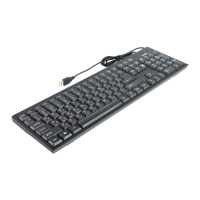
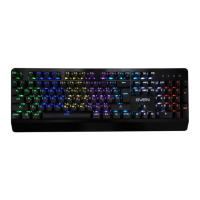
Congratulations on the purchase of Sven keyboard!
Please read this Operation Manual before using the unit and retain this operation manual in safe
place for future reference.
COPYRIGHT
© 2013. SVEN Company Ltd. Version 1.0 (V 1.0). This Manual and information contained in it are
copyrighted. All rights reserved.
TRADEMARKS
All trademarks are the property of their legal holders.
SPECIAL FEATURES
• Ergonomic design
• High-quality membrane
• Compatible with Windows XP/Vista/7/8
• USB Interface
• Comfortable soft keystroke
• 8 replacement keycaps for gaming included
• 9 shortcut buttons for Multimedia & Internet
SYSTEM REQUIREMENTS
•
✁
Windows XP/Vista/7/8 or up, Mac OS 10.4 or up, Linux
• Free USB port
INSTALLATION
• Connect the keyboard to an available USB port of your PC.
• Installation of the keyboard is automatic after its connection to a PC USB port.
DESCRIPTION OF SHORTCUT BUTTONS FUNCTIONS
Open My Computer
✁
pen home web page
Start e-mail program
Go to search page
Open My Favorites
Play/Pause
Mute
Volume down
Volume up
Technical support is on www.sven.fi
ENG
✼
❈✂✄☎☎✆✝✞✆ ✟✠✡✡
User’s Manual


 To Next Page