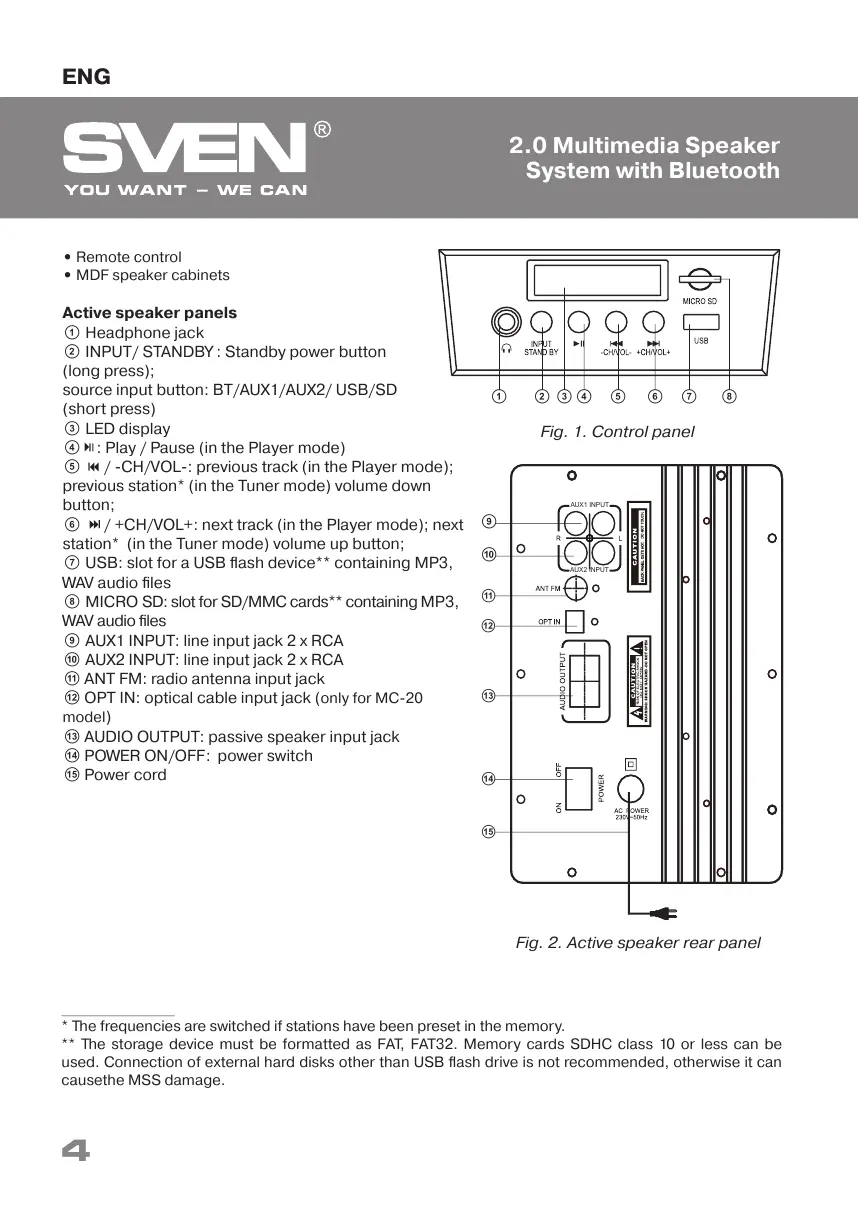
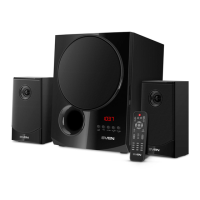
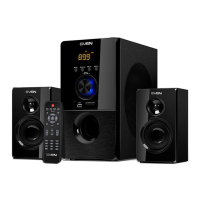
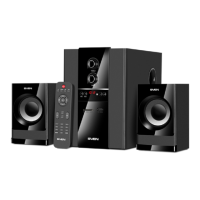
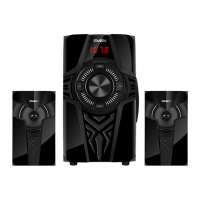
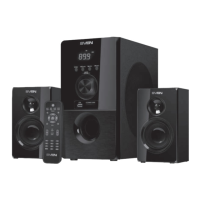
Fig. 1. Control panel
a b cd e
• Remote control
• MDF speaker cabinets
Active speaker panels
a Headphone jack
b INPUT/ STANDBY : Standby power button
(long press);
source input button: BT/AUX1/AUX2/ USB/SD
(short press)
c LED display
d : Play / Pause (in the Player mode)
e / -CH/VOL-: previous track (in the Player mode);
previous station* (in the Tuner mode) volume down
button;
f / +CH/VOL+: next track (in the Player mode); next
station* (in the Tuner mode) volume up button;
g USB: slot for a USB flash device** containing МР3,
WAV audio files
h MICRO SD: slot for SD/MMC cards** containing МР3,
WAV audio files
i AUX1 INPUT: line input jack 2 x RCA
j AUX2 INPUT: line input jack 2 x RCA
k ANT FM: radio antenna input jack
l OPT IN: optical cable input jack (
only for MC-20
model
)
m AUDIO OUTPUT: passive speaker input jack
n POWER ON/OFF: power switch
o Power cord
l
m
k
j
i
Fig. 2. Active speaker rear panel
AUX1 INPUT
AUX2 INPUT
n
o
f g h
* The frequencies are switched if stations have been preset in the memory.
** The storage device must be formatted as FAT, FAT32. Memory cards SDHC class 10 or less can be
used. Connection of external hard disks other than USB flash drive is not recommended, otherwise it can
causethe MSS damage.
4
ENG
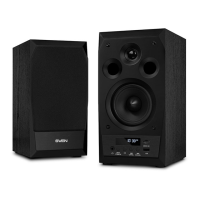
2.0 Multimedia Speaker
System
with Bluetooth


 To Next Page