EasyManua.ls Logo

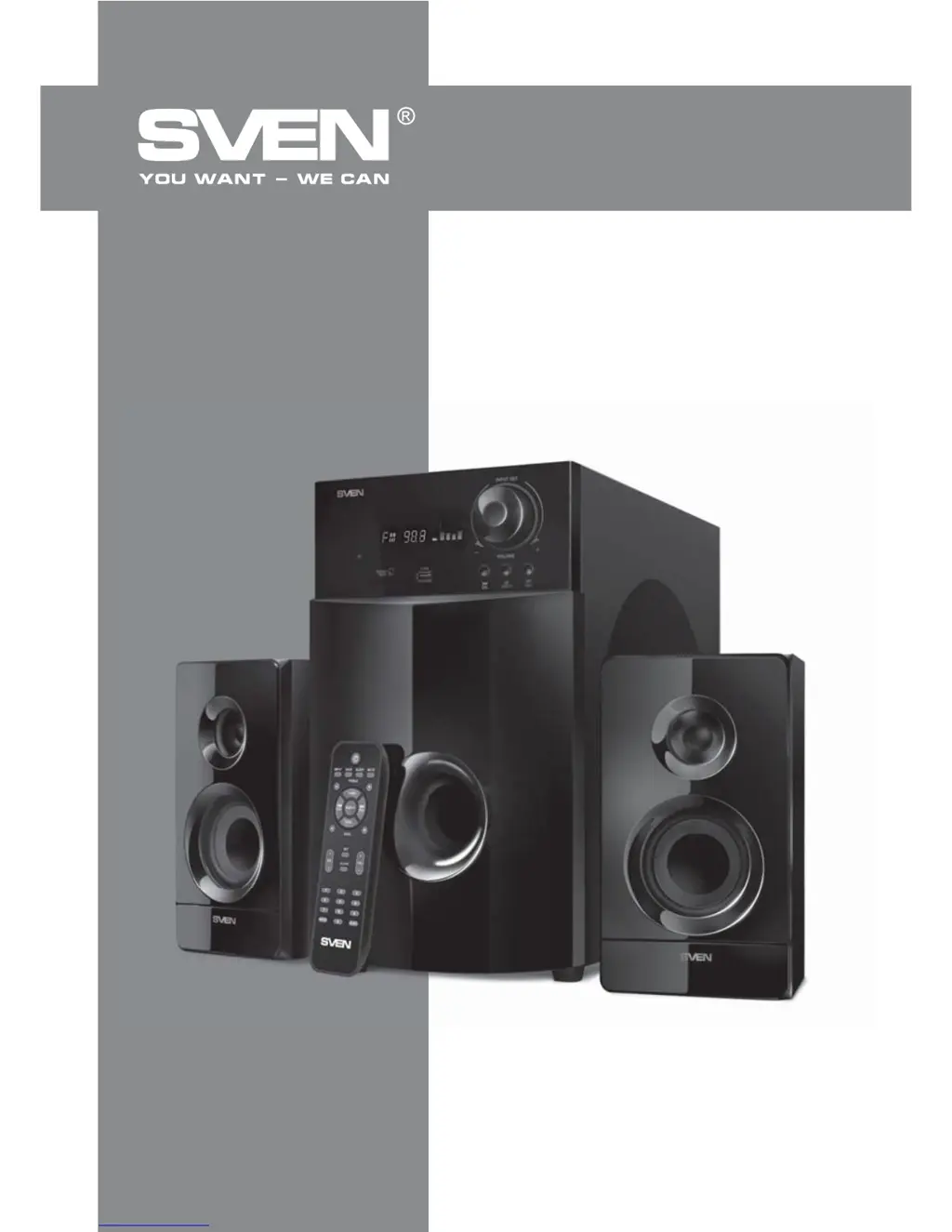
Sven MS-2100 - User Manual

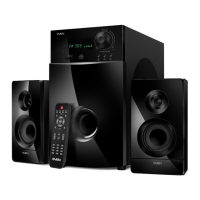
Sven MS-2100
10 pages
Print Icon
To Next Page IconTo Next Page
Loading...
www.sven.
OPERATION
MANUAL
MS-2100
2.1 Multimedia Speaker System

Questions and Answers

  • M
    Megan MclaughlinAug 10, 2025
    What to do if the Sven Speaker System remote control is not working?
    • J
      jonesjenniferAug 10, 2025
      If the remote control for your Sven Speaker System isn't working, the batteries may be discharged. Try replacing them with new ones.
  • A
    Amanda JonesAug 18, 2025
    What to do if there is no sound or the sound is too quiet on my Sven Speaker System?
    • B
      Brandon ThomasAug 18, 2025
      If you're experiencing no sound or very quiet sound from your Sven Speaker System, there are a couple of things to check: * First, make sure the volume level isn't set to the minimum. Adjust the volume control knob to increase the sound. * Second, verify that your audio source is properly connected. Incorrect connections can lead to sound issues, so ensure everything is plugged in correctly.
  • C
    Catherine SmithAug 26, 2025
    Why my Sven Speaker System does not turn on?
    • J
      Jason PetersAug 26, 2025
      If your Sven Speaker System doesn't turn on, there are a couple of things to check: * First, ensure that the speaker system is properly connected to a mains outlet. * Second, verify that the power switch is turned on.
  • J
    Julia FarmerSep 2, 2025
    How to fix sound distortion on Sven Speaker System?
    • A
      Ashley CarneySep 2, 2025
      Sound distortion in your Sven Speaker System is usually caused by a large amplitude of the input signal. To resolve this, turn down the source volume and the MSS volume.

Summary

Buyer Recommendations

Package Contents

Safety Precautions

Technical Description

Preparation and Operation

Speaker placement

Guidance on positioning speakers and the subwoofer for optimal sound.

Installation and operation

Steps for connecting the system and initial power-on procedures.

Operation Modes

Player Mode

How to play audio files from USB or SD card devices.

Tuner Mode

Instructions for using the built-in FM radio tuner.

AUX;PC Mode

Connecting and using external audio sources via AUX or PC inputs.

Clock Mode

Setting and viewing the current time on the system display.

ST-BY Mode

How to enter and exit the standby mode.

MUTE Mode

Activating and deactivating the sound mute function.

Troubleshooting

Technical Specifications

Sven MS-2100 Specifications

General IconGeneral
Subwoofer Power12W (RMS)
Satellite Power4W (RMS) per satellite
Signal-to-Noise Ratio≥ 75 dB
Input Sensitivity500 mV
Type2.1
Frequency Response40Hz - 20kHz
Frequency range40Hz - 20kHz
Power supply~220 V / 50 Hz
MaterialWood (MDF)

Related product manuals