EasyManua.ls Logo

Sven MS-2085 - User Manual

Sven MS-2085
9 pages
Print Icon
To Next Page IconTo Next Page
Loading...
www.sven.fi
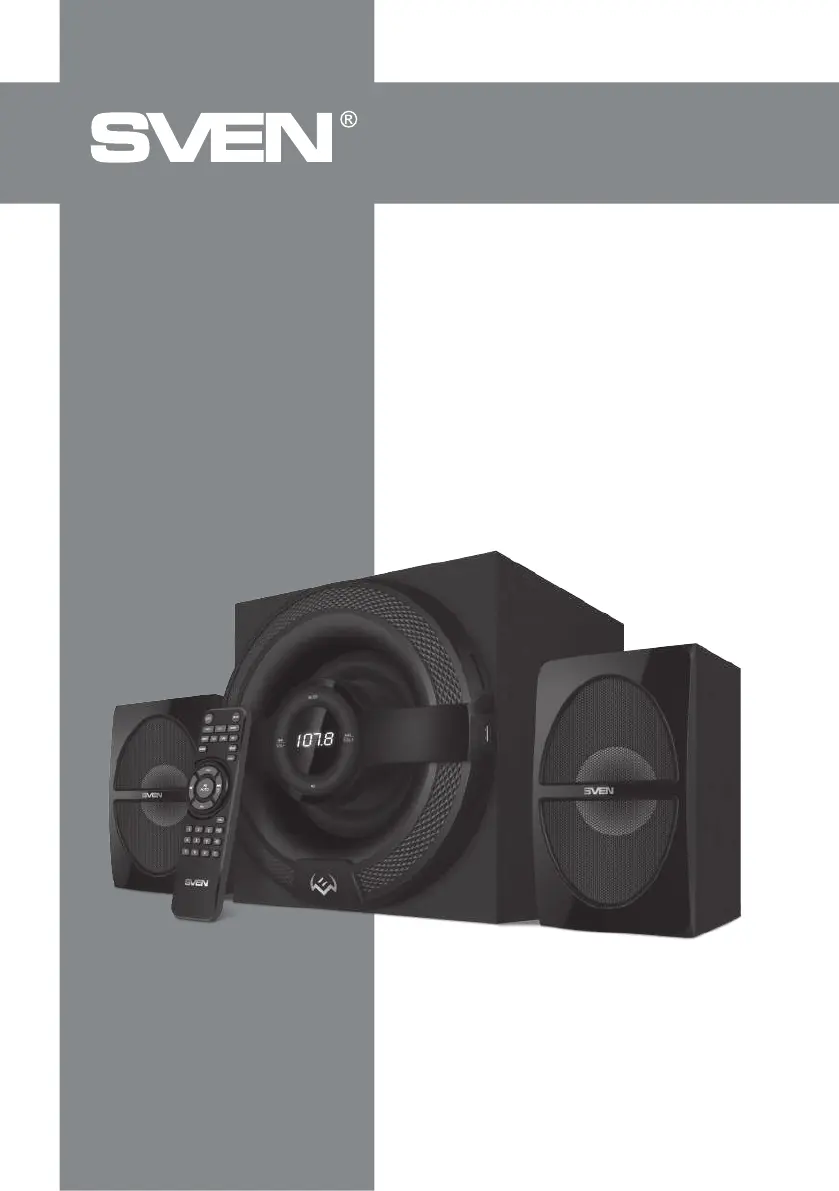
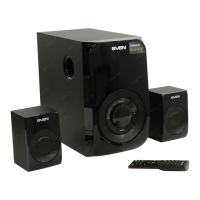
2.1 Multimedia Speaker System
mS-2085
OPERATION
MANUAL

Questions and Answers

  • T
    Tina HoltAug 11, 2025
    What to do if the Sven Speaker System remote control is not working?
    • J
      Jimmy RobinsonAug 11, 2025
      If the remote control for your Sven Speaker System isn't working, the batteries may be discharged. Try replacing them with new ones.
  • J
    Jessica LaraAug 19, 2025
    What to do if there is no sound or the sound is too quiet on my Sven Speaker System?
    • B
      Brandi CarterAug 19, 2025
      If you're experiencing no sound or very quiet sound from your Sven Speaker System, there are a couple of things to check: * First, make sure the volume level isn't set to the minimum. Adjust the volume control knob to increase the sound. * Second, verify that your audio source is properly connected. Incorrect connections can lead to sound issues, so ensure everything is plugged in correctly.
  • N
    Nathan SmithAug 27, 2025
    Why my Sven MS-2085 does not turn on?
    • B
      Barry GonzalezAug 27, 2025
      If your Sven Speaker System doesn't turn on, there are a couple of things to check: * First, ensure that the speaker system is properly connected to a mains outlet. * Second, verify that the power switch is turned on.
  • J
    Jacob HowellSep 2, 2025
    How to fix sound distortion on Sven MS-2085 Speaker System?
    • V
      Vincent CraneSep 2, 2025
      Sound distortion in your Sven Speaker System is usually caused by a large amplitude of the input signal. To resolve this, turn down the source volume and the MSS volume.

Sven MS-2085 Specifications

General IconGeneral
Frequency Response100Hz - 18kHz
Impedance4 Ohm
InputRCA, 3.5 mm AUX
Type2.1 Speaker System
Signal-to-Noise Ratio≥ 75 dB

Related product manuals