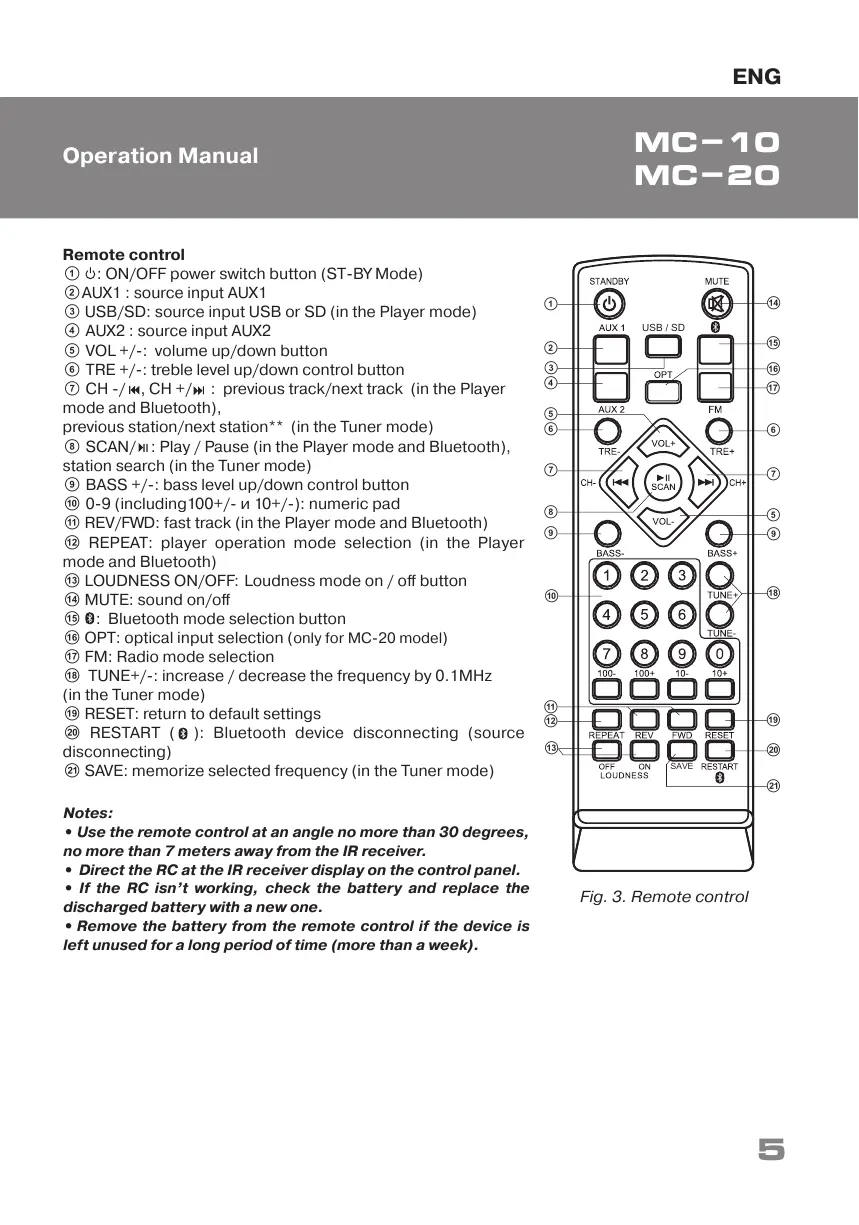
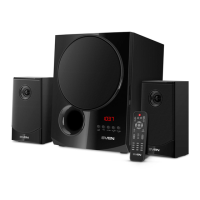
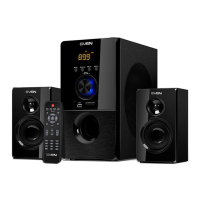
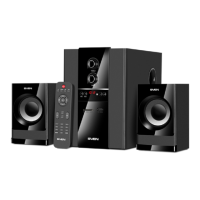
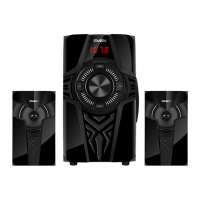
Remote control
a : ON/OFF power switch button (ST-BY Mode)
bAUX1 : source input AUX1
c USB/SD: source input USB or SD (in the Player mode)
d AUX2 : source input AUX2
e VOL +/-: volume up/down button
f TRE +/-: treble level up/down control button
g CH -/ , CH +/ : previous track/next track (in the Player
mode and Bluetooth),
previous station/next station** (in the Tuner mode)
h SCAN/ : Play / Pause (in the Player mode and Bluetooth),
station search (in the Tuner mode)
i BASS +/-: bass level up/down control button
j 0-9 (including100+/- и 10+/-): numeric pad
k REV/FWD: fast track (in the Player mode and Bluetooth)
l REPEAT: player operation mode selection (in the Player
mode and Bluetooth)
m LOUDNESS ON/OFF: Loudness mode on / off button
n MUTE: sound on/off
o : Bluetooth mode selection button
p OPT: optical input selection (
only for MC-20 model)
q FM: Radio mode selection
r TUNE+/-: increase / decrease the frequency by 0.1MHz
(in the Tuner mode)
s RESET: return to default settings
t RESTART ( ): Bluetooth device disconnecting (source
disconnecting)
u SAVE: memorize selected frequency (in the Tuner mode)
Fig. 3. Remote control
f
h
b
a
e
d
g
i
USB / SD
SAVE
c
j
k
l
m
q
u
t
s
r
i
g
f
p
o
n
e
Notes:
• Use the remote control at an angle no more than 30 degrees,
no more than 7 meters away from the IR receiver.
• Direct the RC at the IR receiver display on the control panel.
• If the RC isn’t working, check the battery and replace the
discharged battery with a new one.
• Remove the battery from the remote control if the device is
left unused for a long period of time (more than a week).
5
ENG
Operation Manual
MC-10
MC-20


 To Next Page