ENG
3
Operation Manual
MS-2100
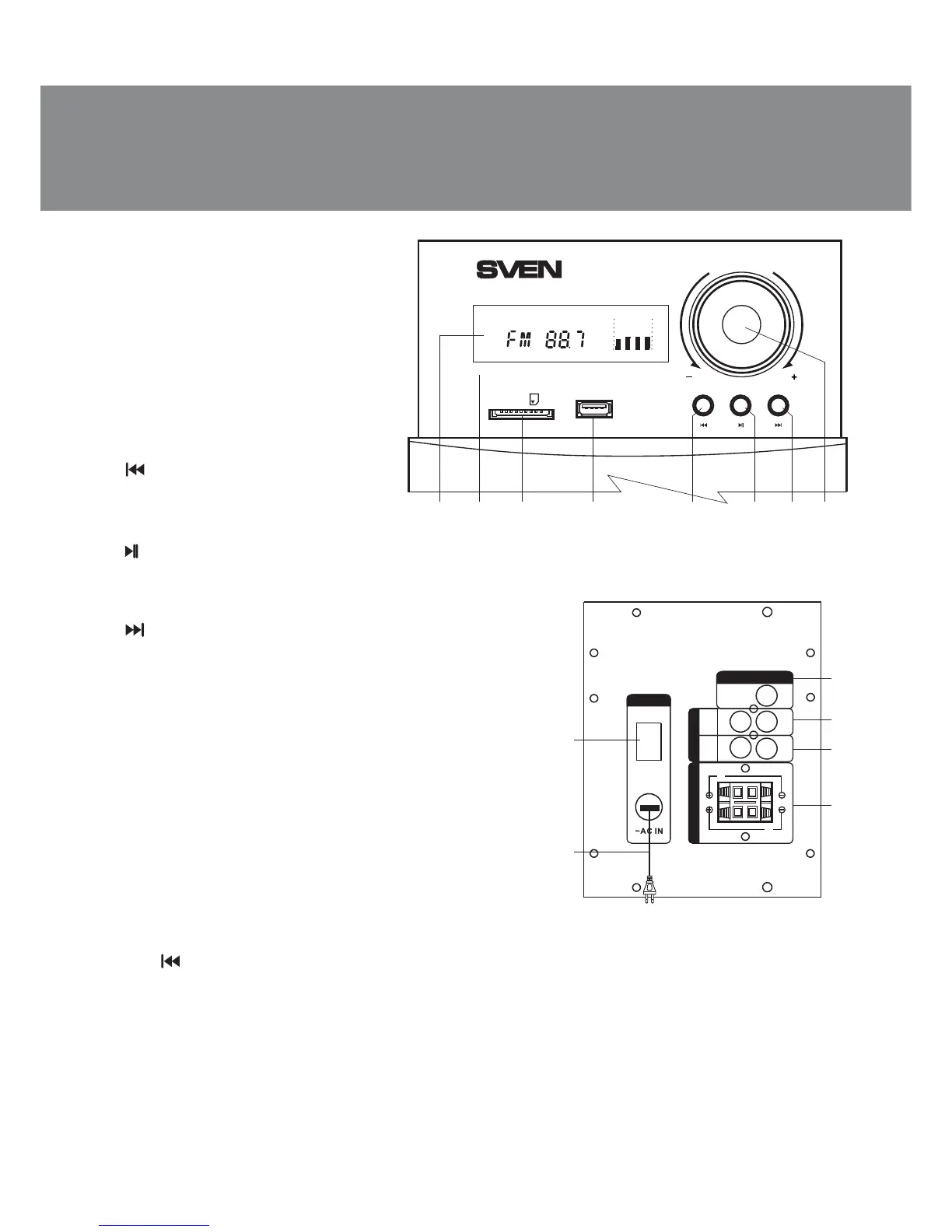
Fig. 2. Subwoofer rear panel
a b c d e
VOLUME
INPUT SET
CH-
IR
SD/MMC
CARD
USB
CH+AUTO
MHz
FM AUTO SLEEP
kHz
f g h
• StandBy, Mute and Sleep modes
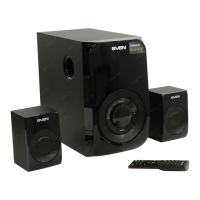
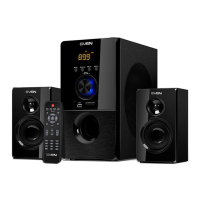
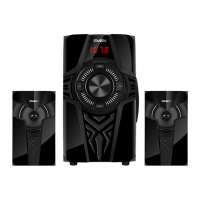
• Wooden (MDF) cabinets of the sub-
woofer and satellites
Subwoofer control panels
a VFD display
b IR: infrared receiver
c SD/MMC CARD: slot for SD/MMC
cards* containing МР3 audio files
d USB: slot for a USB flash device*
containing МР3 audio files
e / СН+-: previous track (pressed
short in the Player mode);
previous station** (pressed short in the
Tuner mode)
f /AUTO: Play/Pause (pressed short
in the Player mode);
Start/Stop auto scan (pressed short in the Tuner mode);
volume control (knob rotation to the right or the left)
g /СН+: next track (pressed short in the Player mode);
next station** (pressed short in the Tuner mode)
h INPUT/VOLUME -/+: the MSS switching on (the knob
rotation left-to-right from OFF mode) and volume control;
the MSS switching off (pressed long);
PC/AUX/FM/MP3 mode switch (pressed short)
i ON/OFF: power switch
j Power cord
k RADIO ANT: radio antenna input jack
l PC AUDIO INPUT: PC input jack
m AUX AUDIO INPUT: line input jack
n AUDIO OUTPUT: satellite output terminals
Remote control (see Fig. 3)
a INPUT: the MSS mode selection
b TREBLE-/+: treble level up/down
c TUNE+/-: manual band scanning (in the Tuner mode)
d CH-/ : previous track (pressed short in the Player mode*)
previous station** (pressed short in the Tuner mode)
e BASS-/+: bass level up/down
f SW+/-: subwoofer volume control
g 0-9: numeric pad
h REPEAT: player operation mode selection
i RESET: return to default settings
j CLOCK: current time display
FM
ANT
k
l
m
n
j
i
AUX
PC
R
R
L
L
OFF
ON
AUDIO OUTPUT
RA DIO A NT
A
U
DIO IN
P
UT
R
L
POWER SWITCH
Fig. 1. Subwoofer control panel


 To Next Page