ENG
6
Uninterruptible
Power Supply
6. MAIN FUNCTIONS
• If there is no electric power supply in themains,
the UPS is powered withabattery, while thede-
vice connected to the PC produces an audio alarm
every few seconds for a minute.
• When the battery is running down, the UPS
starts to produce an audio alarm every 2 sec-
onds.
• When the battery has fully run down, there
isa long audio alarm after which the UPS auto-
matically switches o.
• When electric power supply restores inthemains,
the UPS automatically switches on. Then the bat-
tery should be charged for at least 12 hours.
7. CONNECTION AND OPERATION
• Place the UPS in an appropriate position with
proper ventilation (free space around theUPS
must be not less than 25 cm).
• Connect the devices to the UPS.
Turn on/off the UPS
• Connect the UPS. LED/LCD-display turns on.
No need to turn on the UPS with the button
(inmodels with LCD-display), — “autostart” func-
tion will launch it automatically. Turn on the UPS
with the button d (inmodels withLED-display),
in conrmation a short beep will sound.
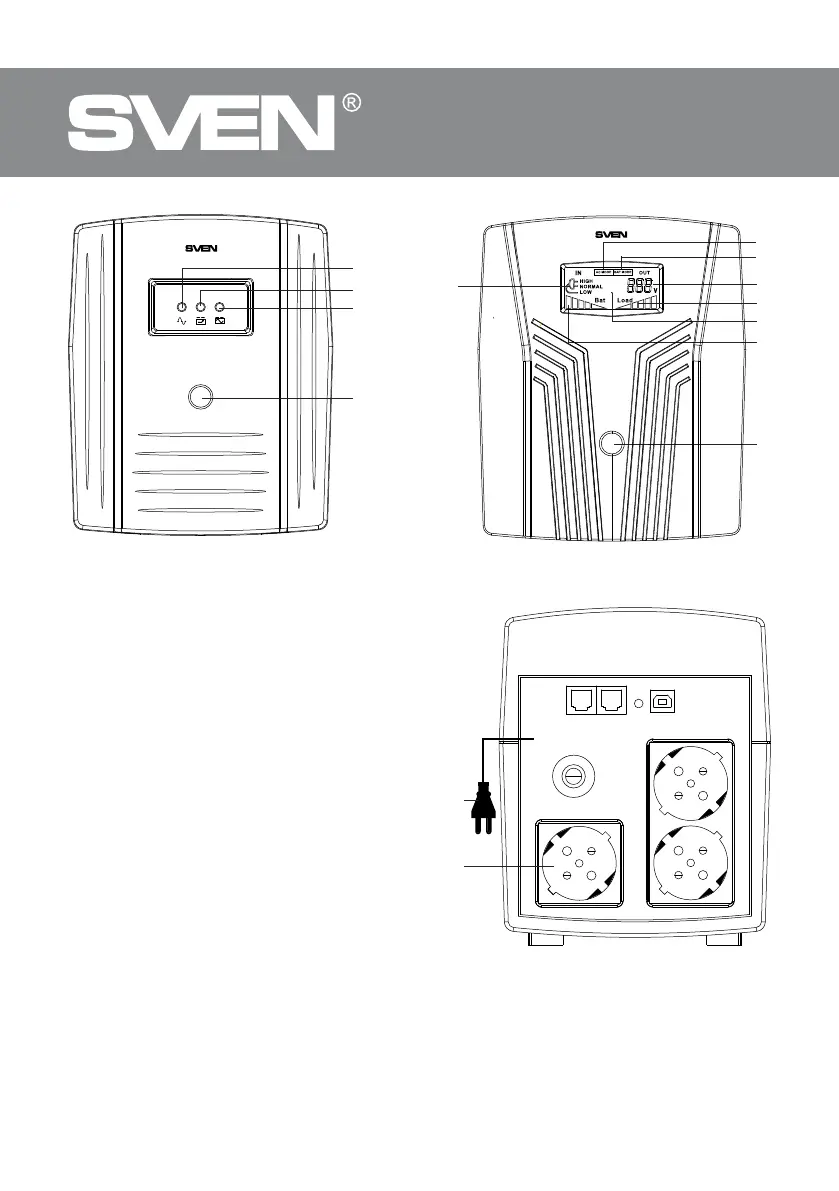
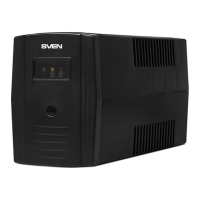
Pro 1000 (USB) UPS Front Panel
Pro1500 (LCD, USB)
UPS Front Panel with LCD display
Pro 1000 (USB)/Pro1500 (LCD, USB)
UPS Rear Panel


 To Next Page