ENG
4
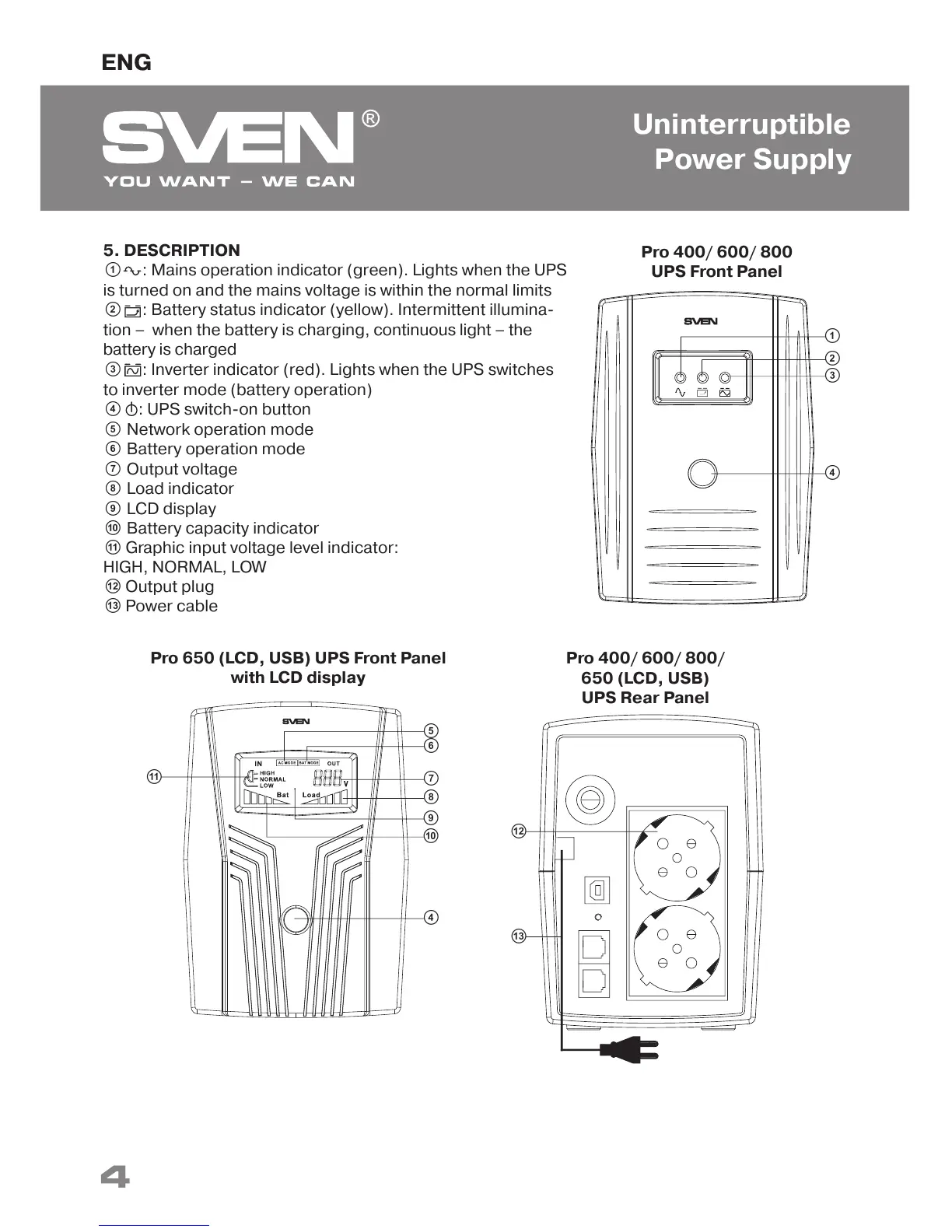
5. DESCRIPTION
a : Mains operation indicator (green). Lights when the UPS
is turned on and the mains voltage is within the normal limits
b : Battery status indicator (yellow). Intermittent illumina-
tion – when the battery is charging, continuous light – the
battery is charged
c : Inverter indicator (red). Lights when the UPS switches
to inverter mode (battery operation)
d : UPS switch-on button
e Network operation mode
f Battery operation mode
g Output voltage
h Load indicator
i LCD display
j Battery capacity indicator
k Graphic input voltage level indicator:
HIGH, NORMAL, LOW
l Output plug
m Power cable
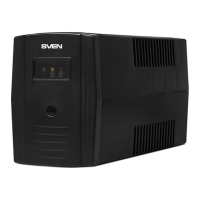
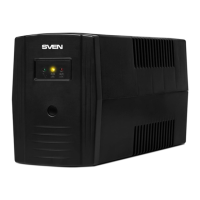
Pro 400/ 600/ 800
UPS Front Panel
c
d
b
a
Pro 650 (LCD, USB) UPS Front Panel
with LCD display
g
d
f
e
j
i
h
Pro 400/ 600/ 800/
650 (LCD, USB)
UPS Rear Panel
l
m
k
Uninterruptible
Power Supply



 To Next Page