EasyManua.ls Logo

Sven RX-150 - User Manual

Sven RX-150
5 pages
Print Icon
To Next Page IconTo Next Page
Loading...
www.sven.
USER’S MANUAL
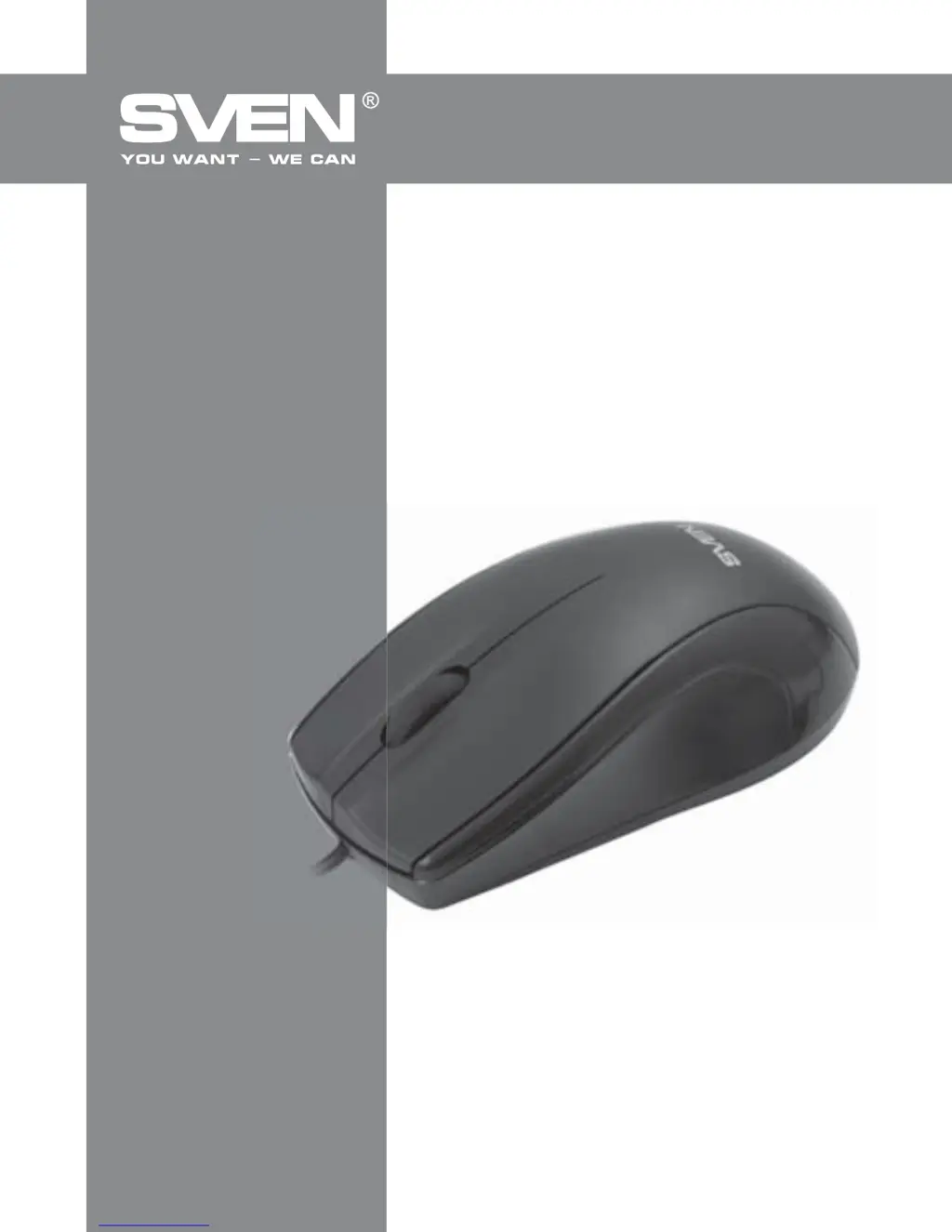
Wired Optical Mouse
RX-150
USB+PS2

Questions and Answers

Summary

Safety Precautions

Handling and Cleaning

Protect from humidity, dust, high temperatures, and mechanical actions. Clean with a soft cloth; avoid dissolvents.

Device Integrity

Do not open the device or attempt to repair it on your own.

Package Contents

Included Items

Includes the wired optical mouse, User's Manual, and Warranty card.

Special Features

Optical Technology

Features high-precision optical technology for operation on virtually any surface.

Ergonomics and Interface

Symmetric form, rubber scroll wheel, suitable for left-handers, USB or PS/2 interface, Plug&Play technology.

System Requirements

Operating System Support

Compatible with Windows XP, Vista, 7, and 8 operating systems.

Port Requirements

Requires a free USB or PS/2 port for connection.

Connection and Installation

Connecting the Mouse

Connect the mouse to an available USB port on your PC.

Automatic Installation

Turn on your PC; the mouse will be installed automatically. Features a scroll wheel with a third button.

Troubleshooting

Mouse Not Working

Disconnect, check pins, reconnect. If unresolved, contact an authorized service center.

Technical Specifications

Key Specifications

OS: Win XP/Vista/7/8. Type: optical. Resolution: 800 dpi. Buttons: 2+1. Interface: USB/PS2. Compliance: FCC, CE.

Sven RX-150 Specifications

General IconGeneral
TypeWired
SensorOptical
DPI1000
Buttons3
ConnectionUSB
Cable length1.5 m
Scroll wheelYes

Related product manuals