EasyManua.ls Logo

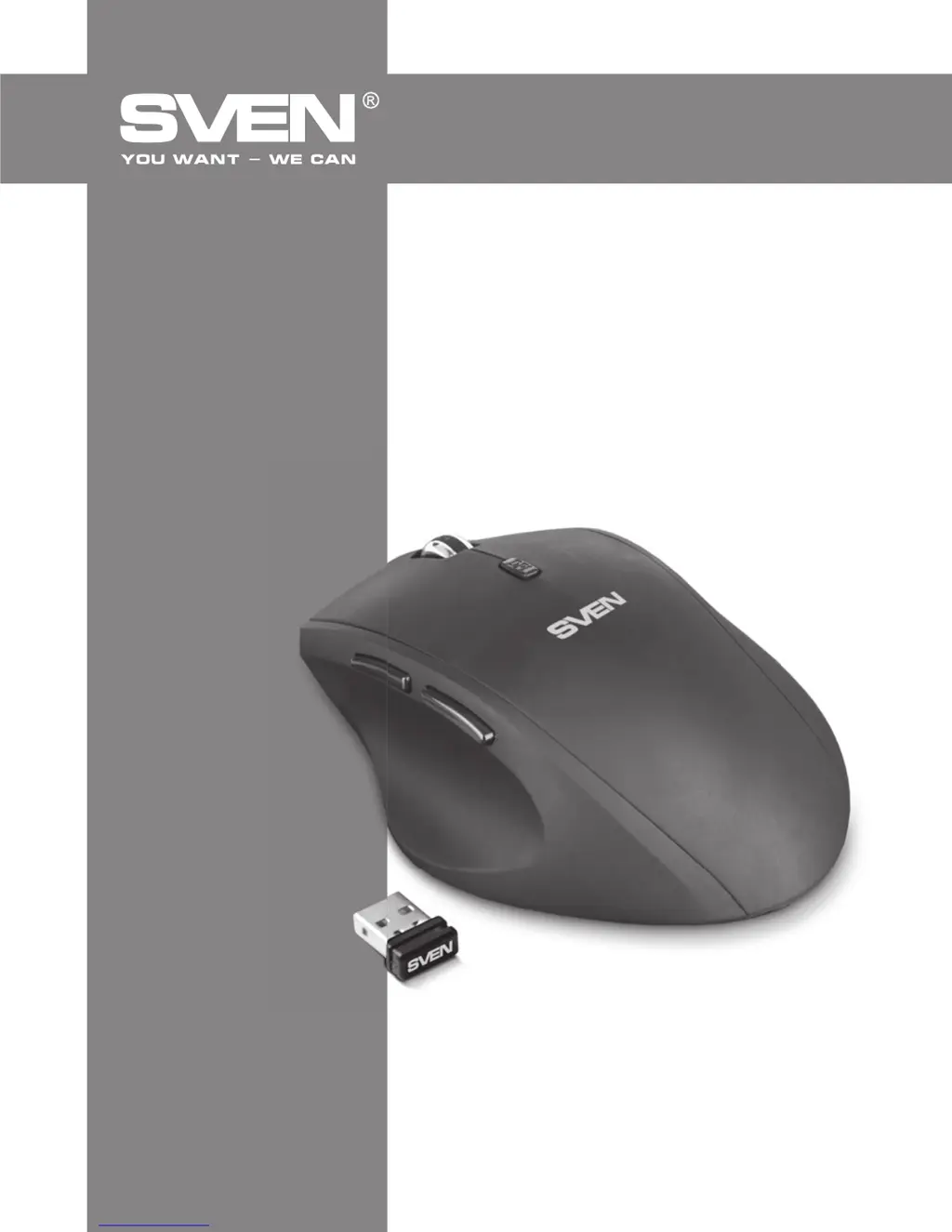
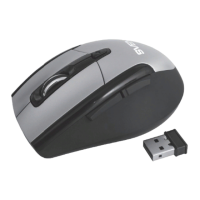
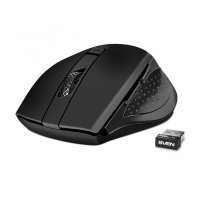
Sven RX-525 Silent Wireless - User Manual

Sven RX-525 Silent Wireless
8 pages
Print Icon
To Next Page IconTo Next Page
Loading...
www.sven.
USER’S MANUAL
Wireless Optical Mouse
RX-525
Silent
Wireless

Questions and Answers

Summary

Special Features

Package Contents

System Requirements

Description

Scroll wheel

The primary input device for scrolling through documents and web pages.

Resolution switch

Allows adjustment of mouse sensitivity (DPI) for cursor speed control.

Additional Forward and Back navigation buttons

Buttons typically used for web browsing or navigating applications.

Power on;off switch

Controls the power supply to the mouse to conserve battery life.

Optical sensor

The component that tracks mouse movement on surfaces.

Battery compartment

Location for installing AA batteries to power the mouse.

Nano receiver

Small USB device that communicates wirelessly with the mouse.

USB connector

The port on the receiver that connects to a computer's USB port.

Installation

Troubleshooting

Technical Specifications

Sven RX-525 Silent Wireless Specifications

General IconGeneral
TypeWireless
ConnectionWireless
InterfaceUSB
Sensor TypeOptical
Buttons3
Battery1 x AA
Resolution800/1200/1600 DPI
Power1 x AA battery
ColorBlack
Battery TypeAA
Battery LifeUp to 12 months
DPI800/1200/1600 dpi

Related product manuals