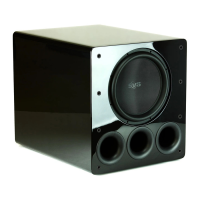
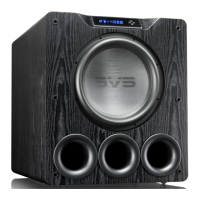
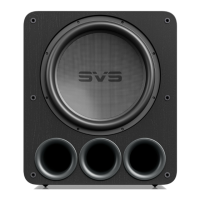
The SVS PB17- Ultra R|Evolution is designed for easy set-up and integration in both multi-chan-
nel home theater and two-channel (stereo) systems. It is best to familiarize yourself with the
subwoofer connections and the rear panel of your AV receiver or preamplifier before setting your
subwoofer up. Be sure your PB17- Ultra R|Evolution is switched to Off before plugging it in
or connecting to your AV receiver. It’s also best to use cables with secure connections for
optimal bass performance.
The convenient SVS mobile app for both Apple® iOS® and Google Android™ allows you to make
adjustments for room layout, personal preferences, movies vs. music, and more. It’s the best way
to fine tune your subwoofer for perfect performance from the comfort of your favorite seat.
In addition to the SVS mobile app you can control the primary features of the amp using the
Intelligent Control Interface (ICI) back-lit user interface on the amplifier plate.
A full explanation of all the advanced subwoofer DSP controls is available in this manual, as well
as in the SVS subwoofer app tutorial. The following sections cover basic connections and control
settings when integrating the PB17- Ultra R|Evolution into a surround sound or two channel
system.
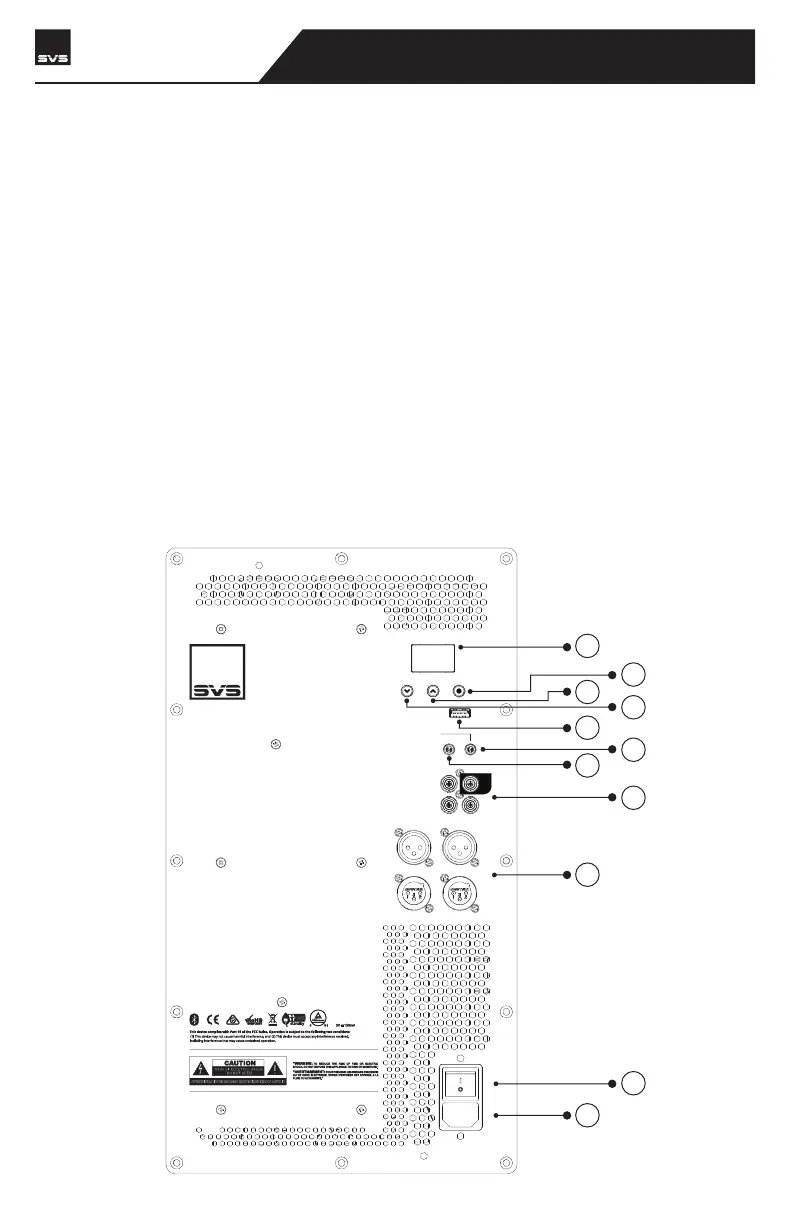
BACK PANEL FEATURES
CONNECTING & CONTROLLING YOUR SUBWOOFER
6
7
8
9
10
11
1
5
4
3
2
R
LINE LEVEL
BALANCED
INPUT
OUTPUT
INPUT
OUTPUT
LFE
ON
OFF
100V -240V
50-60Hz 2000W
3V-12V
AC/DC
TRIGGER INPUT
IR INPUT
SVS SOUNDPATH
WIRELESS AUDIO ADAPTER
SVS | 340 Victoria Rd. Youngstown, OH 44515, USA | svsound.com
SVS | 340 Victoria Rd. Youngstown, OH 44515, USA | svsound.com
USB Output:
PB17-Ultra R|Evolution
SUBWOOFER


 To Next Page