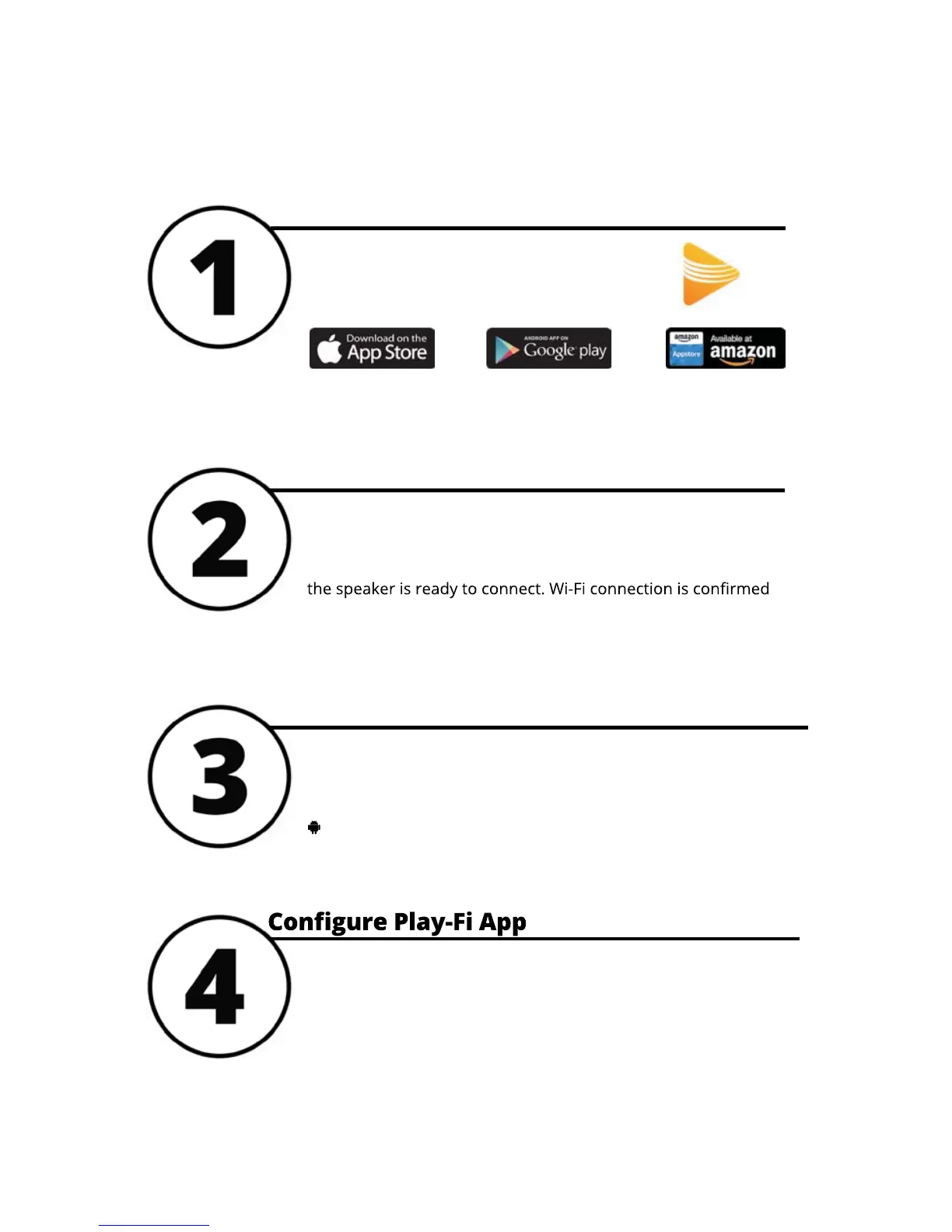
Open the Play-Fi app and follow the prompts to finish setting up
your Prime Wireless Speaker on your home Wi-Fi network.
iOS users must go to the “Settings” -> “Wi-Fi” and connect to
“PlayFiDevice...” like you would a normal Wi-Fi network.
Android users skip to step 4.
Connect Speaker to Wi-Fi Network
Once powered on, the speaker will automatically go into Wi-Fi
setup mode, indicated by a rapidly blinking yellow light on the
rear panel of the speaker. When the blinking light slows down,
when yellow light remains on permanently.
Start Speaker Wi-Fi Setup Mode
Search “Play-Fi” and download the free DTS
Play-Fi app to unlock the full functionality of
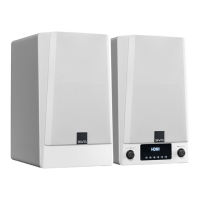
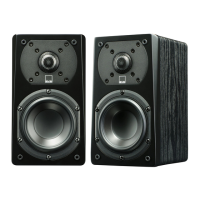
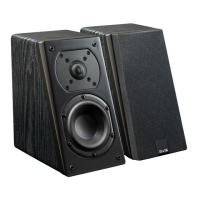
your SVS Prime Wireless Speakers.
Download Play-Fi App
Setting Up Wi-Fi
and the DTS Play-Fi App


 To Next Page