E Various
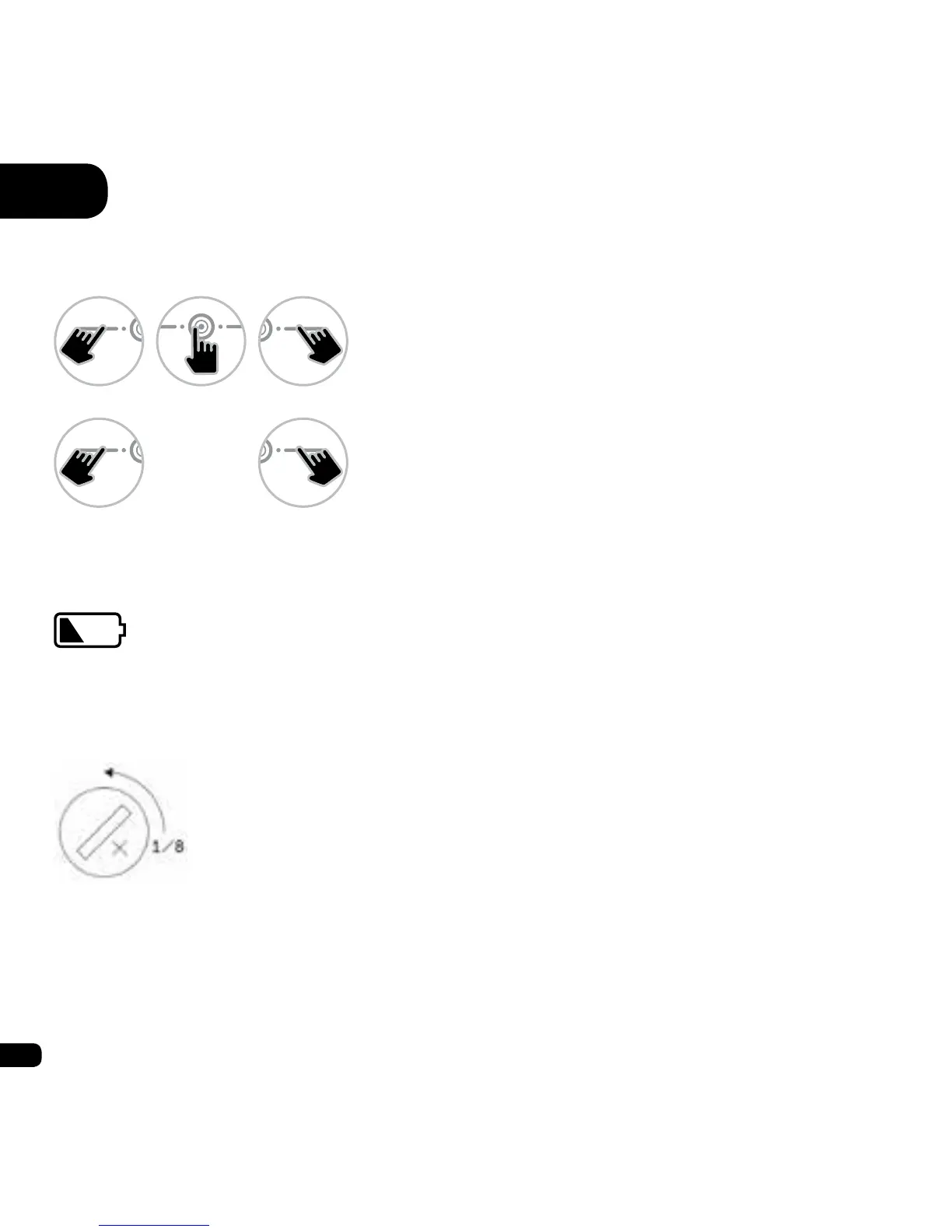
1. Backlight
2. Battery low
3. Changing the battery
Remove the battery using a coin or
a at-headed screwdriver, turning
counterclockwise.
Note: If you remove the battery from your watch, for example to replace it, the data
saved (e.g. hits, claps, km, etc.) will not be deleted. However, other settings such
as time and date may require resetting.
When the battery is running low,
this icon is displayed.
Screen locked
Long Press (hold):
Turns on the backlight.
Screen unlocked
Long Press (hold):
Turns on the backlight.
or or
or


 To Next Page