Main Operations
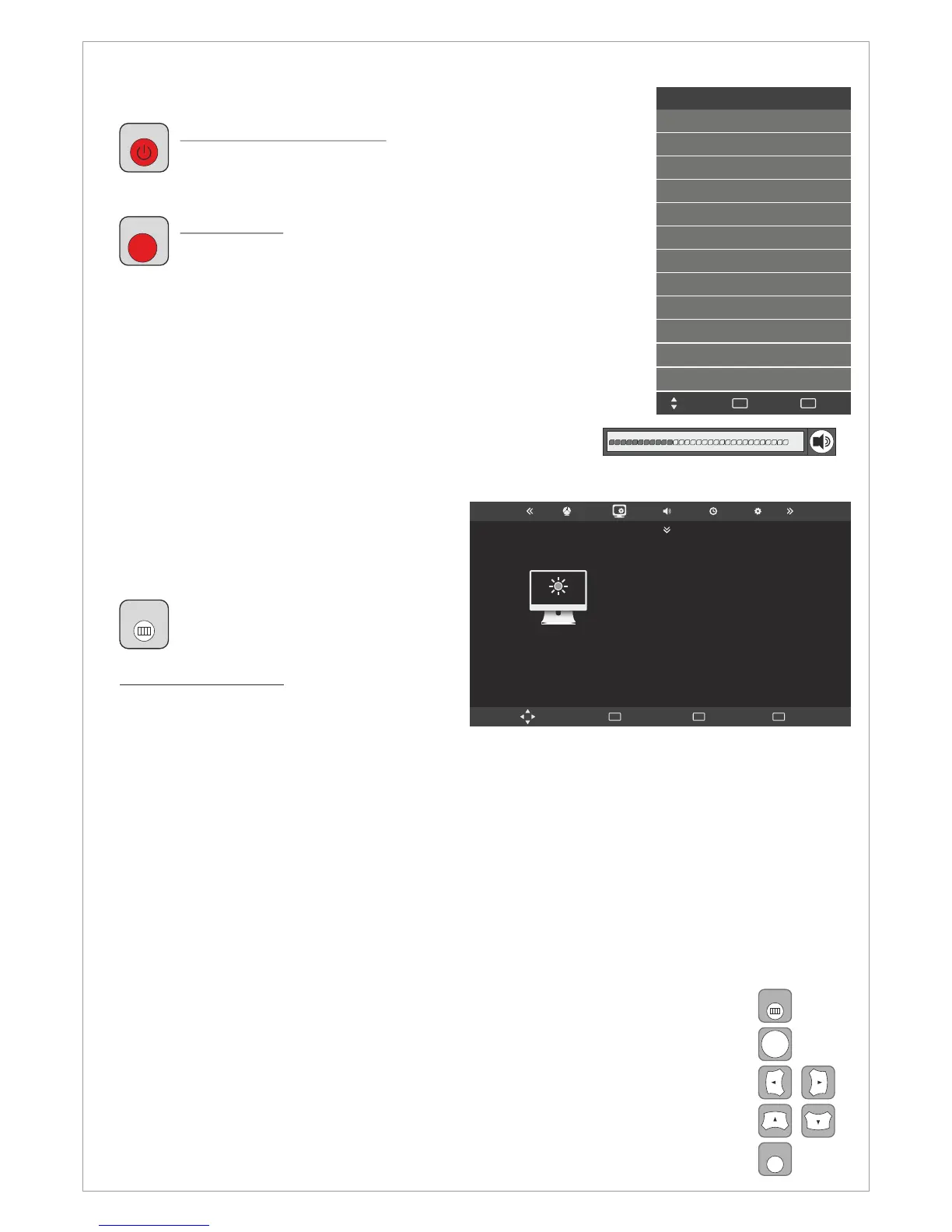
Turning LCD-TV On And Off
Press Power button on the remote control or the On/Off
button on the control buttons. The LCD will turn on and will
be ready to be used.
Select Source
Press Source button on the remote control. Then you can
see the source list menu shown to the right. Press
Navigation Up/down button on the remote control to select
the source and confirm by pressing Enter.
Volume Control
Press VOL+ / VOL- button on the remote control to adjust the volu
me level.
Press MUTE button on the remote control when you need to mute
the sound.
OSD Menu Structure
• OSD (On Screen Display) allows users to
control or adjust various features and
settings in accordance with his/her
preferences.
•Press the MENU button on the
remote control to see the main
OSD menu.
OSD Menu Operation:
• Main Menu: Press the MENU button on
the remote control to enter the main OSD
menu.
First, choose Main menu item you need with the ◄ & ►.
To select a Main menu items, just press Enter or Navigation button ▼ on the Remote Control.
• Sub Menu: Each menu item has its own sub menu items to set.
• Sub Menu items:
A: If there is no value to adjust it means there is a sub menu which you can access by pressing
Enter and modify the menu values.
Select sub-menu item with buttons on the remote control and press button to enter
the submenu or change the value.
buttons
▲ & ▼ Enter
B: If there is no ► part, the item has adjustable values. Use the ◄ & ► buttons to adjust the
values.
C: If the sub-menu item is grey colored, it means this item is not available in the particular
mode.
OSD Menu Operation
• Press MENU button on the remote control to access the OSD Menu. Pressing the
same button again will move you backward in the OSD structure.
• Press ENTER button to confirm/select.
• Use LEFT & RIGHT buttons to navigate or change the parameters of the current
sub-menu.
• Use UP & DOWN buttons to navigate in the OSD Menu.
• Press EXIT button to exit the OSD Menu.
MENU
ENTER
EXIT
8
DVB-T
DVB-C
SAT (DVB-S/S2)
ATV
SCART
YPBPR
PC
HDMI1
HDMI2
Input Source
Menu
MENU
Quit
EXIT
Move
PICTURE
Move Menu
MENU
OK
OK
Exit
EXIT
Picture Mode
Contrast
Brightness
Color
Sharpness
Tint
Standard
50
50
50
50
50
HDMI3
AV
USB
SOURCE
POWER
MENU
Design and specifications are subject to change without notice.



 To Next Page