Design and specifications are subject to change without notice.
Menu > Channel (DVB-T)
Menu
anage the TV
channels such as deleting, adding to
favourites, skipping and locking. You can also
use the PVR function which allows to record
or time shift TV-programs.
Menu > Channel (DVB-T) > Auto Scan
Choose Auto Scan to start searching for TV-
Channels (analog/Digital). When you choose
Auto Scan TV will start searching for
available channels. When the TV has finished
searching it will store the available channels automatically.
Press Menu
Choose Channel Menu
Press Enter or Move down with the down arrow
Press Enter to start Auto Scanning
In this you can search for TV-channels
manually or automatically, m
Menu > OPTION
Menu
Audio Languages 2nd: Choose the second
preferred audio language (for digital channels)
Choose the first
preferred subtitle language (for digital channels)
Subtitle Languages 2nd: Choose the second preferred subtitle language (for digital channels)
Choose the OSD Menu duration in time
Country: Choose your country to load predefiened parameters matching your country.
Restore Settings: This function will restore the TV to the original settings
In this you can choose the setup
settings for your TV.
OSD Language: Choose the OSD language
Audio Languages 1st: Choose the first
preferred audio language (for digital channels)
Subtitle Languages 1st:
OSD Duration:
OPTION
Move Menu
MENU
OK
OK
Exit
EXIT
OSD Language
Audio Languages 1st
Audio Languages 2nd
Subtitle Languages 1st
OSD Duration
Country
Restore Factory Default
Subtitle Languages 2nd
English
30s
UK
English
English
English
English
CHANNEL
Move Menu
MENU
OK
OK
Exit
EXIT
Auto Scan
ATV Manual Tuning
Edit my channels
Signal information
CI Information
Record Start
Recorded List
Recorded Mode
Schedule List
PVR File S
Dish Setup
DTV Manual Tuning
ystem
9
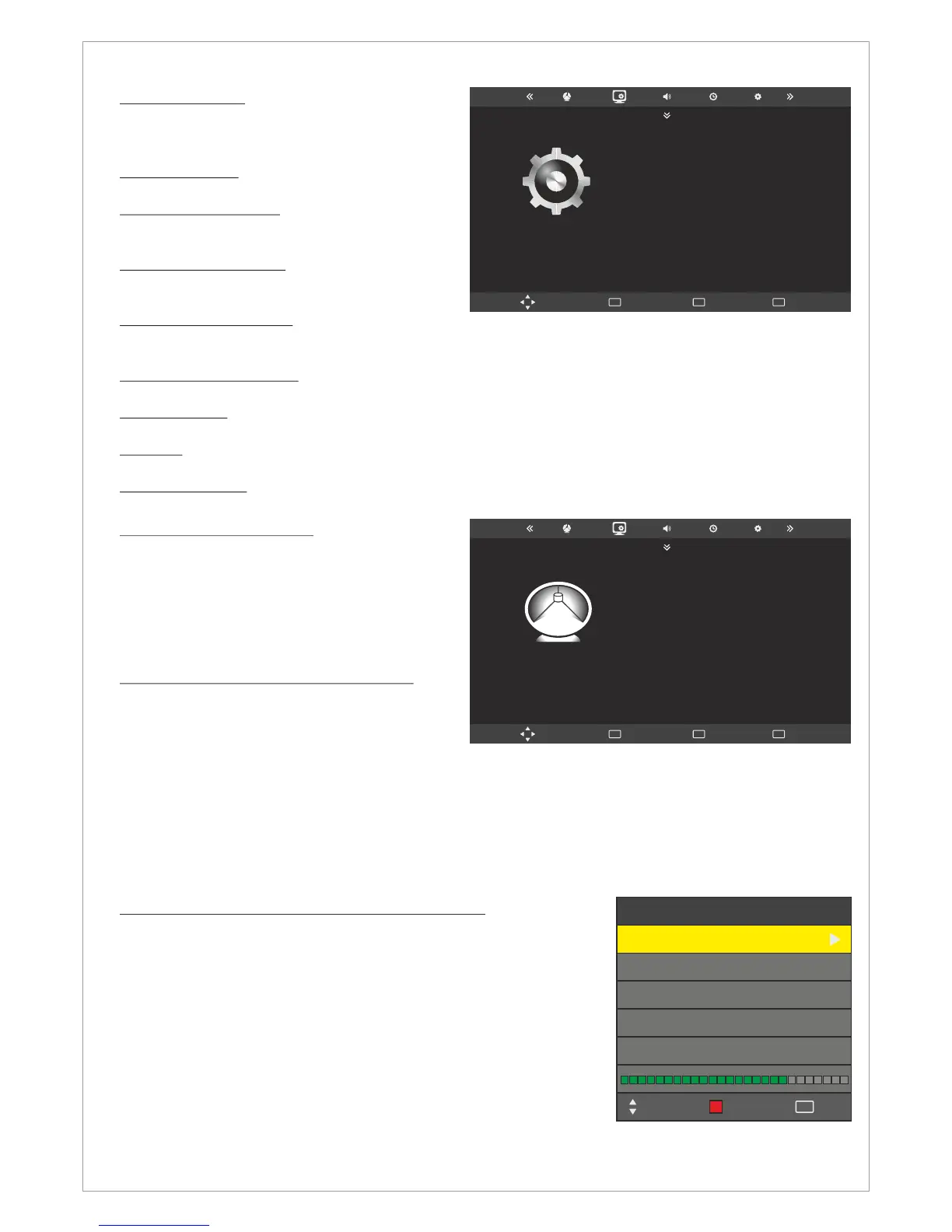
Menu > Channel (DVB-T) > DTV Manual Tuning
Choose DTV Manual Tuning to start searching for TV-Channels
(Digital) manually.
Press Menu
Choose Channel Menu
Press Enter or Move down with the down arrow
Choose DTV Manual Tuning
Navigate right or left to choose the Frequency
Press Enter to start manual search
To access the stored channels press LIST button on the remote
control.
DTV Manual Tuning
UHF CH 21
DTV 9
Radio 5
Bad
Save
Exit
EXIT
Move
Normal Good
Data 2



 To Next Page