54M Wireless Router User Guide
- 12 -
frequency will be used.
Mode - Indicates the current mode 54Mbps (802.11g), 11Mbps (802.11b). If you
select 54Mbps (802.11g), it is compatible with 11Mbps (802.11b).
These settings are only for basic wireless parameters, for advanced settings, please
refer to Section 5.5: "Wireless."
Note: The change of wireless settings won't take effect until the router reboots! You can
reboot it manually. If you need instructions as to how to do this, please refer to Section
5.11.4: "Rebooting the Router"
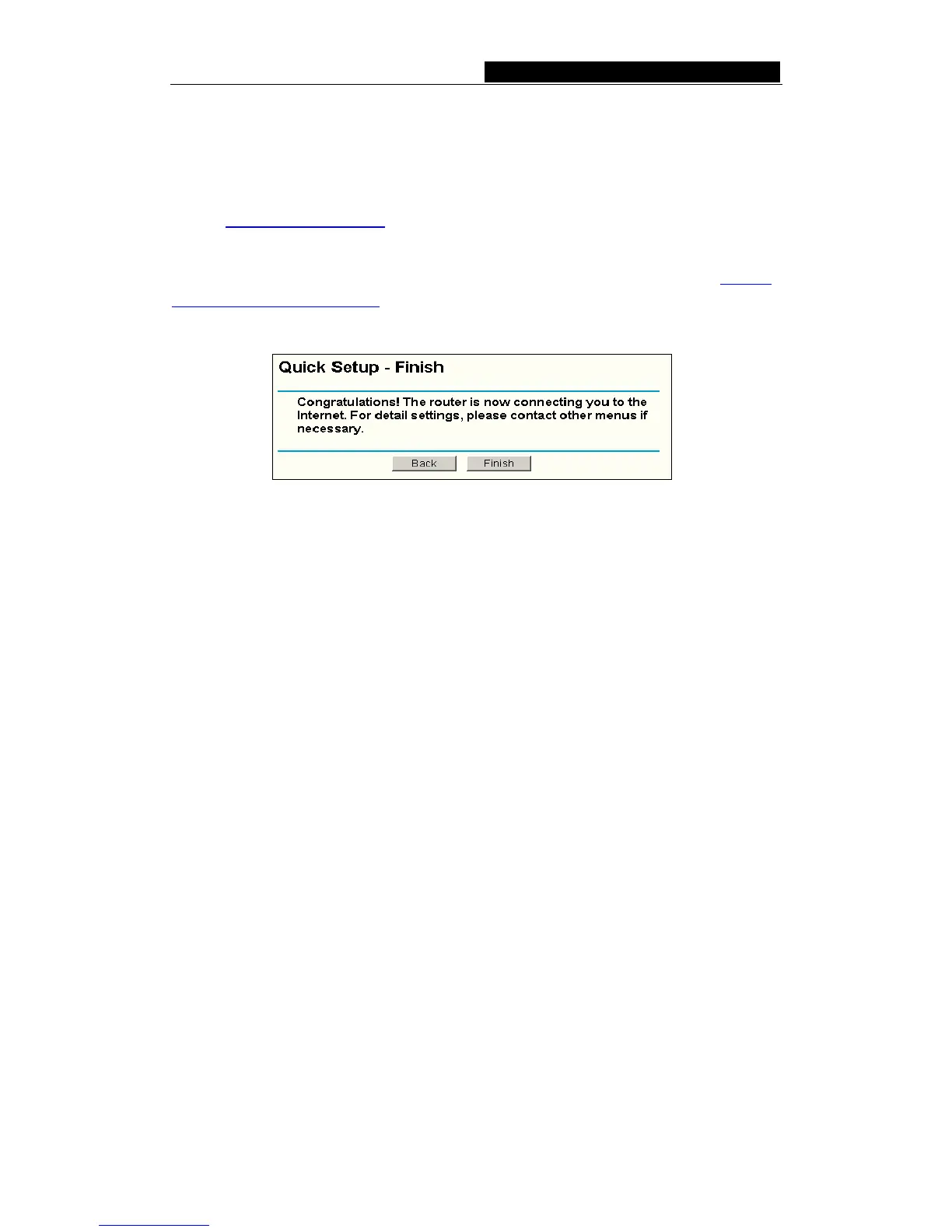
Click the Next button, you will then see the Finish page:
Figure 4-10 Quick Setup - Finish
After finishing all configurations of basic network parameters, please click Finish button
to exit this Quick Setup.



 To Next Page