Windows 98SE
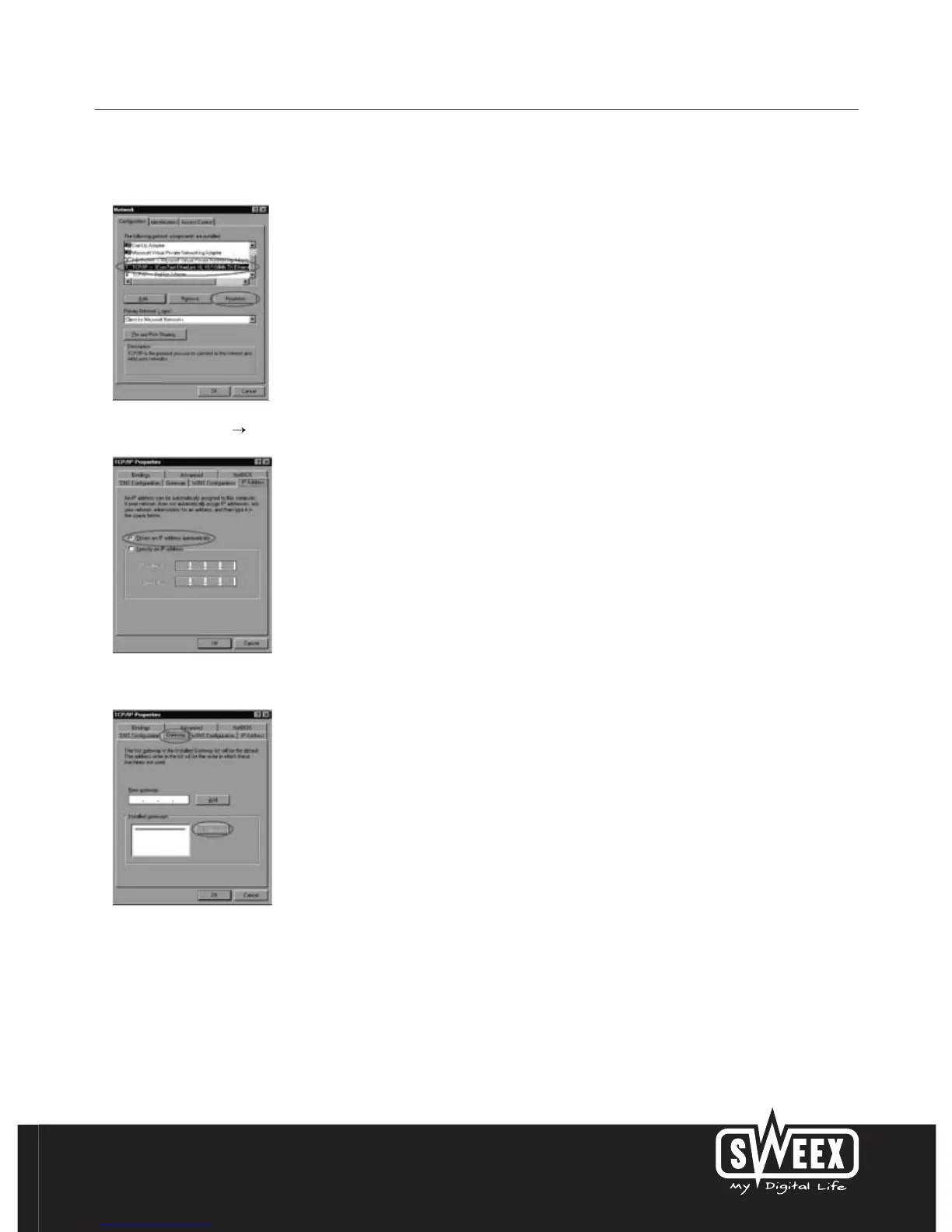
Go to “Start”, “Settings”, “Control Panel” and click “Network”.
Select the line “TCP/IP ” which corresponds to your (wireless) network card and click “Properties”.
Under the tab “IP Address”, select the option “Obtain an IP address automatically”.
Under the tab “Gateway”, the list of “Installed gateways” must be empty. If so required, select each gateway and click “Remove”.



 To Next Page