ENglISH VErSIoN
4
Alarms
Batterymode: onebeepevery10seconds(canbedisabledinsoftware)
Lowbattery: onebeepeverysecond
Overload: twobeepspersecond
Batteryreplacementalarm: onebeepeverytwoseconds
Fault: continuousbeep
Hardware installation
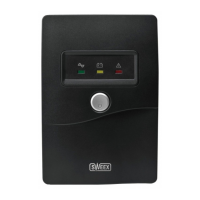
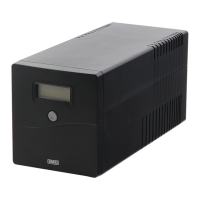
1. UnpacktheUPS,checkthepackagecontents,andinspectallitemstoensurethatnothingisdamaged.
2. InstalltheUPSinaprotectedareafreeofexcessivedustandwithadequateventilation.Maintaina20cmperimeteraroundtheUPStoavoid
interferenceandensuresufficientairflow.
3. TurnoffandunplugalldevicesyouwishtoconnecttotheUPS.
4. Connectthedevice(s)totheUPSusingtheincludedIECextensioncord(s).
5. ConnecttheUPStoawallsocketusingtheincludedIECpowercord.
6. TurnontheUPSbypressingthepowerswitch.
7. Turnonthedevice(s)connectedtotheUPS
Note:Ittakesatleast6hoursbeforetheUPSisfullycharged.Toconditionthebatteriesformaximumcapacity,itisrecommendedtofullydischarge
theUPSonceafterithascharged.
Software installation
PlacetheSweexCDintheCDplayer,click“DriversandSoftware”andfollowtheinstructionsonscreen.
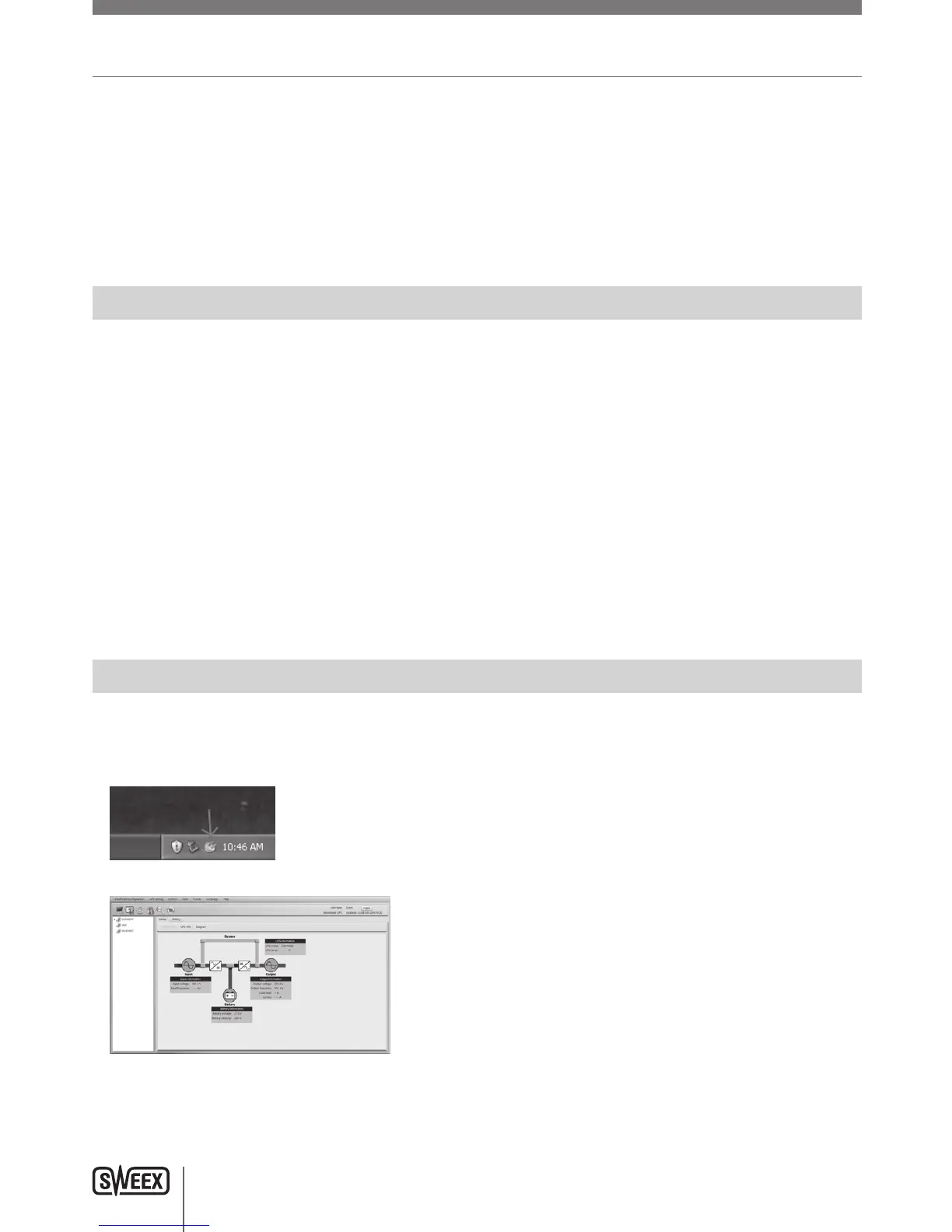
Afterthesoftwarehasinstalled,youcanopenitbydouble-clickingtheViewPowericoninthebottom-rightofyourscreen:
Yourbrowserwillopen,displayingthesoftware’sconfigurationpage:
Note:Thedefaultpasswordtologinis“administrator”.Formoreinformationonthesoftware’soperation,pleaseconsulttheViewPowermanual.



 To Next Page