English version
4
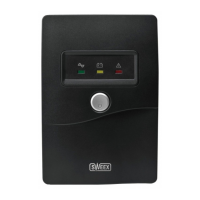
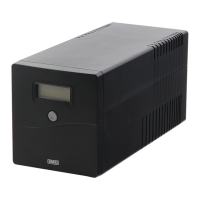
PP100 Sweex Manageable UPS 1000 VA
Introduction:
First of all, many thanks for purchasing this Sweex Manageable UPS 1000 VA.
The Sweex Manageable UPS 1000 VA protects your computers against power failures and harmful surges in the power supply.
To ensure this product operates correctly, we advise you to carefully read this manual first. If despite this manual you still experience problems during
installation or operation of this product, go to www.sweex.com and look under the heading service & support.
In order to fully enjoy the Sweex Manageable UPS 1000 VA, it is important to observe the following
• Do not expose the Sweex Manageable UPS 1000 VA to extreme temperatures. Do not place the device in direct sunlight or in the direct vicinity
of heating elements.
• Do not use the Sweex Manageable UPS 1000 VA in extremely dusty or moist surroundings.
• Protect the device against powerful shocks or jolts – they may damage the internal electronics.
• Never attempt to open the device yourself – it will cause the warranty to lapse.
Contents of the box
Prior to using the Sweex Manageable UPS 1000 VA, check if all required parts are present. The following parts must be present in the box:
• Manageable UPS 1000 VA
• 2 x Feeder supply cable for external equipment
• 2 x spare fuses
• CD-ROM with software and manual
If one of the above parts is missing, please contact the retail outlet where you purchased the device.

 Need help?

 To Next Page
 General